iPhone users can curb cellular data drain with these Engadget-sourced settings tweaks
Engadget reports that iPhone owners on restricted plans can preserve gigabytes by adjusting specific device settings to limit background activity.
Key points
- Engadget identifies easy tweaks to reduce mobile data usage on iPhones.
- These adjustments help users stretch limited cellular data allowances.
- The advice targets iPhone users with restricted data plans.
Engadget has published a guide detailing methods for iPhone users to lower their mobile data consumption. The outlet suggests that individuals with limited cellular plans can preserve their data allowances by implementing specific, straightforward device adjustments.
What happened
Engadget released a report titled How to reduce mobile data usage on your iPhone. According to Engadget, the publication outlines easy tweaks designed to help users manage their cellular data consumption more effectively. The outlet notes that these adjustments are particularly relevant for individuals who operate under restrictive mobile data plans. Engadget emphasizes that these changes allow users to stretch their available gigabytes without requiring complex technical knowledge. The report focuses on practical settings within the iOS environment that directly influence data usage patterns.
Why it matters
Mobile data limits remain a significant concern for many smartphone users. According to Engadget, failing to manage data consumption can lead to unexpected charges or throttled speeds for those on capped plans. The outlet suggests that proactive management of device settings can mitigate these risks. Engadget highlights that even small reductions in background data usage can accumulate to save significant amounts of data over time. This guidance is crucial for users who rely on cellular networks for essential communications and applications.
Next steps
- Review current cellular data usage statistics in iPhone settings.
- Identify applications consuming the most mobile data.
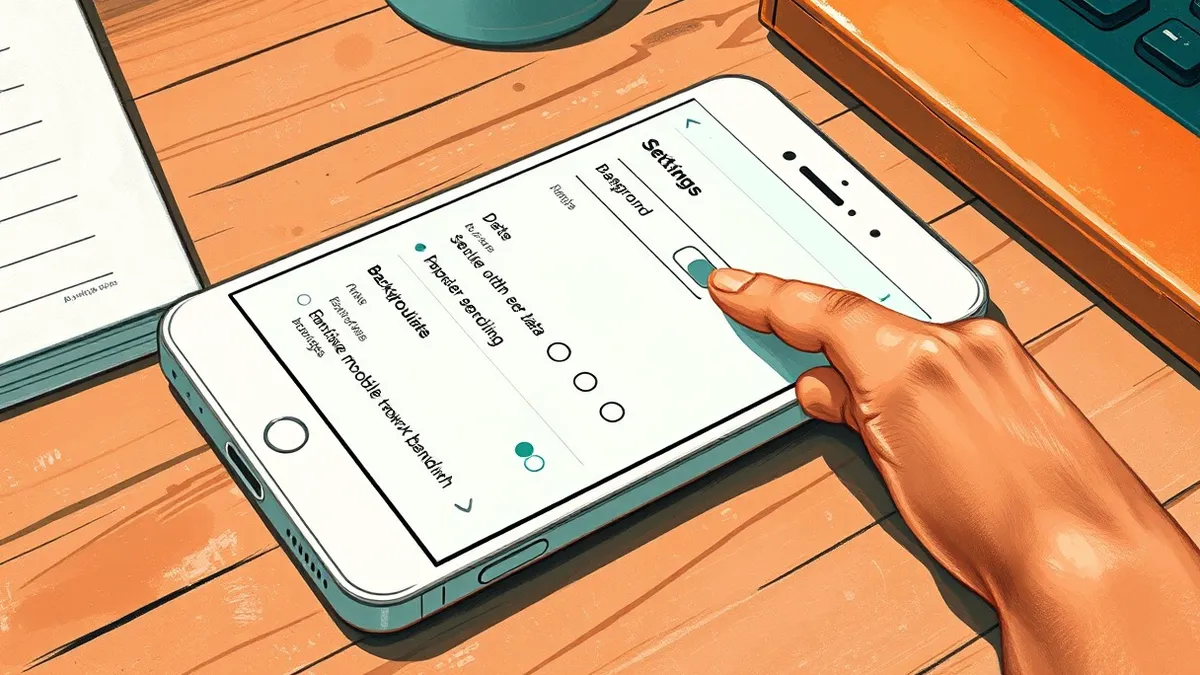
- Adjust background app refresh settings for high-usage apps.
- Consider restricting cellular data access for non-essential apps.
What to do and how to stay safe: iPhone
- Check your device settings to identify which applications are consuming the most cellular data in the background.
- Disable background app refresh for applications that do not require real-time updates while you are away from Wi-Fi networks.
- Monitor your monthly data usage trends to determine if further adjustments to your cellular data permissions are necessary.
- Consider connecting to trusted Wi-Fi networks whenever possible to offload data-intensive tasks from your cellular plan.
Step-by-step guide: Wifi router security: Stop hidden admin access from leaking data
General security guidance from the Packet Tribune newsroom. It is not confirmed advice from the organisations named in this story.
Frequently asked questions
How can I reduce mobile data usage on my iPhone?
Engadget suggests implementing easy tweaks to your iPhone settings to stretch your available gigabytes on limited cellular plans.
Who should follow these data-saving tips?
According to Engadget, these adjustments are specifically beneficial for users whose cellular plans have limited data allowances.
Are these changes difficult to implement?
Engadget describes the recommended tweaks as easy adjustments that users can make to effectively manage their mobile data consumption.