NVIDIA Omniverse AI Agents Automate Asset Assembly and Physics Checks for Simulations
Developers use frontier AI models with NVIDIA Omniverse libraries to automate asset assembly and physics checks in simulation workflows.
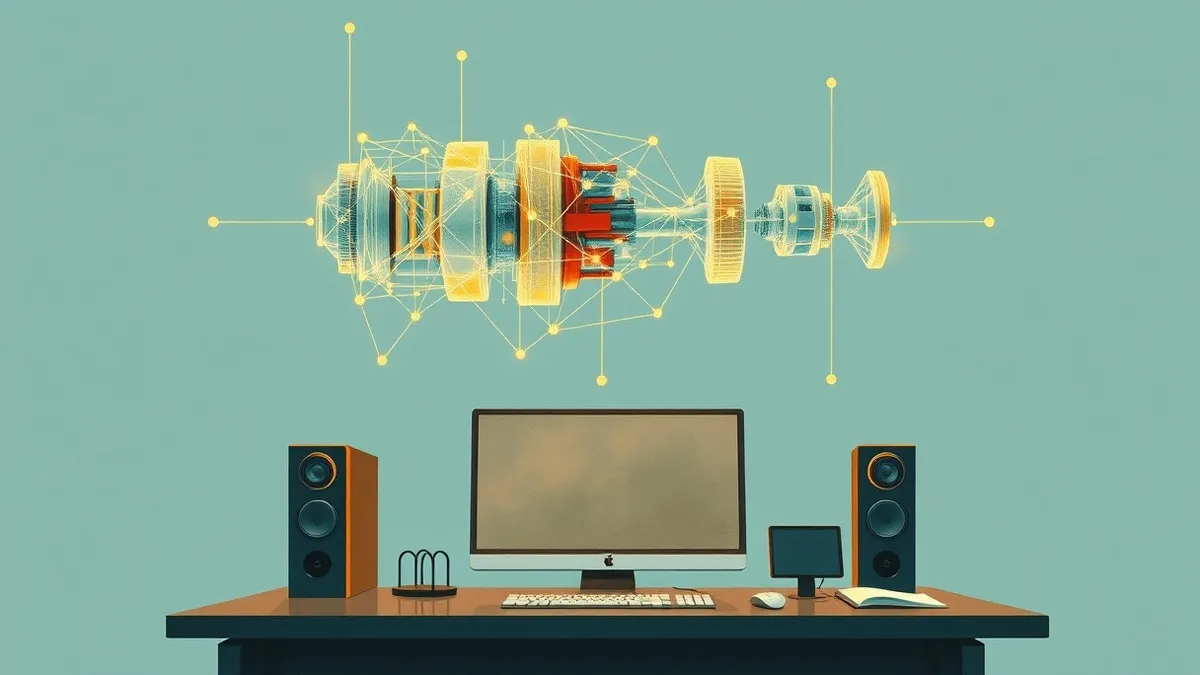
Key points
- NVIDIA demonstrates how frontier AI agents automate the creation of simulations within the Omniverse platform.
- The system assists developers in assembling assets and connecting physics and rendering components automatically.
- This approach aims to streamline the process of investigating failures and improving design scenarios.
NVIDIA has published a technical report detailing how developers are integrating frontier AI agents into the Omniverse workflow. The demonstration shows these agents automating the complex assembly of simulation environments, reducing manual configuration tasks for engineering teams.
What happened
According to NVIDIA blog research published recently, developers are combining frontier AI models with NVIDIA Omniverse libraries to manage simulation development. The process involves turning conceptual ideas into working applications by assembling digital assets and configuring system parameters. The AI agents handle the technical integration of physics engines and rendering pipelines, ensuring the scene behaves as intended by the designers. This automation removes repetitive manual steps from the development cycle, allowing engineers to focus on scenario exploration rather than infrastructure setup.
Why it matters
Simulation development traditionally requires significant manual effort to connect disparate software components and validate physical accuracy. By automating these technical integrations, NVIDIA enables faster iteration cycles for complex engineering scenarios. This capability allows organisations to investigate potential failures and refine designs more rapidly without expanding their development headcount. The integration represents a shift towards AI-assisted engineering workflows, where the AI handles the structural assembly of virtual environments while human experts define the objectives and interpret the results.
Next steps
- Monitor NVIDIA documentation for updates on supported AI model versions and integration requirements.
- Evaluate current simulation workflows to identify repetitive asset assembly tasks suitable for automation.
- Test the frontier AI agents in non-production environments to assess accuracy in physics and rendering connections.
- Review internal security policies regarding AI-generated code and configuration files within simulation platforms.
What to do and how to stay safe: NVIDIA
- Audit current simulation development pipelines to identify manual bottlenecks in asset assembly and physics configuration.
- Verify that AI-generated configurations adhere to internal engineering standards and safety guidelines before deployment.
- Ensure that development environments using AI agents have appropriate access controls and logging mechanisms enabled.
- Once the vendor provides an update, review release notes for changes to AI agent capabilities and integration protocols.
Step-by-step guide: Wifi router security: Stop hidden admin access from leaking data
General security guidance from the Packet Tribune newsroom. It is not confirmed advice from the organisations named in this story.
Frequently asked questions
What specific tasks do the frontier AI agents perform in NVIDIA Omniverse?
The agents assist in assembling assets, connecting physics and rendering components, and checking that the simulation scene behaves as intended.
Who is the primary target audience for this new capability?
The feature is designed for developers who build applications for exploring scenarios, investigating failures, and improving engineering designs.
Does this require a new version of NVIDIA Omniverse?
The source material indicates developers are combining frontier AI models with existing NVIDIA Omniverse libraries, but does not specify a new software version requirement.