Malware Obfuscation Mechanics: How to Decode Hidden Threats
Decode the structural layers of obfuscated code to identify static signatures that survive packing and transform detection logic.

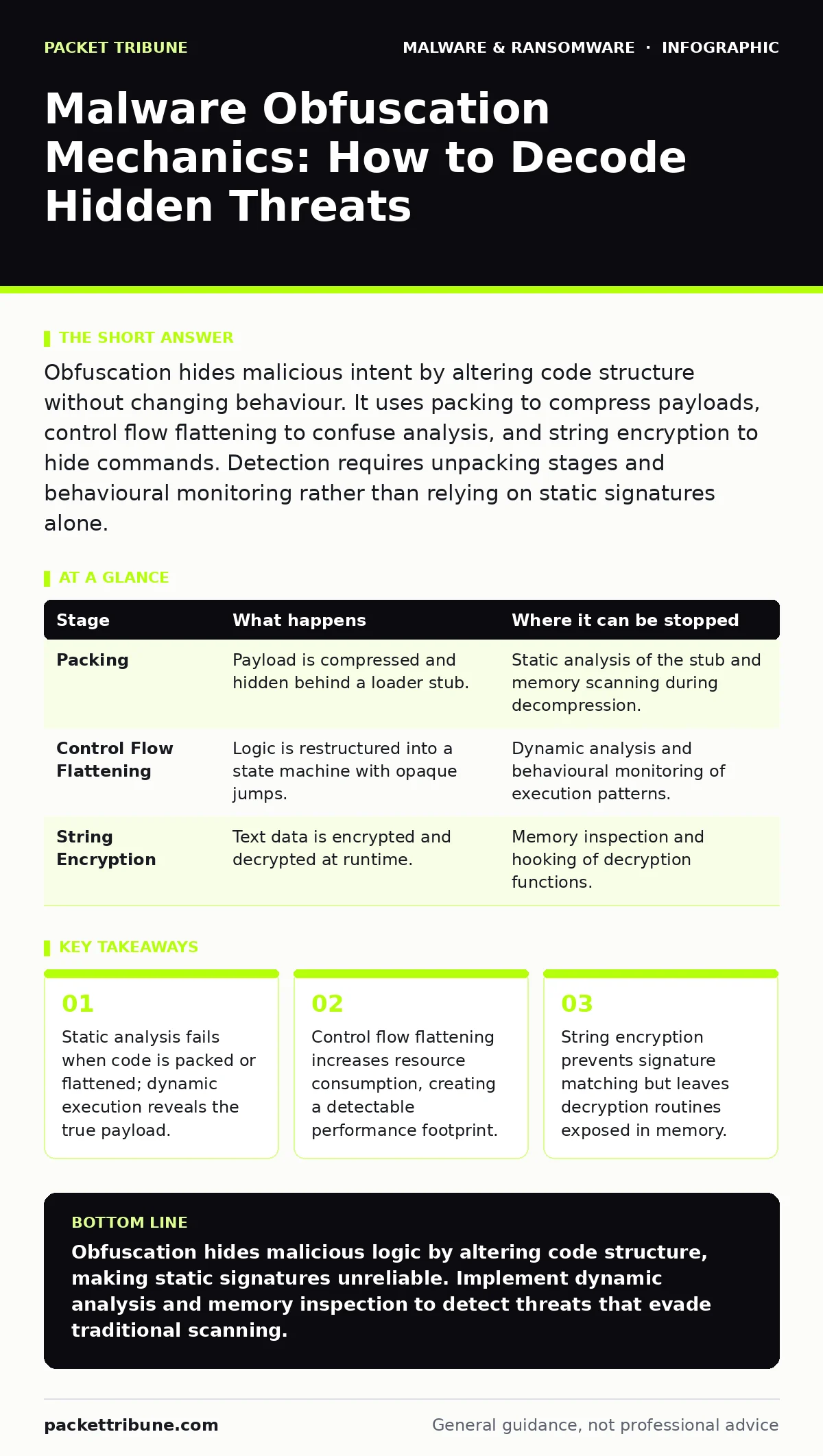
Obfuscation hides malicious intent by altering code structure without changing behaviour. It uses packing to compress payloads, control flow flattening to confuse analysis, and string encryption to hide commands. Detection requires unpacking stages and behavioural monitoring rather than relying on static signatures alone.
The Purpose of Code Concealment
Obfuscation is the process of making code difficult for humans and automated tools to understand. It does not change what the software does, only how the instructions are presented. Attackers use this technique to evade static security tools that scan for known patterns. The goal is to delay detection long enough for the malware to execute its primary function.
You must distinguish between encryption and obfuscation. Encryption hides data until a key is applied. Obfuscation hides logic within the code itself. Both techniques often appear together in modern threats. Understanding the difference helps you choose the right detection method.
The Anatomy of Hidden Execution
Malware rarely arrives in its final, functional form. It arrives wrapped in layers designed to resist initial scrutiny. Each layer serves a specific defensive purpose against automated scanning. These layers are peeled back sequentially once the code reaches a trusted environment.
The process involves multiple distinct stages. Each stage transforms the code further. By the time the core logic runs, the original structure is unrecognisable. This transformation creates a gap between what the file looks like at rest and what it does in action.
Stage 1: Compression and Packing
Packing compresses the executable to reduce its size and hide its internal structures. The file contains a small stub and a compressed payload. The stub acts as a loader, decompressing the payload into memory at runtime. This prevents security tools from seeing the full code structure during a file scan.
Static analysis tools often flag the packer stub rather than the payload. This creates a false sense of security if the tool only checks file headers. The payload itself remains hidden until execution begins.
Stage 2: Control Flow Flattening
Control flow flattening restructures the code to remove logical branching. Instead of clear if-then-else statements, the code uses a central state machine. Every instruction is tagged with a state identifier. The program jumps between states based on variable conditions.
This technique makes manual reverse engineering extremely difficult. Analysts cannot easily follow the logic path. The code appears as a chaotic loop of jumps. It forces any analysis tool to simulate execution to understand the intent.
Stage 3: String Encryption
Strings in code include file paths, URLs, and error messages. These are easily identifiable by signature-based scanners. Obfuscation encrypts these strings so they appear as random data in the binary. The code includes a decryption routine that reveals the strings only when needed.
This prevents pattern matching against known malicious domains or file locations. The strings exist in plaintext only briefly in memory. This window is small but critical for detection.
| Stage | What happens | Where it can be stopped |
|---|---|---|
| Packing | Payload is compressed and hidden behind a loader stub. | Static analysis of the stub and memory scanning during decompression. |
| Control Flow Flattening | Logic is restructured into a state machine with opaque jumps. | Dynamic analysis and behavioural monitoring of execution patterns. |
| String Encryption | Text data is encrypted and decrypted at runtime. | Memory inspection and hooking of decryption functions. |
Detecting the Structural Shifts
Traditional antivirus relies on matching file hashes or byte sequences. Obfuscation breaks this model by changing the bytes while keeping the logic identical. You must shift your focus from what the code looks like to what it does.
Dynamic analysis involves running the code in a controlled environment. This allows you to observe the unpacking and decryption processes. You can capture the payload as it enters memory. This reveals the true nature of the threat.
The Resource Cost of Confusion
Obfuscation is not free. It adds computational overhead to the malware. Control flow flattening requires extra processing to manage state transitions. String encryption requires decryption routines to run repeatedly. This increased resource usage can serve as a detection signal.
Monitor for processes that consume disproportionate CPU or memory for simple tasks. Legitimate applications usually have predictable resource profiles. Obfuscated code often spikes in activity during initialisation. This spike corresponds to the unpacking and decryption phases.
The Limits of Automated Detection
Automated tools struggle with polymorphic code. Polymorphism changes the code structure with every generation. Each variant looks different but behaves the same. Signature databases become obsolete quickly against such threats.
Heuristic analysis attempts to identify suspicious behaviour patterns. It looks for common malicious actions like registry modification or process injection. However, obfuscation can mimic legitimate behaviour closely enough to bypass heuristics.
You must combine multiple detection methods. Static analysis catches known packers. Dynamic analysis reveals unpacked payloads. Network monitoring detects command-and-control communications. No single method is sufficient against sophisticated obfuscation.
See also: Browser Isolation: Definition, Purpose and Architecture Explained · Sandbox Evasion Tactics: How Small Teams Defend Against Stealthy Malware
Managing the Analysis Workflow
When investigating a suspicious file, follow a structured approach. First, perform static analysis to identify packing and encryption layers. Use tools that can recognise common packer signatures. Document the observed structures.
Next, move to dynamic analysis in an isolated environment. Allow the file to execute and monitor its behaviour. Capture memory dumps during execution to retrieve decrypted strings and payloads. Compare these against known threats.
- Isolate the sample in a sandboxed environment.
- Monitor system calls and network traffic.
- Capture memory state during execution.
- Compare extracted strings with threat intelligence.
Integrating Detection into Defence
Obfuscation is a persistent challenge. It evolves as detection methods improve. Your defence strategy must adapt accordingly. Invest in tools that support both static and dynamic analysis. Ensure your security operations team understands the mechanics of obfuscation.
Training analysts to recognise packing and flattening techniques is vital. They must know how to bypass these layers to find the core payload. Regular updates to detection rules are necessary to keep pace with new obfuscation methods.
The Reality of Hidden Threats
Obfuscation will not disappear. Attackers will continue to refine these techniques. Your ability to detect threats depends on understanding the underlying mechanics. Focus on behavioural indicators rather than static signatures.
Memory analysis and behavioural monitoring provide the best defence. These methods reveal the truth behind the obfuscation. They expose the malicious intent regardless of how well the code is hidden. Stay focused on execution, not just file structure.
Key takeaways
- Static analysis fails when code is packed or flattened; dynamic execution reveals the true payload.
- Control flow flattening increases resource consumption, creating a detectable performance footprint.
- String encryption prevents signature matching but leaves decryption routines exposed in memory.
Obfuscation hides malicious logic by altering code structure, making static signatures unreliable. Implement dynamic analysis and memory inspection to detect threats that evade traditional scanning.
Frequently asked questions
Can obfuscated malware be detected without execution?
Only if the packer or encryption routine has a known signature. Truly novel obfuscation requires execution to reveal the payload.
Does packing always indicate malware?
No. Legitimate software often uses packing to reduce size. Context and behaviour determine if it
How this guide was produced: written by the Packet Tribune editorial team with AI assistance, checked against the public references listed below, and reviewed when the facts change. See our editorial policy or report an error.