Browser Isolation: Definition, Purpose and Architecture Explained
Browser isolation executes web content in a remote container, ensuring that no malicious code ever touches your local endpoint or network infrastructure.

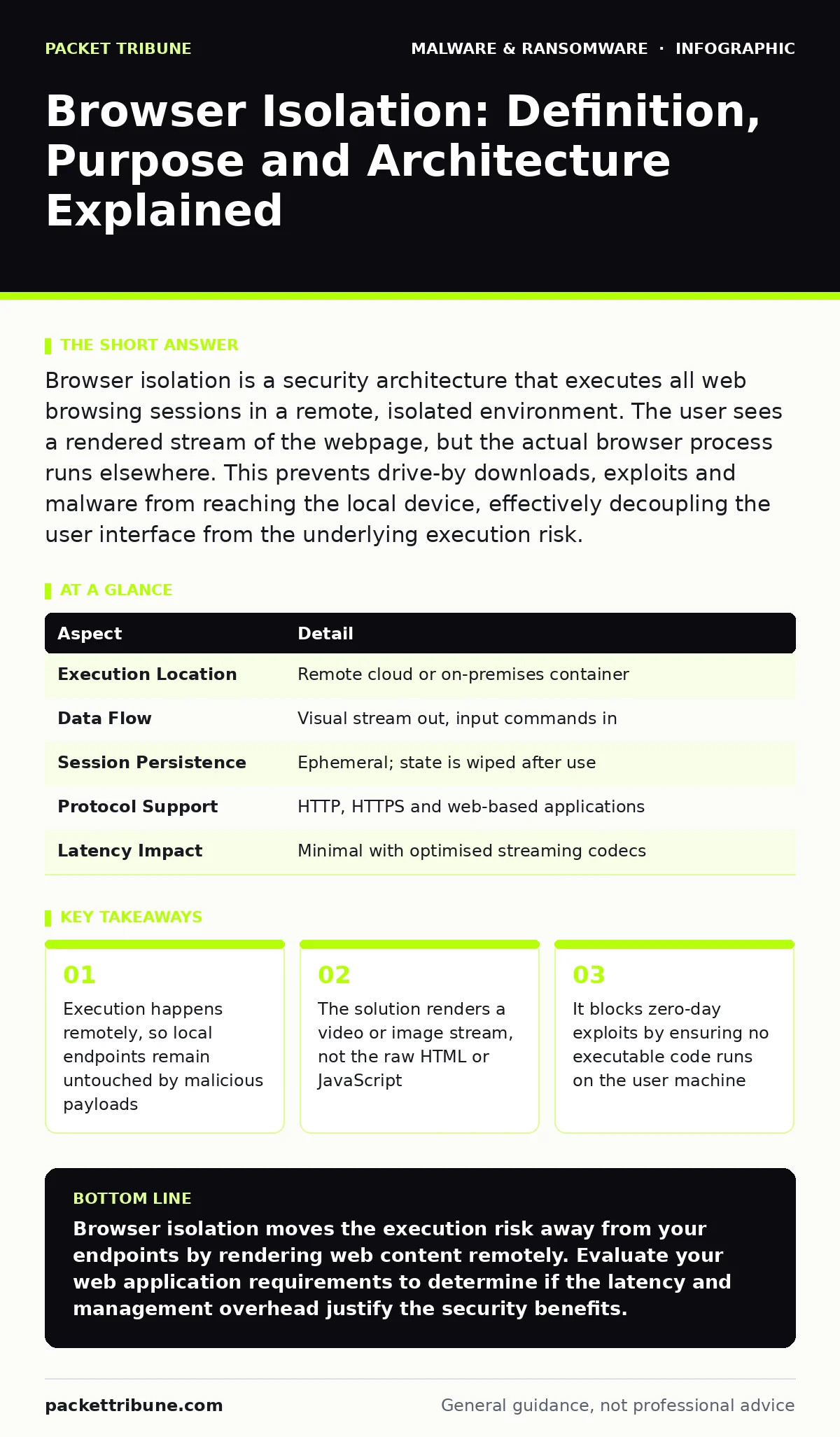
Browser isolation is a security architecture that executes all web browsing sessions in a remote, isolated environment. The user sees a rendered stream of the webpage, but the actual browser process runs elsewhere. This prevents drive-by downloads, exploits and malware from reaching the local device, effectively decoupling the user interface from the underlying execution risk.
The Glass Wall Analogy
Imagine you are watching a dangerous animal in a zoo. You see the tiger move, hear it roar and observe its behaviour through thick glass. The animal cannot touch you, bite you or infect you with disease because a physical barrier separates your space from its space. Browser isolation operates on this exact principle. The user interacts with a visual representation of a website, while the actual computational work occurs behind a transparent barrier in a remote environment.
This separation ensures that even if the website contains malicious code, that code never executes on your local device. The local machine only receives pixels or a video stream representing the webpage. This fundamental shift moves the attack surface away from the endpoint and into a disposable, remote container that can be destroyed after each session.
The Core Problem: The Browser as an Attack Vector
Modern browsers are complex applications with millions of lines of code. This complexity creates a vast attack surface for adversaries seeking initial access. Traditional perimeter defences struggle to protect users who must access the public internet for business purposes. Blocking every risky site breaks productivity, while allowing access invites risk.
The problem is not just malware downloads. It is the execution of malicious JavaScript, the exploitation of rendering engine vulnerabilities and the theft of session cookies. When a user visits a compromised site, the browser often executes code before the user even clicks anything. This is known as a drive-by download. Browser isolation solves this by ensuring that the execution context is remote and ephemeral.
How Browser Isolation Works
The architecture relies on three main components. First is the remote execution environment, often a lightweight virtual machine or container. This environment runs the actual browser engine and processes all network requests. Second is the rendering engine, which captures the visual output of the remote browser. Third is the local client, which displays this output to the user and forwards their input, such as mouse clicks and keystrokes.
When you type a URL, the request goes to the remote environment. The remote browser loads the page, executes scripts and renders the result. The local client receives only the visual data. If the remote environment detects malicious behaviour, it can terminate the session without impacting the local device. This decoupling is the primary security benefit.
| Aspect | Detail |
|---|---|
| Execution Location | Remote cloud or on-premises container |
| Data Flow | Visual stream out, input commands in |
| Session Persistence | Ephemeral; state is wiped after use |
| Protocol Support | HTTP, HTTPS and web-based applications |
| Latency Impact | Minimal with optimised streaming codecs |
Integration with Existing Defences
Browser isolation does not replace other security layers; it complements them. It sits between the user and the internet, acting as a secure gateway. However, the remote environment still needs protection. Adversaries may attempt to escape the container or exfiltrate data through allowed channels.
Integrating browser isolation with static malware analysis tools allows for deeper inspection of any files the user attempts to download. Before a file reaches the local device, it can be scanned in the remote environment. Similarly, combining isolation with behavior-based detection enhances visibility into suspicious activities that occur within the remote session. This layered approach ensures that if one control fails, another can catch the threat.
What People Usually Get Wrong
A common misconception is that browser isolation provides complete anonymity or privacy. It does not. The remote environment still logs activity, and the provider may inspect traffic for security purposes. Another error is assuming that all applications can be isolated. Browser isolation works best for web-based applications. It cannot isolate native desktop applications or email clients unless they are accessed via a web interface.
Some organisations also misunderstand the user experience. While modern solutions are seamless, there is a slight latency due to the streaming process. Users may notice a delay in page rendering or video playback. This is a trade-off for security. Additionally, browser isolation does not protect against social engineering attacks that trick users into revealing credentials. The user still sees the login page and may enter their details, which are then sent to the remote environment.
See also: Bot Protection: Questions Answered for Secure Web Traffic · Web Filtering Mistakes That Leave Networks Exposed
The Hidden Cost of Complexity
Implementing browser isolation introduces new management overhead. You must maintain the remote environments, update the browser engines and manage the streaming infrastructure. This shifts the burden from endpoint patching to cloud or server maintenance. If the remote environment is compromised, the attacker may have access to multiple user sessions.
There is also the issue of data residency. Since traffic flows through a remote environment, sensitive data may pass through jurisdictions with different privacy laws. Organisations must ensure that their isolation provider complies with relevant data protection regulations. This adds a legal and compliance layer to the technical implementation.
Where It Fits in the Strategy
Browser isolation is a critical component of a zero-trust architecture. It assumes that the internet is hostile and that no web content should be trusted by default. It works alongside device hardening measures to reduce the attack surface of local endpoints. By removing the browser from the local device, you eliminate one of the most common vectors for malware obfuscation techniques to succeed.
It also mitigates risks associated with fake software updates that often appear in browser pop-ups. Since the execution is remote, these fake update dialogs cannot install anything on the local machine. However, users must still be trained to recognise these scams, as they may still cause confusion or financial loss if the user interacts with them in a way that reveals payment details.
Beyond the Basics: Advanced Considerations
For advanced threats, browser isolation must be tuned carefully. Some applications require local resources, such as printers or specific USB devices. These integrations can create vulnerabilities if not properly secured. You must evaluate which features are necessary and disable the rest.
Furthermore, consider how isolation interacts with sandbox evasion techniques. Adversaries may detect that they are in an isolated environment and alter their behaviour. To counter this, the remote environment should appear as normal as possible to the attacker, mimicking a real user’s system. This requires sophisticated emulation and continuous updates to the isolation platform.
Key takeaways
- Execution happens remotely, so local endpoints remain untouched by malicious payloads
- The solution renders a video or image stream, not the raw HTML or JavaScript
- It blocks zero-day exploits by ensuring no executable code runs on the user machine
- Integration with existing security tools allows for deeper inspection of remote traffic
Browser isolation moves the execution risk away from your endpoints by rendering web content remotely. Evaluate your web application requirements to determine if the latency and management overhead justify the security benefits.
Frequently asked questions
Does browser isolation protect against phishing attacks?
It protects against technical exploits on phishing sites but does not prevent users from entering credentials into fake login pages. User training remains necessary to identify social engineering attempts.
Can browser isolation be deployed on-premises?
Yes, organisations can host the remote execution environments in their own data centres. This offers greater control over data residency and compliance but requires significant infrastructure investment.
How does browser isolation handle file downloads?
Files are downloaded to the remote environment first. They can then be scanned by security tools before being released to the local device, or they can be blocked entirely based on policy.
Is browser isolation suitable for all employees?
It is most effective for users who frequently access the public internet. Users who only interact with internal, trusted applications may not need isolation, reducing unnecessary latency and cost.
How this guide was produced: written by the Packet Tribune editorial team with AI assistance, checked against the public references listed below, and reviewed when the facts change. See our editorial policy or report an error.