Fake Software Updates: How Spoofed Patches Compromise Systems
Attackers bypass perimeter defences by exploiting your trust in legitimate update mechanisms, turning routine maintenance into a vector for persistent access.

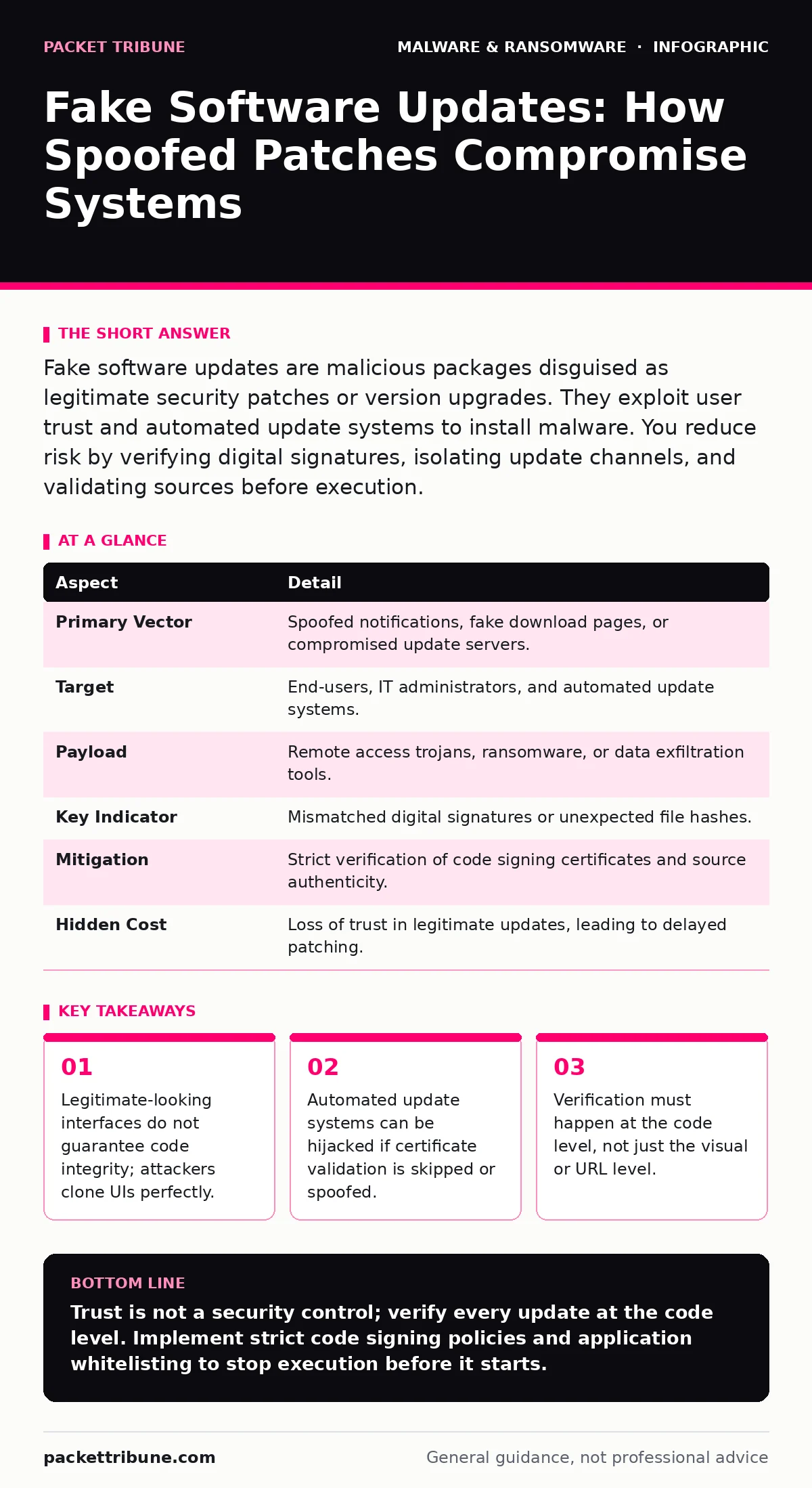
Fake software updates are malicious packages disguised as legitimate security patches or version upgrades. They exploit user trust and automated update systems to install malware. You reduce risk by verifying digital signatures, isolating update channels, and validating sources before execution.
The Illusion of Maintenance
Imagine receiving a notification that your operating system requires an urgent security patch. You click the button, expecting improved stability. Instead, you invite a backdoor into your network. This is the core mechanism of fake software updates. Attackers rely on the psychological weight of urgency and the technical assumption that system updates are inherently safe. You are trained to trust the update process. That trust is the vulnerability.
These attacks do not require complex exploits. They require a convincing replica of a trusted interface and a method to deliver malicious code. The goal is not to break through a firewall but to walk through the front door you left open for maintenance.
At a Glance: The Anatomy of Deception
| Aspect | Detail |
|---|---|
| Primary Vector | Spoofed notifications, fake download pages, or compromised update servers. |
| Target | End-users, IT administrators, and automated update systems. |
| Payload | Remote access trojans, ransomware, or data exfiltration tools. |
| Key Indicator | Mismatched digital signatures or unexpected file hashes. |
| Mitigation | Strict verification of code signing certificates and source authenticity. |
| Hidden Cost | Loss of trust in legitimate updates, leading to delayed patching. |
How the Spoofing Works
Attackers use two main paths to deliver fake updates. The first is social engineering. They create web pages that mirror the branding of popular software vendors. These pages display convincing error messages about outdated versions. When you click "Update," you download a malicious installer. The second path is more technical. Attackers compromise a legitimate software supply chain or use typosquatting domains. They intercept the update check request and serve a malicious binary instead of the real patch.
This second method is particularly dangerous because it bypasses user interaction. If your system is configured to auto-update from a compromised mirror, the infection happens silently. The mechanism relies on the assumption that the source is authoritative. It does not rely on the content being safe.
Common Forms of Fake Updates
These attacks manifest in several recognizable patterns. You will often see fake browser updates. These mimic the interface of Chrome, Firefox, or Edge, claiming your version is obsolete. They are usually delivered via pop-up ads on compromised websites. Another form is fake antivirus or security software updates. These claim your protection is expired or inactive. They install malware while pretending to remove threats.
A more subtle form targets professional tools. Developers and IT staff may receive fake updates for IDEs, SDKs, or configuration management tools. These are tailored to specific environments. The payload is designed to steal credentials or inject malicious code into your projects. This approach connects directly to the risks discussed in guides on malware obfuscation, where the malicious code is hidden within legitimate-looking structures.
Who Gets Hit and Why
Everyone is a potential target, but the impact varies. End-users are targeted for mass data theft or ransomware. The goal is volume. IT administrators are targeted for lateral movement. If an admin installs a fake update, the attacker gains elevated privileges. This allows them to move deeper into the network. Automated systems are targeted for persistence. If a bot or server is infected, the attacker has a stable foothold.
The common thread is trust. You trust the software vendor. You trust the update mechanism. Attackers exploit this trust to lower your guard. They do not need to trick you into thinking they are someone else. They only need you to think they are the same as before. This is why static malware analysis often fails here; the file may look benign until it executes.
See also: Screen Locker Ransomware Mechanics: How It Bypasses OS Controls
What People Usually Get Wrong
Many organisations focus solely on blocking known malicious URLs. This is insufficient. Attackers rotate domains quickly. They also use legitimate cloud storage services to host their payloads. Another common mistake is relying on visual cues. A perfect clone of a login page or update dialog is easy to create. You cannot verify code integrity by looking at it.
A deeper error is assuming that code signing is enough. Attackers can steal valid certificates or use self-signed certificates that users are trained to accept. If your policy allows unsigned code to run, or if it prompts users to bypass warnings, you are vulnerable. This is where behavior-based detection becomes necessary. You must monitor what the code does, not just who signed it. The assumption that a signed file is safe is the flaw.
Reducing the Risk
Start with strict verification. Configure your systems to verify digital signatures against a trusted root store. Reject any update that lacks a valid signature or has an expired certificate. Do not allow users to bypass these checks. Use a single, controlled channel for updates. Block direct downloads from the web for critical system components.
Implement application whitelisting. This ensures that only approved executables can run. Even if a fake update is downloaded, it cannot execute if it is not on the whitelist. Monitor for unusual network connections. Updates should connect to known vendor servers. If an application tries to connect to an unknown IP address, block it and investigate. This aligns with extended detection and response (XDR) strategies, which correlate data from multiple sources to identify anomalies.
The Hidden Cost of Paranoia
The most significant risk of fake updates is not just the malware itself. It is the erosion of trust in legitimate updates. After a scare, users and admins may ignore real patches. This leads to a backlog of unpatched vulnerabilities. Attackers exploit this hesitation. They know that fear makes you lazy. You delay the real update because you are afraid of the fake one. This creates a window of opportunity for other attacks.
To counter this, educate your team on verification steps. Make checking signatures a habit, not an afterthought. Use device hardening principles to reduce the attack surface. Limit what each user can install. Reduce the number of places where fake updates can take root. The goal is to make the fake update fail silently, not to make you afraid of the real one.
Key takeaways
- Legitimate-looking interfaces do not guarantee code integrity; attackers clone UIs perfectly.
- Automated update systems can be hijacked if certificate validation is skipped or spoofed.
- Verification must happen at the code level, not just the visual or URL level.
Trust is not a security control; verify every update at the code level. Implement strict code signing policies and application whitelisting to stop execution before it starts.
Frequently asked questions
Can a fake update infect my phone?
Yes, mobile devices are common targets. Fake app store listings or SMS links can deliver malicious apps that mimic legitimate updates.
How do I know if my update was fake?
Check the digital signature. If the publisher name is unknown or the certificate is invalid, it is likely fake. Also, check the file hash against the vendor’s official site.
Do enterprise systems get targeted?
Absolutely. Enterprise environments are high-value targets. Attackers often target patch management servers to distribute fake updates to many machines at once.
Is disabling auto-updates a good solution?
No. Disabling auto-updates leaves you vulnerable to known exploits. Instead, secure the update channel and enforce strict verification of all packages.
How this guide was produced: written by the Packet Tribune editorial team with AI assistance, checked against the public references listed below, and reviewed when the facts change. See our editorial policy or report an error.