Behavior-Based Detection for Small Business Security
Monitoring system actions rather than file signatures catches zero-day threats and fileless malware that static checks miss entirely.

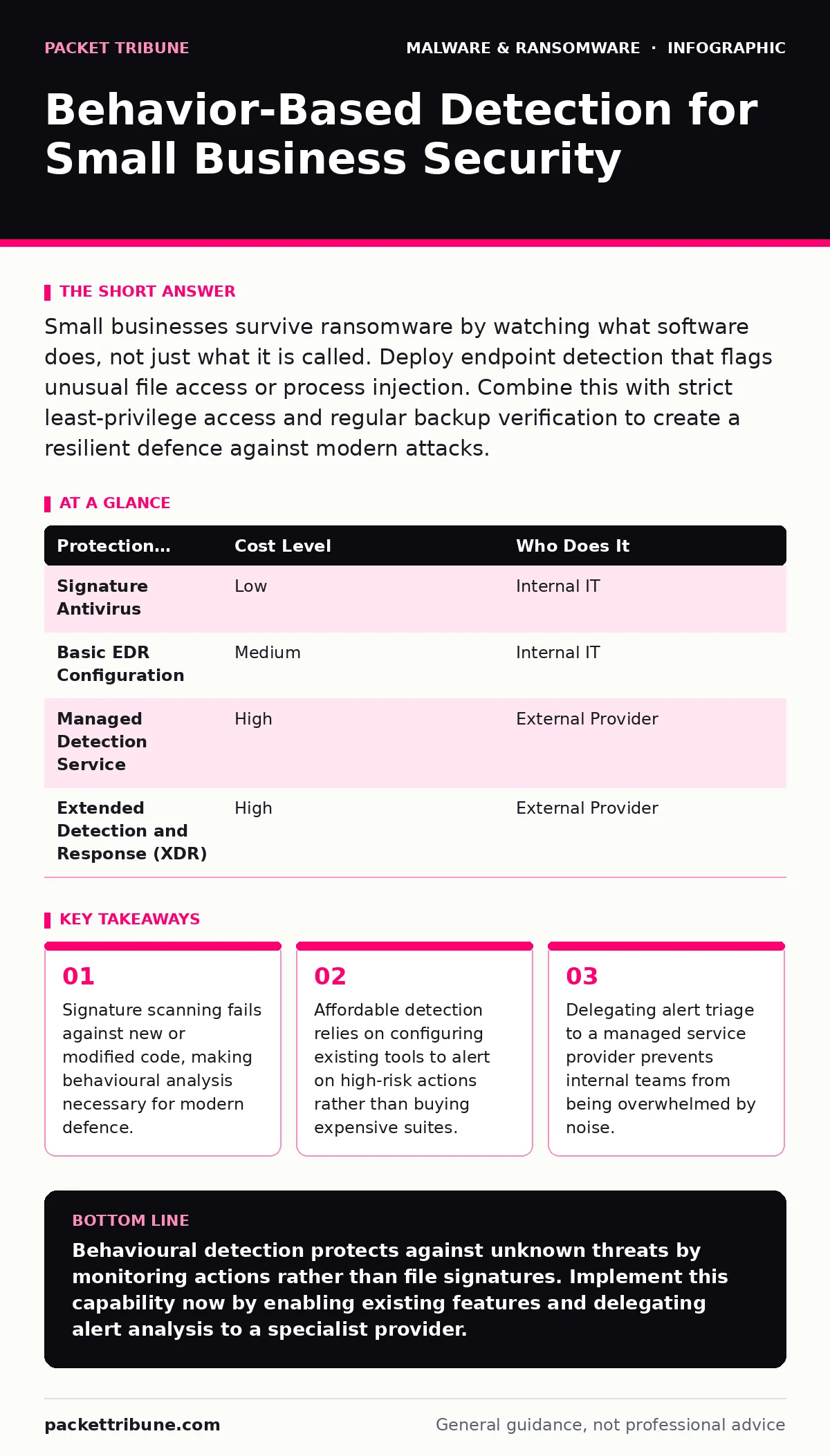
Small businesses survive ransomware by watching what software does, not just what it is called. Deploy endpoint detection that flags unusual file access or process injection. Combine this with strict least-privilege access and regular backup verification to create a resilient defence against modern attacks.
The Limitation of Signature Scanning
Traditional antivirus software relies on known patterns. It compares files against a database of recognised malicious code. This approach works well for common, widespread threats. It fails completely against novel attacks. Attackers modify their code slightly to change its digital fingerprint. This technique, known as malware obfuscation, renders signature databases useless.
You face a gap in protection when a threat is new. This is often called a zero-day exploit. The software has never seen this specific variant before. It allows the malicious file to execute without raising an alarm. By the time researchers analyse the sample and update the database, damage has occurred. You need a method that does not rely on prior knowledge of the threat.
How Behavioural Analysis Works
Behaviour-based detection monitors the actions of running processes. It asks what the software is doing, not what it is called. It looks for sequences of events that indicate malicious intent. For example, a word processor should not attempt to modify system registry keys. It should not try to communicate with unknown external servers.
This method detects fileless malware. This type of threat lives only in memory. It leaves no executable file on the disk for scanners to find. Instead, it uses legitimate system tools to perform attacks. A behaviour engine sees the legitimate tool being used in an abnormal way. It flags the anomaly based on the deviation from normal usage patterns.
The Cost of False Positives
The trade-off for deeper visibility is noise. Behavioural rules are inherently broad. A legitimate application might perform an action that looks suspicious in isolation. For instance, a software installer might modify many files quickly. This could mimic the activity of ransomware. If your detection system is too sensitive, it will block legitimate work.
This creates alert fatigue. Your team receives dozens of warnings daily. Most are harmless. Over time, staff begin to ignore alerts. They assume every warning is a false positive. When a real attack occurs, the alert gets buried in the noise. You must tune your system carefully. Start with strict rules and relax them only for verified applications.
| Protection Method | Cost Level | Who Does It |
|---|---|---|
| Signature Antivirus | Low | Internal IT |
| Basic EDR Configuration | Medium | Internal IT |
| Managed Detection Service | High | External Provider |
| Extended Detection and Response (XDR) | High | External Provider |
Affordable Implementation Strategies
You do not need enterprise-grade software to start. Many endpoint protection platforms include basic behavioural monitoring. These features are often disabled by default to reduce noise. You must enable them manually. Look for settings related to process monitoring or application control.
Focus on high-value targets. Monitor servers and workstations that hold sensitive data. Ignore low-risk devices like printers or IoT gadgets. This reduces the volume of data you need to analyse. It keeps the system responsive. You can also use group policy to restrict which applications can run. This limits the attack surface significantly.
Consider device hardening as a complementary measure. Removing unnecessary software reduces the number of processes running. Fewer processes mean fewer opportunities for malicious behaviour. It also makes it easier to spot anomalies. A clean system has a predictable baseline. Deviations from that baseline are easier to identify.
What to Delegate to Providers
Small teams lack the time for continuous monitoring. Watching logs for hours is not a sustainable job. It leads to burnout and missed detections. You should delegate the triage of alerts. A managed detection and response provider can monitor your environment 24/7.
They have analysts who specialise in distinguishing true threats from noise. They can investigate an alert while you sleep. If they find a confirmed threat, they contain it immediately. You receive a report explaining what happened. This allows you to focus on running your business. You retain control over policy decisions. You decide which applications are allowed.
When choosing a provider, ask specific questions. Do not accept vague promises. You need to understand their process. Ask about their mean time to detect and mean time to respond. These metrics show how quickly they act. Ask how they handle false positives. A good provider will refine rules based on your feedback.
- How do you distinguish between a compromised admin account and a legitimate admin action?
- What is your process for investigating alerts generated by our specific industry software?
- How do you integrate with our existing backup and recovery systems?
- Can you provide a sample report of a recent incident you handled for a similar client?
See also: Seven Malware Analysis Mistakes That Compromise Evidence Integrity · Vendor Email Compromise: Risks and Protection for Small Businesses
Integrating with Existing Defences
Behavioural detection does not replace other security layers. It works best when combined with them. For example, static malware analysis can catch known threats quickly. Behavioural detection catches what static analysis misses. Together they provide broader coverage.
You should also be aware of social engineering attacks. Fake software updates often bypass technical controls. Users install the malicious update willingly. The malware then behaves normally at first. It waits for a trigger. Behavioural detection can catch the trigger event. It stops the attack before it spreads.
Be cautious of banking trojans. These are designed to steal credentials. They often inject themselves into legitimate browser processes. This makes them hard to detect. They do not encrypt files. They do not delete data. They simply watch. Behavioural monitoring can spot the injection attempt. It can alert you to the presence of the spyware.
Maintaining the Baseline
Your system learns what is normal over time. This is called behavioural baselining. The more data it collects, the better it gets. However, changes in your business can break this baseline. New software, new users, or new processes can trigger alerts.
You must update your allow-lists regularly. If you install a new accounting package, you must whitelist its behaviour. Otherwise, the detection system will block it. This disrupts business operations. Schedule regular reviews of your security policies. Ensure they align with current business needs.
Key takeaways
- Signature scanning fails against new or modified code, making behavioural analysis necessary for modern defence.
- Affordable detection relies on configuring existing tools to alert on high-risk actions rather than buying expensive suites.
- Delegating alert triage to a managed service provider prevents internal teams from being overwhelmed by noise.
Behavioural detection protects against unknown threats by monitoring actions rather than file signatures. Implement this capability now by enabling existing features and delegating alert analysis to a specialist provider.
Frequently asked questions
Can behavioural detection slow down my computers?
Modern solutions are lightweight and run efficiently in the background. They monitor system calls rather than scanning every file. The performance impact is negligible on current hardware.
Do I need to disable my existing antivirus?
No. Keep your antivirus running for known threats. Use behavioural detection as an additional layer. This provides defence in depth.
How do I handle false positives?
Review every alert. If it is legitimate activity, add it to the allow-list. This trains the system to ignore that specific pattern in the future.
Is cloud-based detection secure?
Cloud-based analysis keeps threat intelligence up to date. It offloads processing power. Ensure your provider uses encryption for data in transit and at rest.
How this guide was produced: written by the Packet Tribune editorial team with AI assistance, checked against the public references listed below, and reviewed when the facts change. See our editorial policy or report an error.