How Endpoint Protection Works: The Mechanics Behind the Agent
Endpoint protection does not just block threats; it actively monitors system behaviour to stop attacks that bypass traditional signature matching.

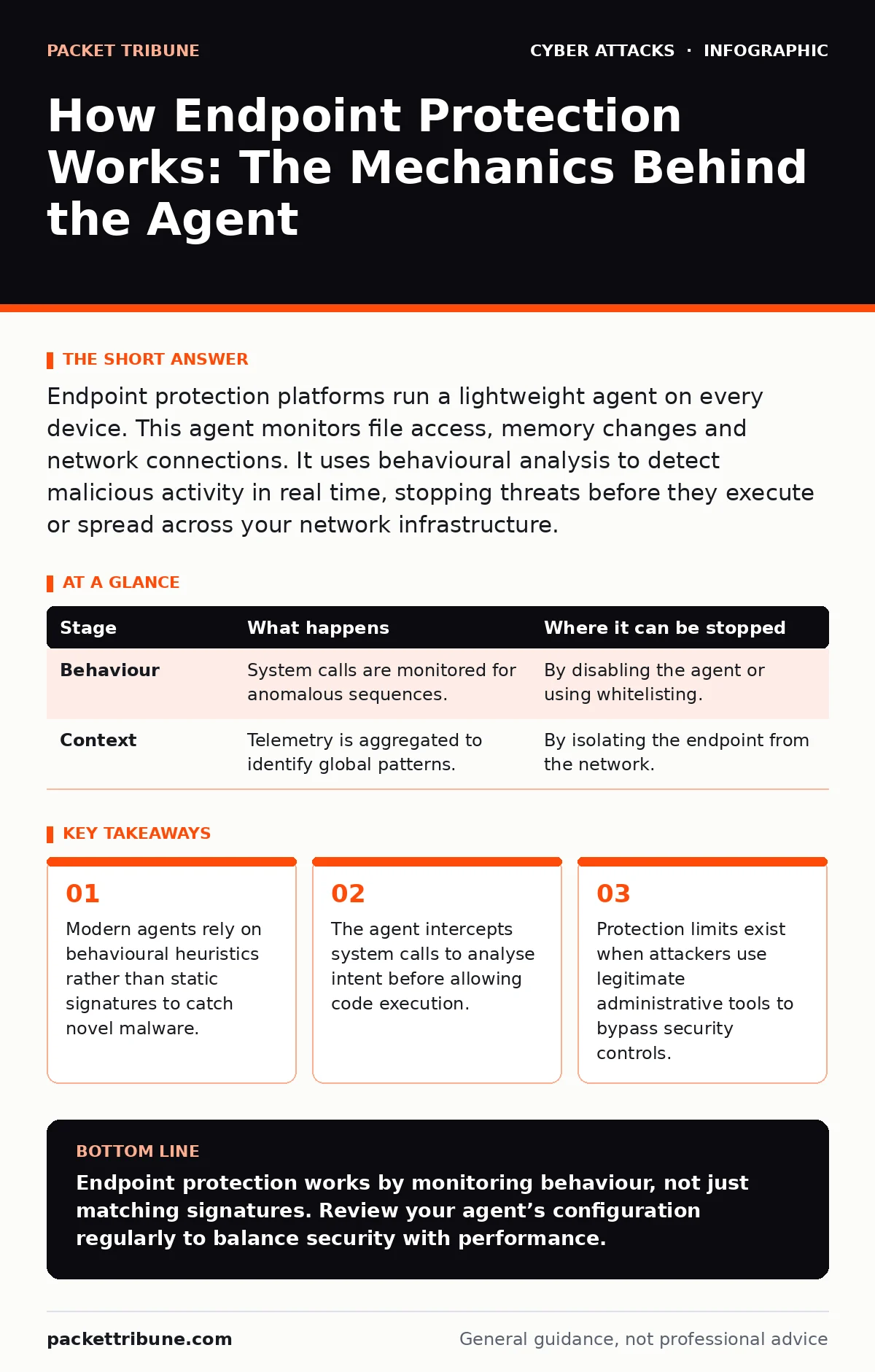
Endpoint protection platforms run a lightweight agent on every device. This agent monitors file access, memory changes and network connections. It uses behavioural analysis to detect malicious activity in real time, stopping threats before they execute or spread across your network infrastructure.
The Foundation of Device Security
Endpoint protection sits between the operating system and the applications running on it. It is not merely a firewall or an antivirus program. It is an active monitoring layer that observes every action a user or process takes. This agent runs with high privileges to intercept system calls. It decides whether an action is safe or malicious in milliseconds.
Traditional security relied on known bad patterns. Modern threats often do not match these patterns. Your defence must adapt to behaviour, not just identity. This shift requires deep integration with the kernel. The agent becomes a gatekeeper for the entire computing environment.
### Stage 1: Ingestion and Normalisation
The process begins when data enters the endpoint. This could be a downloaded file, an email attachment or a script executing in memory. The agent captures this input before it interacts with the rest of the system. It normalises the data into a standard format for analysis. This step strips away obfuscation layers that attackers use to hide their intent.
Imagine a document that contains hidden macros. The agent extracts the macro code and prepares it for inspection. It does not yet execute the code. It merely prepares the data for the next stage of scrutiny. This separation prevents premature execution of potentially harmful instructions.
### Stage 2: Static Analysis
The agent examines the static properties of the file or process. It checks digital signatures, file headers and known hashes. If the file matches a known malicious hash, it is blocked immediately. This is the fastest method of detection. It relies on a central database of known threats.
However, this method fails against new or custom malware. Attackers often modify code slightly to change its hash. This creates a variant that bypasses static checks. The agent must look deeper than surface-level attributes. It must understand what the file intends to do, not just what it is.
### Stage 3: Dynamic Behaviour Monitoring
This is the core of modern protection. The agent allows the code to run in a controlled environment. It monitors every system call the process makes. It looks for suspicious sequences of actions. For example, a word processor should not attempt to modify the system registry. Such an action triggers an alert.
The agent builds a profile of normal behaviour for each application. Deviations from this profile are flagged. This allows the detection of zero-day exploits. These are threats that have no known signature. The cost is higher CPU usage and potential false positives. You must tune these thresholds carefully.
### Stage 4: Network Contextualisation
The agent does not operate in isolation. It shares telemetry with a central management console. This console aggregates data from all endpoints. It identifies patterns that a single device might miss. If one endpoint shows unusual outbound traffic, the console checks other devices.
This global view helps identify coordinated attacks. It distinguishes between a local anomaly and a widespread campaign. The agent receives updated policies from this central brain. These updates refine the behavioural rules. This feedback loop improves detection accuracy over time.
| Stage | What happens | Where it can be stopped |
|---|---|---|
| Behaviour | System calls are monitored for anomalous sequences. | By disabling the agent or using whitelisting. |
| Context | Telemetry is aggregated to identify global patterns. | By isolating the endpoint from the network. |
### Stage 5: Decision and Response
Based on the analysis, the agent makes a decision. It can allow, block or quarantine the activity. Blocking stops the action immediately. Quarantine isolates the file for further inspection. The agent may also trigger automated remediation. This could involve killing the process or reverting file changes.
The speed of this response is critical. Delays allow malware to establish persistence. The agent must balance security with usability. Aggressive blocking can disrupt business operations. You must define clear policies for automated responses. Human intervention may be required for complex cases.
The Hidden Costs of Deep Inspection
Deep inspection requires significant resources. The agent consumes CPU cycles and memory. This can slow down performance, especially on older hardware. Users may experience lag when opening large files. This friction leads to shadow IT practices. Users seek ways to bypass the agent.
Imagine an employee who disables the agent to speed up their workflow. This creates a blind spot in your defence. The agent cannot protect what it cannot see. You must educate users on the necessity of the overhead. Performance tuning is an ongoing task. It requires regular review of resource allocation.
Limits of Automated Defence
No system is perfect. Endpoint protection has inherent limits. Attackers use living-off-the-land techniques. They use legitimate administrative tools to perform malicious actions. These tools are whitelisted by default. The agent may not flag their use as suspicious.
This is where the human factor in security becomes critical. Automated tools cannot detect intent. They rely on predefined rules. Attackers who understand these rules can evade them. You must combine technical controls with manual oversight. Regular tabletop exercises help identify these gaps. They reveal how your team responds when automation fails.
Integrating with Broader Strategies
Endpoint protection is one layer of defence. It must work with other security measures. For instance, DDoS protection keeps your network accessible. It does not stop malware on individual devices. Similarly, vendor email compromise attacks often bypass technical filters. They rely on social engineering.
You must align endpoint policies with your broader strategy. Ensure that supply chain attacks are considered in your risk assessment. Third-party software can introduce vulnerabilities. The agent should monitor for changes in trusted applications. This includes updates from legitimate vendors.
Continuous Tuning and Review
The effectiveness of your endpoint protection depends on configuration. Default settings are rarely optimal. You must tune behavioural rules to your environment. This reduces false positives and improves detection. Regular reviews ensure that the agent remains effective.
Audit logs provide visibility into agent actions. Review these logs to identify trends. Look for repeated alerts from specific applications. Adjust policies accordingly. This iterative process keeps your defence aligned with current threats. It ensures that the agent protects without hindering productivity.
Key takeaways
- Modern agents rely on behavioural heuristics rather than static signatures to catch novel malware.
- The agent intercepts system calls to analyse intent before allowing code execution.
- Protection limits exist when attackers use legitimate administrative tools to bypass security controls.
Endpoint protection works by monitoring behaviour, not just matching signatures. Review your agent’s configuration regularly to balance security with performance.
Frequently asked questions
How does endpoint protection differ from traditional antivirus?
Traditional antivirus relies on known signatures of malware. Endpoint protection uses behavioural analysis to detect new and unknown threats based on their actions.
Can endpoint protection stop ransomware?
It can detect and block ransomware behaviour, such as rapid file encryption. However, it cannot recover data that has already been encrypted before detection.
Does endpoint protection slow down my computer?
Yes, deep inspection consumes system resources. Proper tuning and hardware upgrades can mitigate this performance impact.
What happens if the agent is disabled?
The endpoint loses real-time protection. It becomes vulnerable to attacks that bypass network-level defences. Central consoles can alert administrators to this state.
How this guide was produced: written by the Packet Tribune editorial team with AI assistance, checked against the public references listed below, and reviewed when the facts change. See our editorial policy or report an error.