Sandbox Evasion Tactics: How Small Teams Defend Against Stealthy Malware
Modern malware detects artificial sandbox environments and remains dormant, rendering basic automated scans ineffective against targeted attacks on small networks.

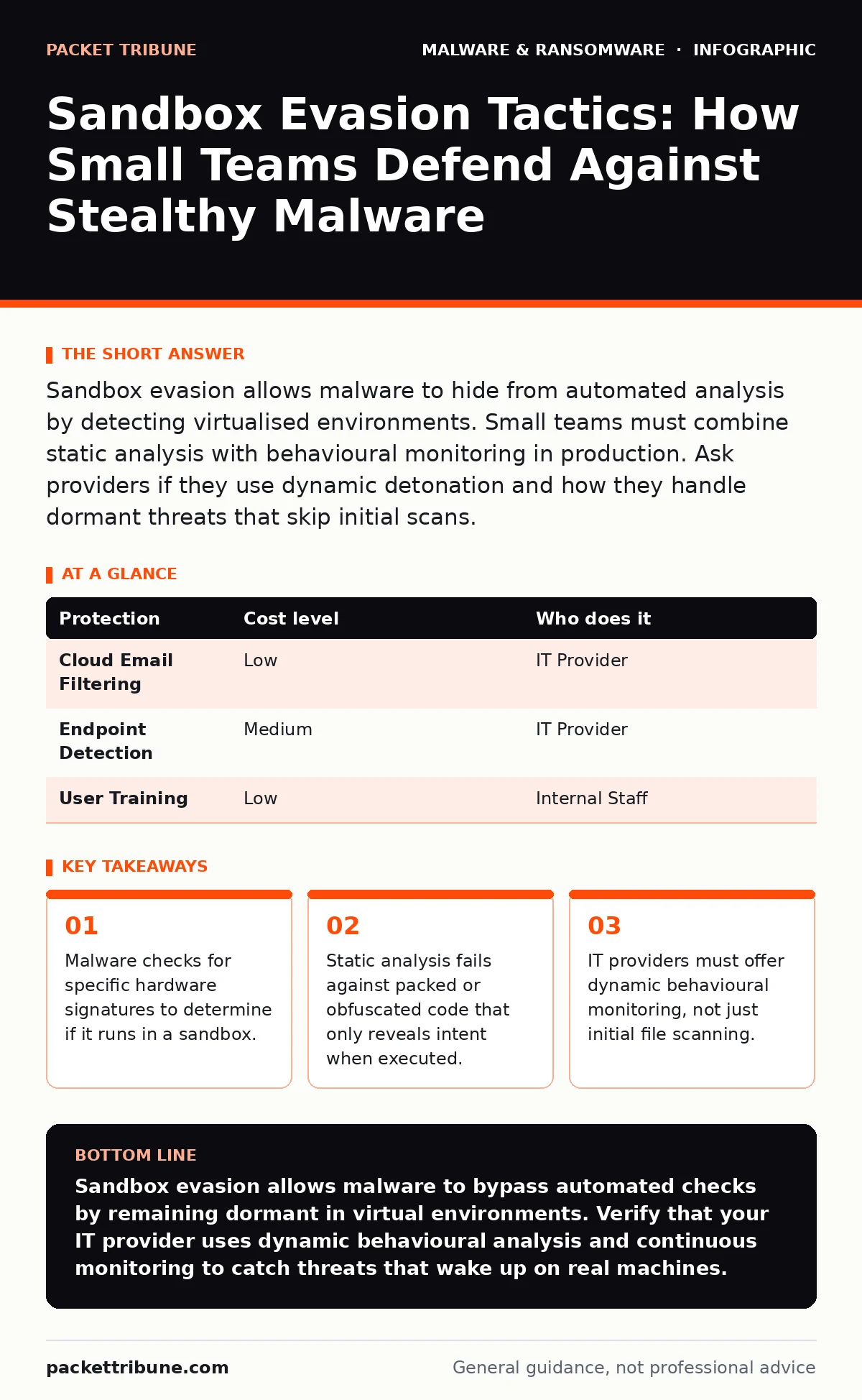
Sandbox evasion allows malware to hide from automated analysis by detecting virtualised environments. Small teams must combine static analysis with behavioural monitoring in production. Ask providers if they use dynamic detonation and how they handle dormant threats that skip initial scans.
The Dormant Threat in Small Networks
Small organisations often assume that cloud-based email filtering provides complete protection. This assumption is dangerous because modern malware is designed to remain inactive during automated analysis. Attackers know that security tools often use sandboxing to detonate suspicious files in isolated, virtualised environments. If the malware detects it is inside a sandbox, it stays dormant. It waits until it reaches a real user machine.
This behaviour creates a blind spot. The file passes initial screening because it looks benign in the virtual environment. It only executes its malicious payload on the actual workstation. For small teams with limited IT staff, this means the first line of defence is often bypassed before human eyes ever see the threat. The delay between delivery and execution is the attacker's greatest advantage.
How Sandboxes Fail to Detect Modern Attacks
Sandboxes are isolated virtual machines used to execute untrusted code safely. They observe file behaviour, network connections, and registry changes. However, malware authors have developed sophisticated methods to identify these artificial environments. This process is known as sandbox evasion. The malware checks for indicators that only exist in virtualisation software, such as specific USB controller names, low disk space, or the absence of human input patterns.
If any of these indicators are present, the malware does not run its payload. It may simply close itself or execute a harmless routine. The security tool records the file as clean and releases it to the inbox. This is not a failure of the scanner's database, but a deliberate design choice by the attacker. The code is written to behave differently depending on where it runs.
This mechanism explains why static malware analysis often fails. Static analysis examines the code structure without running it. It cannot see behaviour that only occurs when certain conditions are met. If the code is packed or uses malware obfuscation techniques, static tools see only scrambled data. They cannot predict what the program will do once unpacked on a real system. The threat remains hidden until it reaches the endpoint.
The Limits of Automated Scanning
Reliance on automated scanning alone leaves significant gaps in defence. Scanners operate on known signatures or heuristic patterns. They are effective against widespread, generic malware. They struggle against targeted attacks that are unique or modified for each victim. Small businesses are often targeted with lower-volume, high-precision attacks that do not appear in global threat feeds.
Consider the case of fileless malware. This type of threat does not drop a file onto the disk. Instead, it lives in memory or uses legitimate system tools to execute commands. Sandboxes often focus on file system changes. If there is no file to analyse, the sandbox has nothing to detonate. The behaviour happens within the operating system's memory space, bypassing traditional file-based checks.
This limitation means that a clean scan result is not a guarantee of safety. The file may have passed the sandbox because the sandbox was not configured to detect memory-resident threats. Or the malware simply waited for a human to open it. Understanding this distinction changes how you view security alerts. A lack of alerts is not proof of safety; it is often proof of evasion.
Practical Defences for Limited Resources
Small teams cannot afford large security operations centres. They need layered defences that work without constant manual intervention. The first layer is email security that uses multiple analysis methods. Do not rely on a single vendor. Use services that combine static analysis with dynamic behavioural monitoring. This increases the chance that at least one system will catch the threat.
The second layer is endpoint detection and response. This software monitors the actual user machines, not just the email gateway. It looks for suspicious behaviour after a file is opened. If a document tries to launch a script or connect to an unknown server, the endpoint tool can block it. This catches threats that evaded the initial sandbox.
The third layer is user awareness. Train staff to recognise suspicious emails. Encourage them to report oddities, even if no alert was raised. Human observation can catch what automation misses. A user might notice that an email subject is slightly off or that the sender is unexpected. This manual check is a critical countermeasure against automated evasion techniques.
| Protection | Cost level | Who does it |
|---|---|---|
| Cloud Email Filtering | Low | IT Provider |
| Endpoint Detection | Medium | IT Provider |
| User Training | Low | Internal Staff |
What to Ask Your IT Provider
You must verify that your IT provider is actively defending against sandbox evasion. Many standard packages include basic antivirus, which is insufficient. Ask specific questions about their detection methods. Do not accept vague answers about "advanced security". Demand details on how they handle dormant threats and obfuscated code.
Your provider should explain their use of dynamic analysis. Ask if they detonate files in multiple environments. Some advanced services use varied sandbox configurations to prevent detection. They change the virtual hardware signatures so malware cannot easily identify the environment. This makes evasion harder for the attacker.
Also inquire about their response time. If a threat is detected after execution, how quickly is it contained? Small teams need rapid isolation of affected devices. Ask if they monitor for indicators of compromise in real-time. Look for providers who offer continuous monitoring, not just periodic scans. This ensures that dormant malware is caught when it finally wakes up.
See also: Screen Locker Ransomware Mechanics: How It Bypasses OS Controls · Browser Isolation: Definition, Purpose and Architecture Explained
Integrating Broader Security Measures
Sandbox evasion is one part of a larger attack chain. It often works in conjunction with other threats. For example, infostealers are designed to collect credentials and session cookies. They may use evasion techniques to avoid detection while harvesting data. Understanding this link helps you prioritise defences. If you protect credentials with strong authentication, the value of the infostealer decreases.
Similarly, browser isolation can prevent many drive-by downloads. By running the browser in a remote container, you ensure that any malware executed in the browser never touches your local machine. This complements email security by adding a layer of protection for web-based threats. It is a practical measure for small teams that cannot afford extensive endpoint monitoring.
Do not ignore static malware analysis entirely. While it has limits, it is fast and cheap. Use it as a first filter. Combine it with dynamic analysis for a balanced approach. This hybrid method catches obvious threats quickly while saving resources for deeper analysis of suspicious files. It optimises the use of limited security budgets.
The Hidden Cost of Over-Automation
There is a trade-off in security automation. More automation means fewer manual checks, which can lead to alert fatigue. If your system blocks too many legitimate files, staff will bypass security. They will move files to personal drives or use unapproved channels. This creates new vulnerabilities that are harder to monitor.
Balance automation with human oversight. Configure your security tools to alert on high-risk actions rather than blocking everything. Allow your IT provider to review unusual activity. This ensures that legitimate business processes are not disrupted while still catching malicious behaviour. It is a delicate balance that requires regular tuning.
Long-Term Resilience and Adaptation
Threat tactics evolve constantly. Today's evasion techniques may be tomorrow's standard. Your defence strategy must adapt. Regularly review your security policies with your IT provider. Ask for updates on new threat trends and how their tools are updated to counter them. Security is not a one-time setup; it is an ongoing process.
Educate your staff regularly. Threat awareness training should cover new tactics, such as the use of legitimate tools for malicious purposes. This prepares your team to recognise anomalies. A well-trained staff is your best defence against sophisticated attacks. They can spot the subtle signs that automation might miss.
Stay informed about related threats. Understanding banking trojans or scareware helps you see the full picture. These threats often use similar delivery methods. By broadening your knowledge, you improve your overall security posture. You become less likely to be caught off-guard by new variations of old attacks.
Key takeaways
- Malware checks for specific hardware signatures to determine if it runs in a sandbox.
- Static analysis fails against packed or obfuscated code that only reveals intent when executed.
- IT providers must offer dynamic behavioural monitoring, not just initial file scanning.
Sandbox evasion allows malware to bypass automated checks by remaining dormant in virtual environments. Verify that your IT provider uses dynamic behavioural analysis and continuous monitoring to catch threats that wake up on real machines.
Frequently asked questions
Can antivirus software detect sandbox evasion?
Traditional antivirus relies on signatures and may miss evasion. Modern endpoint detection uses behavioural analysis to catch suspicious activity after execution.
Is sandboxing still useful if malware can evade it?
Yes, sandboxing remains a valuable first line of defence. It catches the majority of generic malware and provides context for deeper analysis of suspicious files.
How do I know if my email security is effective?
Request regular reports on blocked threats and false positives. Ask your provider for details on how they handle files that pass initial scans but are later flagged.
What is the role of user training in preventing evasion?
Training helps users recognise suspicious emails and report anomalies. Human observation can catch threats that automation misses, especially those that remain dormant.
How this guide was produced: written by the Packet Tribune editorial team with AI assistance, checked against the public references listed below, and reviewed when the facts change. See our editorial policy or report an error.