Static Malware Analysis Checklist: Verify Threats Without Execution
Examining binary structure before execution reveals hidden capabilities and reduces the risk of accidental deployment during investigation.

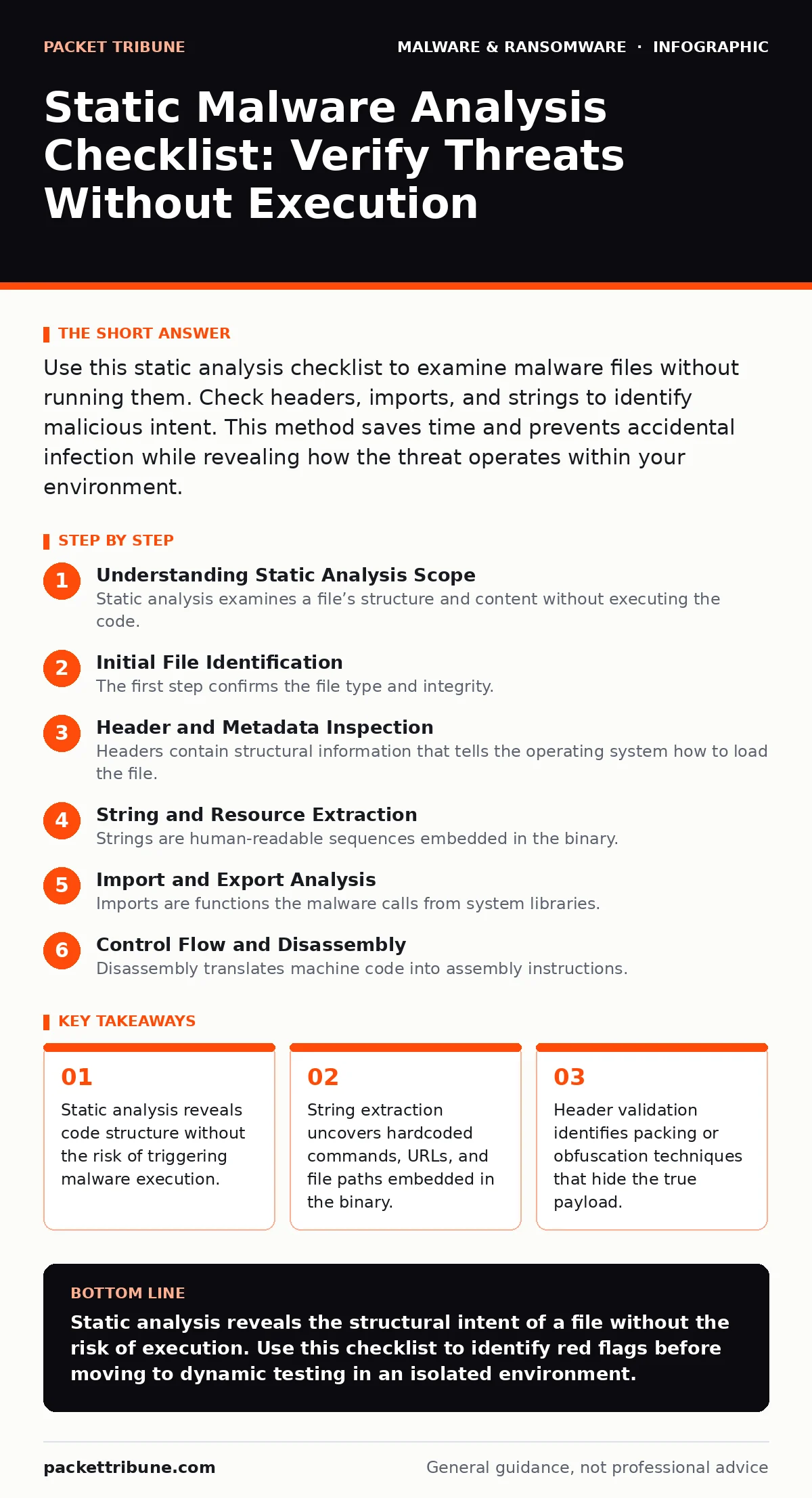
Use this static analysis checklist to examine malware files without running them. Check headers, imports, and strings to identify malicious intent. This method saves time and prevents accidental infection while revealing how the threat operates within your environment.
Understanding Static Analysis Scope
Static analysis examines a file’s structure and content without executing the code. You inspect the binary directly, reading headers, imports, and embedded strings. This approach provides a safe baseline for understanding what a file claims to be. It does not reveal how the malware behaves at runtime, which requires dynamic analysis. However, static data often exposes the attacker’s intent before any damage occurs.
Initial File Identification
The first step confirms the file type and integrity. You must verify that the file is what it claims to be. A mismatched header suggests the file has been disguised or corrupted.
- Check file magic bytes: Confirms the actual file format against the extension.
- Calculate cryptographic hashes: Provides a unique fingerprint for tracking and sharing indicators.
- Verify digital signatures: Identifies whether a legitimate certificate has been stolen or forged.
- Check file size anomalies: Unusually small executables may be droppers; large ones may contain payloads.
Header and Metadata Inspection
Headers contain structural information that tells the operating system how to load the file. Malware often modifies these fields to evade basic detection. You look for inconsistencies between declared capabilities and actual content. This stage often reveals whether the file is packed or compressed. Packing hides the true code from simple string searches.
- Analyze PE header fields: Reveals entry points and compilation timestamps.
- Check for unusual section names: Non-standard names like 'UPX' indicate packing tools.
- Verify section entropy: High entropy suggests encrypted or compressed data sections.
- Review optional header data: Shows memory alignment and stack requirements.
String and Resource Extraction
Strings are human-readable sequences embedded in the binary. Attackers use these for command-and-control URLs, file paths, and error messages. You extract these to see where the malware wants to go or what it wants to steal. This is often the fastest way to identify the malware family.
- Extract ASCII strings: Finds readable text like URLs, IP addresses, and registry keys.
- Extract Unicode strings: Captures wide-character strings used by modern Windows APIs.
- Analyse resource sections: Reveals embedded icons, images, or additional DLLs.
- Look for hardcoded credentials: Identifies usernames or keys baked into the code.
Refer to our guide on malware obfuscation to understand why some strings may be hidden or encrypted.
Import and Export Analysis
Imports are functions the malware calls from system libraries. Exports are functions the malware offers to other programs. By listing imports, you see which system APIs the malware intends to use. This reveals capabilities like process injection or network communication. Legitimate tools rarely import obscure debugging or memory manipulation functions.
- List imported DLLs: Identifies which system libraries the file depends on.
- Check for suspicious API calls: Functions like 'VirtualAlloc' or 'WriteProcessMemory' suggest injection.
- Analyse export tables: DLLs with no exports or strange names may be malicious.
- Look for missing imports: Some malware loads libraries dynamically to avoid static detection.
See also: Behavior-Based Detection for Small Business Security · Infostealers Explained: How Data Theft Happens and How to Stop It
Control Flow and Disassembly
Disassembly translates machine code into assembly instructions. This reveals the logical structure of the program. You look for loops, conditions, and jumps that indicate malicious logic. This step is complex but necessary for packed or heavily obfuscated files. It helps you bypass anti-analysis tricks that rely on runtime checks.
- Identify entry point: Locates where execution begins, which may be hidden.
- Analyse control flow graph: Maps the decision paths within the code.
- Look for anti-debug checks: Instructions that detect if an analyst is watching.
- Check for shellcode: Raw machine code that may be executed in memory.
See our guide on behavior-based detection for how these static findings correlate with runtime actions.
Cross-Reference and Context
No analysis exists in a vacuum. You must compare your findings with known threat intelligence. Static data helps you match the sample to known campaigns. This context determines the severity and necessary response. It also helps you rule out false positives from benign software.
- Search hashes in threat feeds: Checks if the file is known malicious.
- Compare strings with known IOCs: Matches URLs and IPs to active threat campaigns.
- Review similar samples: Identifies patterns across multiple variants.
- Document findings for XDR: Ensures your extended detection and response systems can flag similar threats.
Refer to fileless malware guides to understand how some threats leave no static footprint.
Limitations and Next Steps
Static analysis cannot detect runtime behaviour. It misses polymorphic code that changes at execution. It fails against fileless attacks that never write to disk. Use this checklist as a first step, not a final verdict. Always combine static findings with dynamic observation in a sandbox.
For deeper investigation, consult our guide on extended detection and response (XDR) to correlate static indicators with network events.
Key takeaways
- Static analysis reveals code structure without the risk of triggering malware execution.
- String extraction uncovers hardcoded commands, URLs, and file paths embedded in the binary.
- Header validation identifies packing or obfuscation techniques that hide the true payload.
Static analysis reveals the structural intent of a file without the risk of execution. Use this checklist to identify red flags before moving to dynamic testing in an isolated environment.
Frequently asked questions
Can static analysis detect all types of malware?
No, it cannot detect fileless malware or polymorphic variants that change at runtime. It is most effective against standard executable threats.
Is it safe to open malware files on my workstation?
No, you must use an isolated, air-gapped virtual machine. Even static analysis tools can trigger execution if misconfigured.
How do I handle packed or encrypted files?
You need to unpack or decrypt them using specialised tools before static analysis can reveal the underlying code.
What is the difference between static and dynamic analysis?
Static analysis examines the code structure without running it, while dynamic analysis observes the behaviour of the running program.
How this guide was produced: written by the Packet Tribune editorial team with AI assistance, checked against the public references listed below, and reviewed when the facts change. See our editorial policy or report an error.