Infostealers Explained: How Data Theft Happens and How to Stop It
Infostealers operate silently in the background, harvesting credentials and tokens without triggering traditional antivirus alerts or requiring user interaction after initial installation.

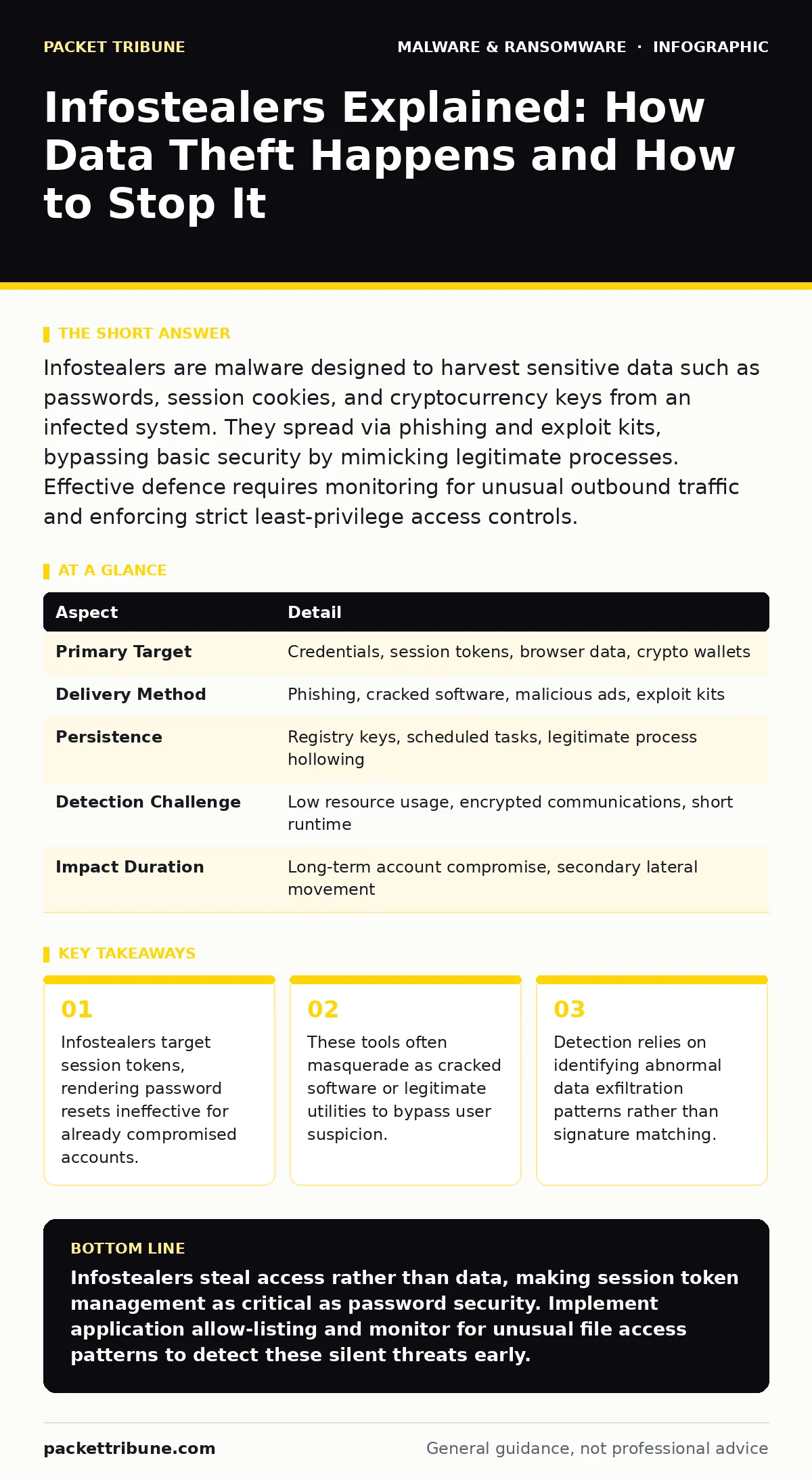
Infostealers are malware designed to harvest sensitive data such as passwords, session cookies, and cryptocurrency keys from an infected system. They spread via phishing and exploit kits, bypassing basic security by mimicking legitimate processes. Effective defence requires monitoring for unusual outbound traffic and enforcing strict least-privilege access controls.
The Silent Vacuum of Digital Identity
Imagine a burglar who does not smash a window but slips through an unlocked door. They do not take the television or the jewellery. Instead, they photograph every key in the bowl by the entrance and copy the combination to the safe. They leave quietly. You only realise the theft when someone else walks through your front door using your own key. This is the operational model of infostealers. These malicious programmes are designed specifically to harvest credentials, financial data, and personal information from a computer system.
Unlike destructive ransomware that encrypts files for immediate ransom, infostealers focus on long-term value. They steal the digital keys that grant access to other systems. The goal is not to break in through force, but to steal the pass that allows entry. This distinction changes how security teams must approach detection and response.
| Aspect | Detail |
|---|---|
| Primary Target | Credentials, session tokens, browser data, crypto wallets |
| Delivery Method | Phishing, cracked software, malicious ads, exploit kits |
| Persistence | Registry keys, scheduled tasks, legitimate process hollowing |
| Detection Challenge | Low resource usage, encrypted communications, short runtime |
| Impact Duration | Long-term account compromise, secondary lateral movement |
How Infostealers Infiltrate Systems
The infection chain usually begins with social engineering. A user receives an email containing a link to a seemingly legitimate download. The file might be a cracked version of popular professional software, a pirated game, or a utility that promises to optimise system performance. When the user executes the file, the infostealer installs itself quietly. It often uses obfuscation techniques to hide its code from static analysis.
Once installed, the malware scans the file system for specific directories. It looks for browser profile folders where passwords and cookies are stored. It searches for configuration files belonging to cryptocurrency wallets, email clients, and remote desktop applications. The malware extracts this data and compresses it. It then sends the stolen bundle to a command and control server controlled by the attacker. The entire process can take seconds, leaving minimal traces on the disk.
Common Forms and Distribution Channels
Infostealers appear in several distinct forms, each tailored to evade specific security controls. The most common form is the browser-based stealer. These programmes target the local storage of web browsers. They extract saved passwords, auto-fill data, and, most critically, session tokens. A session token proves to a web server that a user has already authenticated. Possession of this token allows an attacker to bypass login screens entirely.
Another common form is the cryptocurrency wallet stealer. These variants scan for specific file structures associated with digital currency wallets. They copy the private keys or seed phrases stored locally. A third form targets remote access tools. If a user has saved credentials for a remote desktop connection, the infostealer harvests these details. This allows the attacker to connect to other machines on the network, facilitating lateral movement.
Distribution often relies on the illusion of legitimacy. Attackers use search engine optimisation to push links for cracked software to the top of results. They also use fake software updates to trick users into downloading the malware. The payload is often wrapped in a loader that waits for a specific time or condition before activating, helping it avoid immediate detection by automated security scanners.
Who Is Affected and Why It Matters
Infostealers target anyone with valuable digital accounts. Individuals are affected when their personal data, banking details, or cryptocurrency holdings are stolen. For organisations, the impact is more severe. An employee’s compromised email account can be used to launch business email compromise attacks. Stolen credentials for cloud services allow attackers to access sensitive corporate data.
The real danger lies in the secondary effects. Infostealers rarely act alone. The stolen credentials are often sold on underground markets. Other criminal groups buy these credentials to launch phishing campaigns or install additional malware. This creates a cycle of compromise where one infection leads to many others. The attacker does not need to breach the organisation’s firewall again. They simply use the keys they already stole.
What People Usually Get Wrong
Many security professionals believe that strong password policies prevent infostealer damage. This is a misconception. If the malware steals a session token, the password strength is irrelevant. The attacker is already inside. Another common mistake is relying solely on antivirus software. Many infostealers are written in custom code or use heavy malware obfuscation to avoid signature-based detection. They may not trigger an alert until they have already exfiltrated the data.
Users often assume that encrypted connections prevent data theft. While encryption protects data in transit, it does not protect data at rest on an infected machine. Once the malware reads the data from the browser or wallet file, it can send it over an encrypted channel to the attacker. The security of the connection does not mitigate the risk of the endpoint being compromised.
How to Reduce the Risk
Reducing the risk of infostealer infection requires a layered approach. Start with user education. Train staff to recognise the signs of cracked software and fake updates. Emphasise that downloading unlicensed software is a primary vector for these threats. Implement application allow-listing to prevent unapproved executables from running on critical systems. This stops the initial execution of the malware.
Monitor network traffic for anomalies. Infostealers must send the stolen data somewhere. Look for unusual outbound connections to unknown domains or IP addresses. Use extended detection and response (XDR) platforms to correlate endpoint behaviour with network activity. This helps identify the small volume of data exfiltration that characterises these attacks.
Enforce multi-factor authentication everywhere. Even if an attacker steals a password, MFA blocks them from logging in. However, remember that MFA does not protect against stolen session tokens. Regularly rotate session tokens and implement short-lived tokens where possible. This limits the window of opportunity for an attacker who has stolen credentials.
Behavioural Detection and Response
Traditional signature-based detection struggles with new infostealer variants. Behaviour-based detection is more effective. Look for processes that access browser profile directories or wallet files unexpectedly. A word processor should not be reading Chrome’s local storage. Alert on any process that attempts to read sensitive configuration files.
Investigate alerts promptly. When a potential infostealer is detected, isolate the machine from the network immediately. Prevent it from communicating with the command and control server. Then, perform a thorough malware analysis to understand the scope of the infection. Check for persistence mechanisms such as scheduled tasks or registry modifications. Remove these mechanisms to prevent the malware from reinstalling itself.
Consider the broader impact. If an employee’s machine is infected, assume all credentials stored on that machine are compromised. Reset passwords and revoke sessions for all accounts accessed from that device. Review logs for any unusual activity from those accounts in the past few days. This proactive approach limits the damage from a single infection.
The Role of Least Privilege
Limiting user privileges reduces the impact of an infostealer. If a user runs with standard user rights, the malware cannot install system-wide persistence mechanisms. It cannot modify registry keys that affect all users. It cannot access files owned by other users or system processes. This containment strategy limits the malware’s ability to spread or persist.
Use separate accounts for different tasks. A user should not use their administrative account for daily web browsing or email. If the browser is compromised by an infostealer, the malware only has access to the standard user’s data. It cannot elevate its privileges to access more sensitive system files. This separation of duties is a simple but effective way to reduce the attack surface.
Key takeaways
- Infostealers target session tokens, rendering password resets ineffective for already compromised accounts.
- These tools often masquerade as cracked software or legitimate utilities to bypass user suspicion.
- Detection relies on identifying abnormal data exfiltration patterns rather than signature matching.
Infostealers steal access rather than data, making session token management as critical as password security. Implement application allow-listing and monitor for unusual file access patterns to detect these silent threats early.
Frequently asked questions
Do infostealers steal files from my computer?
Infostealers primarily target credentials, session tokens, and wallet files rather than general documents. They look for specific data structures that grant access to other systems or financial assets.
Can antivirus software detect all infostealers?
Standard antivirus software may miss new or obfuscated infostealer variants. Signature-based detection relies on known patterns, which attackers constantly change. Behavioural monitoring is more effective for unknown threats.
Is multi-factor authentication enough to stop infostealers?
MFA protects against password theft but does not stop attackers who have stolen active session tokens. You must also rotate tokens and monitor for unusual login activity to maintain security.
How long do infostealers stay on a system?
Infostealers often delete themselves after exfiltrating data to avoid detection. However, some variants install persistence mechanisms to remain active and steal new credentials as they are added to the system.
How this guide was produced: written by the Packet Tribune editorial team with AI assistance, checked against the public references listed below, and reviewed when the facts change. See our editorial policy or report an error.