Vendor Email Compromise: Risks and Protection for Small Businesses
Small firms face disproportionate risk from vendor email compromise because attackers exploit trust in established supply chains to bypass standard security filters.

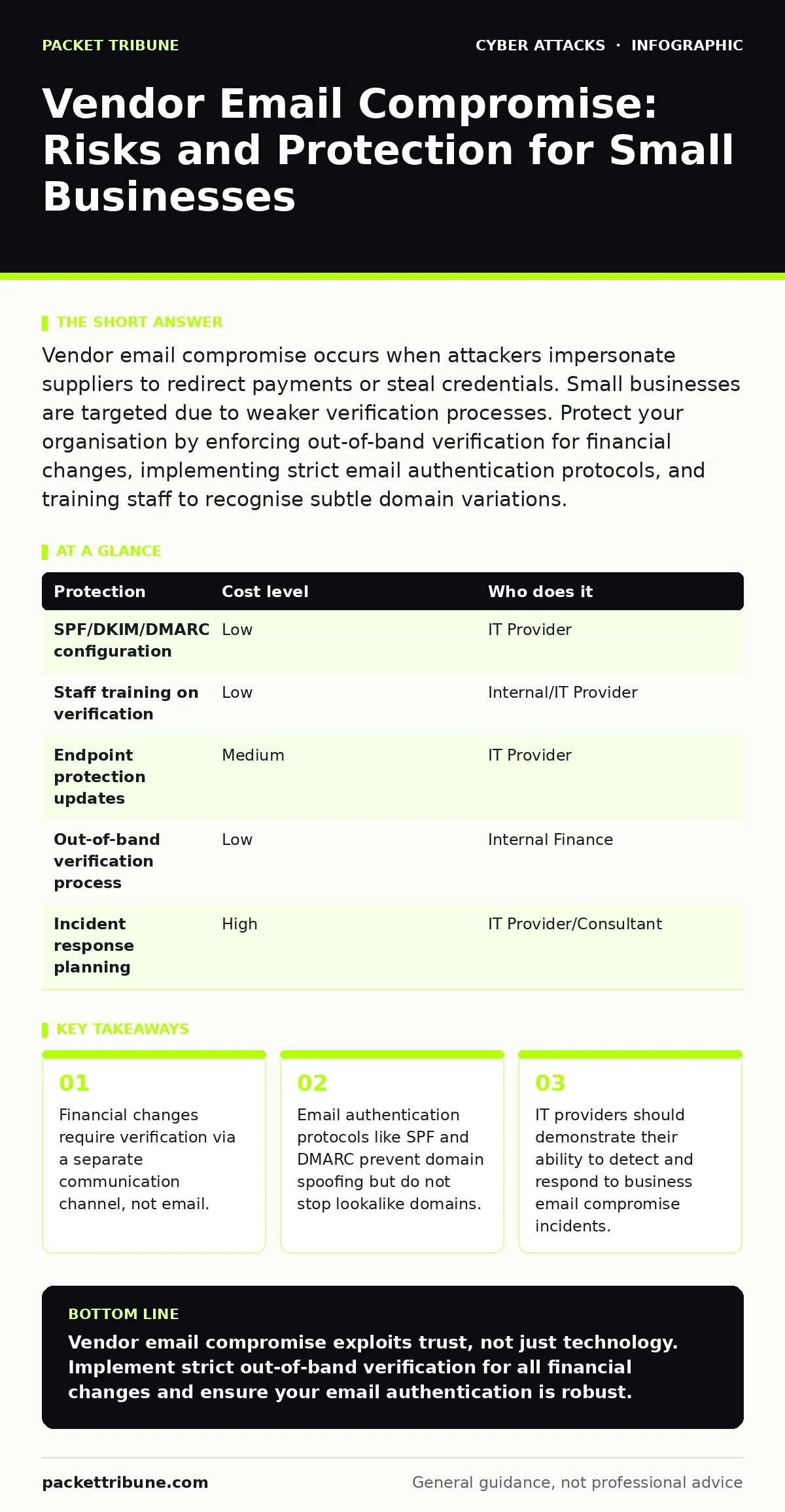
Vendor email compromise occurs when attackers impersonate suppliers to redirect payments or steal credentials. Small businesses are targeted due to weaker verification processes. Protect your organisation by enforcing out-of-band verification for financial changes, implementing strict email authentication protocols, and training staff to recognise subtle domain variations.
The Trust Exploitation Mechanism
Vendor email compromise relies on the assumption that business relationships are secure by default. Attackers do not need to hack your network directly. Instead, they compromise the email account of a legitimate supplier or create a convincing lookalike domain. The goal is to hijack the trust you already place in your partners.
This method bypasses technical defences because the email appears to come from a known contact. Firewalls and antivirus software typically allow traffic from trusted sources. The attack vector is social engineering rather than technical exploitation. You are not defending against a virus; you are defending against a convincing narrative.
Small organisations are particularly exposed because they often lack dedicated fraud detection teams. Relationships are personal, and verification steps are often skipped to maintain goodwill. An attacker knows that a request from a long-standing partner will receive less scrutiny than a cold call. This asymmetry allows them to move money or data before you realise the breach.
Why Small Organisations Are Prime Targets
You might believe that small size offers stealth as protection. Attackers view small businesses as high-value targets with low resistance. Large enterprises have complex approval hierarchies that slow down fraud. A small team can authorise a payment with a single email reply.
The cost of compromise relative to turnover is higher for smaller firms. A stolen invoice payment might be negligible to a multinational corporation. For a small business, it can represent a significant portion of monthly revenue. Attackers calculate this risk-reward ratio carefully. They target organisations where the effort to compromise the email is low, but the potential payout is high.
Furthermore, small teams often share credentials or use weak multi-factor authentication methods. An attacker who compromises one account may gain access to shared drives containing invoices and banking details. This intelligence allows them to craft highly specific phishing emails. The initial breach is often minor, but the subsequent exploitation is devastating.
Low-Cost Technical Protections
Technical controls provide a baseline of defence without requiring significant investment. The first step is ensuring your email authentication is correctly configured. This involves setting up SPF, DKIM, and DMARC records. SPF specifies which servers can send email for your domain. DKIM adds a digital signature to verify the message has not been altered. DMARC tells receiving servers what to do if a message fails these checks.
Without these records, attackers can easily spoof your domain or your vendors' domains. Implementing them is free, though it requires technical configuration. Most email providers offer tools to generate these records. The benefit is that it prevents the most obvious forms of email forgery. It does not, however, stop an attacker from using a similar-looking domain name.
Endpoint protection is another critical layer. Ensure all devices running your email client are protected by updated security software. This helps detect malicious attachments that might accompany a compromise attempt. While not a direct defence against email interception, it reduces the risk of an attacker gaining deeper access to your network through a malicious link.
The Human Verification Protocol
Technology alone cannot solve vendor email compromise because the attack exploits human trust. You must implement a verification protocol for any change to financial details. This is often referred to as callback verification. If a vendor asks for new bank details, you must verify the request through a different channel.
Do not use the email address provided in the suspicious message. Call the vendor using a number from your existing records or their official website. Speak to a known contact, not a general helpdesk. This out-of-band verification confirms the identity of the requester. It adds friction to the process, which is exactly what you want.
Training staff to recognise the signs of compromise is vital. Look for subtle changes in the sender's email address. Attackers often use domains that differ by only one character. Be wary of urgent requests that pressure you to bypass standard procedures. Pressure is a primary tool of social engineering. If a request feels rushed, pause and verify.
Protecting Against Payroll Diversion Fraud
Payroll diversion fraud is a specific variant of vendor email compromise. Attackers target the payroll function to redirect employee salaries or company payments. This requires access to sensitive HR data and banking information. The impact is not just financial loss; it is reputational damage and employee distress.
To protect against this, segregate duties within your finance team. No single individual should have the authority to change bank details and approve payments. Require dual approval for any changes to payroll accounts. This creates a check and balance that makes it harder for an attacker to succeed with a single compromised account.
Regularly audit your vendor master file. Check for duplicate entries or slight variations in bank details. Automated tools can help flag anomalies, but manual review is still necessary. Consider implementing a positive pay service with your bank. This allows you to specify exactly which payments should be honoured, rejecting any others automatically.
See also: Callback Verification: Benefits, Limits and When It Works · Behavior-Based Detection for Small Business Security
What to Ask an IT Provider
Your IT provider plays a critical role in your defence strategy. They should not just manage your infrastructure but also advise on security best practices. When evaluating your provider, ask specific questions about their approach to email security.
Do they monitor for unusual login activity? Can they detect if your email account is accessed from an unusual location or device? Ask about their incident response plan for business email compromise. How quickly can they isolate a compromised account? What steps do they take to recover lost data or funds?
Consider asking about their experience with related threats. For instance, do they provide guidance on DDoS protection to ensure your services remain available during an attack? Are they familiar with the human factor in security and can they provide tailored training? Understanding their breadth of knowledge helps you assess their overall capability.
| Protection | Cost level | Who does it |
|---|---|---|
| SPF/DKIM/DMARC configuration | Low | IT Provider |
| Staff training on verification | Low | Internal/IT Provider |
| Endpoint protection updates | Medium | IT Provider |
| Out-of-band verification process | Low | Internal Finance |
| Incident response planning | High | IT Provider/Consultant |
Questions to Ask Your IT Provider
- How do you detect and respond to compromised email accounts?
- Can you provide evidence of successful mitigation of business email compromise attempts?
- What training do you offer to staff on recognising social engineering attacks?
- How do you ensure that email authentication records are correctly configured and maintained?
- What is your process for verifying the identity of users before granting access to sensitive systems?
- Do you offer services related to callback verification or fraud prevention?
- How do you stay updated on emerging threats like SIM swapping or payroll diversion fraud?
- Can you assist in conducting tabletop exercises to test our incident response capabilities?
Key takeaways
- Financial changes require verification via a separate communication channel, not email.
- Email authentication protocols like SPF and DMARC prevent domain spoofing but do not stop lookalike domains.
- IT providers should demonstrate their ability to detect and respond to business email compromise incidents.
Vendor email compromise exploits trust, not just technology. Implement strict out-of-band verification for all financial changes and ensure your email authentication is robust.
Frequently asked questions
Can multi-factor authentication prevent vendor email compromise?
MFA protects your account from being hijacked, but it does not stop an attacker from sending a fake email from a different domain. You still need to verify the sender's identity.
How do I know if my vendor's email has been compromised?
Look for subtle errors in grammar, urgent requests for sensitive information, or requests to change communication channels. Verify any unusual requests via a known phone number.
Is it safe to use free email services for business?
Free services often lack advanced security features and custom domain authentication. They are easier for attackers to spoof. Use a professional email service with your own domain.
What should I do if I suspect a vendor email compromise?
Immediately contact your vendor through a known, trusted channel to verify the request. Do not send any money or data. Report the incident to your IT provider and your bank.
How this guide was produced: written by the Packet Tribune editorial team with AI assistance, checked against the public references listed below, and reviewed when the facts change. See our editorial policy or report an error.