Code Signing: Real Benefits and Hidden Limitations for Software Integrity
Code signing prevents tampering but does not verify that the signed code is safe or free from vulnerabilities.

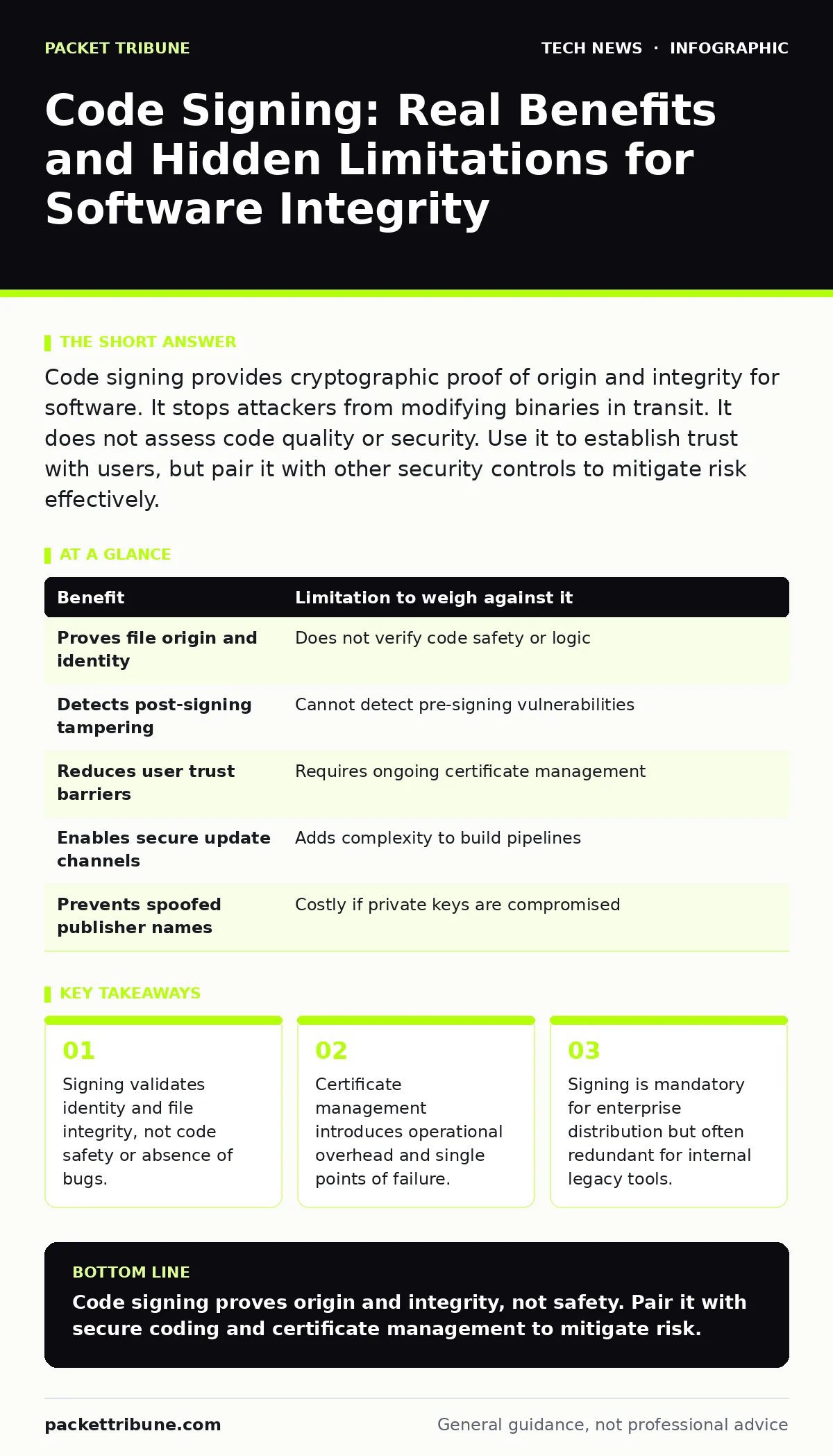
Code signing provides cryptographic proof of origin and integrity for software. It stops attackers from modifying binaries in transit. It does not assess code quality or security. Use it to establish trust with users, but pair it with other security controls to mitigate risk effectively.
How code signing establishes trust
Code signing attaches a digital signature to an executable or script. This signature uses public-key cryptography to bind the author’s identity to the code. Users verify the signature against a trusted certificate authority. The process confirms the code has not changed since signing. It does not prove the code is free from malware. It only proves the signer did not alter the file after the signature was applied. This distinction is fundamental. A signed malicious payload is still malicious. The signature merely authenticates the source.
Concrete benefits of digital signatures
Users gain immediate visual confirmation of file origin. Operating systems display publisher names instead of generic warnings. This reduces friction during installation for legitimate software. Attackers cannot modify signed binaries without breaking the signature. This prevents man-in-the-middle attacks on downloaded installers. It also stops tampering during internal distribution. Updates retain their integrity verification. Users trust the update mechanism. This trust enables faster adoption of security patches. The cryptographic link ensures the file matches the hash at signing time.
| Benefit | Limitation to weigh against it |
|---|---|
| Proves file origin and identity | Does not verify code safety or logic |
| Detects post-signing tampering | Cannot detect pre-signing vulnerabilities |
| Reduces user trust barriers | Requires ongoing certificate management |
| Enables secure update channels | Adds complexity to build pipelines |
| Prevents spoofed publisher names | Costly if private keys are compromised |
Honest limitations and blind spots
Code signing is often misunderstood as a security seal. It is not. It is an identity and integrity check. It provides zero assurance regarding the security quality of the code. A developer can sign code containing a buffer overflow. The signature remains valid. Attackers often steal legitimate certificates to sign malware. This bypasses heuristic detections that trust signed files. The limitation is structural. The system trusts the signer, not the content. This creates a false sense of security. Users assume signed means safe. This assumption is dangerous.
When it is worth it
Code signing is necessary for software distributed externally. Users expect signed executables. Unsigned files trigger strict warnings. These warnings reduce conversion rates and increase support tickets. It is vital for mobile applications. App stores require signing for installation. It is also critical for kernel drivers and firmware updates. These components run with high privileges. Tampering with them compromises the entire system. Signing ensures only authorised updates are applied. It protects the supply chain integrity. The cost of certificates is justified by the trust established.
When it is not worth it
Internal legacy tools may not need signing. If the software runs on isolated networks, the risk of tampering is low. The operational cost of managing certificates may outweigh the benefit. Small scripts used by a single admin do not require formal signing. The overhead of renewal and key management is disproportionate. Also, if the software is open source and audited, transparency may be sufficient. Users can verify hashes manually. Signing adds little value here. Focus resources on higher-risk assets. Do not sign everything for the sake of compliance.
See also: TLS Certificates Explained: How Digital IDs Secure Your Data · Are digital signatures legally binding? The conditions for validity
Managing the operational overhead
Certificate management is a hidden cost. Certificates expire. Private keys must be stored securely. Loss of a key requires re-signing all existing software. This breaks user trust and update chains. You must implement secure key storage. Hardware Security Modules or Trusted Platform Modules provide protection. Without them, keys are vulnerable to theft. Stolen keys allow attackers to sign malicious code. This undermines the entire trust model. Plan for key rotation and expiry. Integrate signing into your build pipeline. Automate the process to reduce human error.
Complementary security controls
Code signing works best with other measures. Combine it with domain name security to prevent phishing. Use website security to protect download portals. Implement DNS security to stop cache poisoning. For endpoint protection, BitLocker prevents offline tampering with signed binaries. Firmware security ensures the boot process validates signatures. Guest Wi-Fi networks isolate untrusted devices. Printer security prevents network pivots. These controls create layers of defence. Code signing is one layer. It validates the file. Other controls validate the environment. Together they reduce risk significantly.
The bottom line on trust
Code signing is a tool for identity verification. It is not a security guarantee. Use it to establish trust with users. Manage certificates carefully. Combine it with other security measures. Do not rely on it alone. Understand its limits. It prevents tampering. It does not prevent bad code. Sign what you distribute. Protect the keys. Monitor for misuse. This approach balances trust and security. It keeps your software supply chain intact. It protects your users and your reputation.
Key takeaways
- Signing validates identity and file integrity, not code safety or absence of bugs.
- Certificate management introduces operational overhead and single points of failure.
- Signing is mandatory for enterprise distribution but often redundant for internal legacy tools.
Code signing proves origin and integrity, not safety. Pair it with secure coding and certificate management to mitigate risk.
Frequently asked questions
Does code signing prevent malware?
No, code signing only verifies the author and that the file has not been altered. It does not scan for malicious code or vulnerabilities.
What happens if a signing certificate expires?
Users may see warnings or blocks when installing or updating software. You must renew the certificate and re-sign affected binaries.
Can attackers bypass code signing?
Attackers cannot validly sign code without the private key. However, they can steal keys or use unsigned exploits that do not require signatures.
Is code signing required for internal software?
It is recommended for internal tools distributed widely. It prevents tampering and establishes accountability. Small, isolated scripts may not need it.
How this guide was produced: written by the Packet Tribune editorial team with AI assistance, checked against the public references listed below, and reviewed when the facts change. See our editorial policy or report an error.