How Trusted Platform Modules Work and Their Hidden Limits
The hardware root of trust measures your system before booting, creating a cryptographic chain that halts startup if any component fails verification.
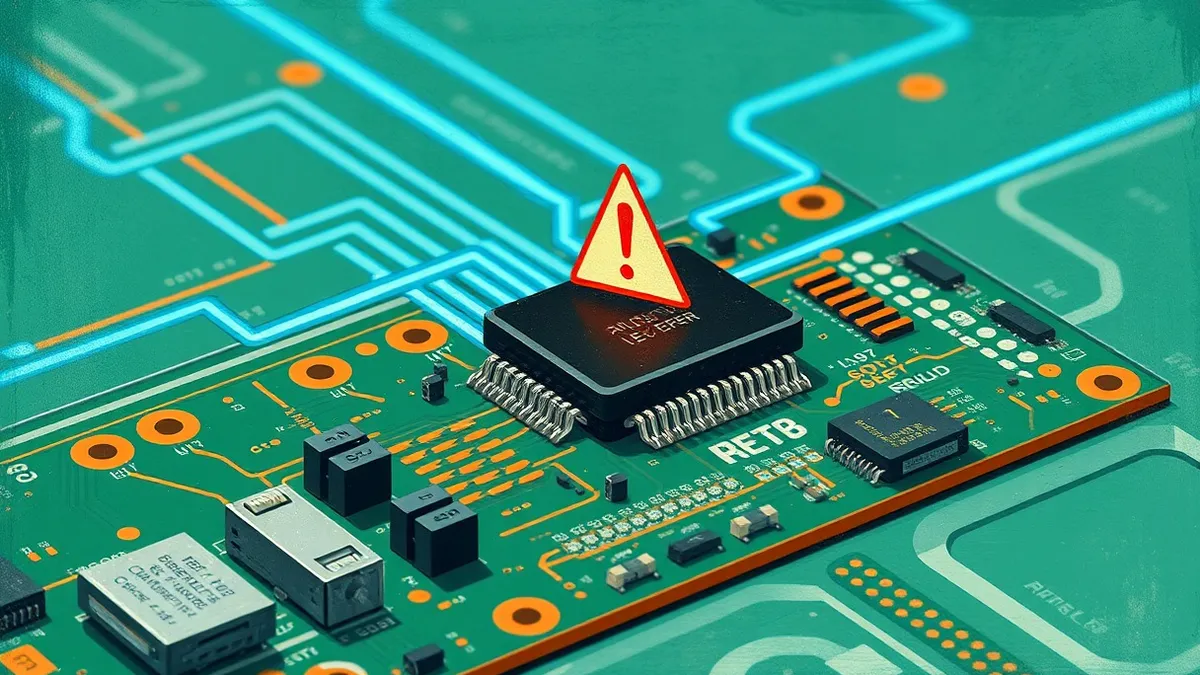
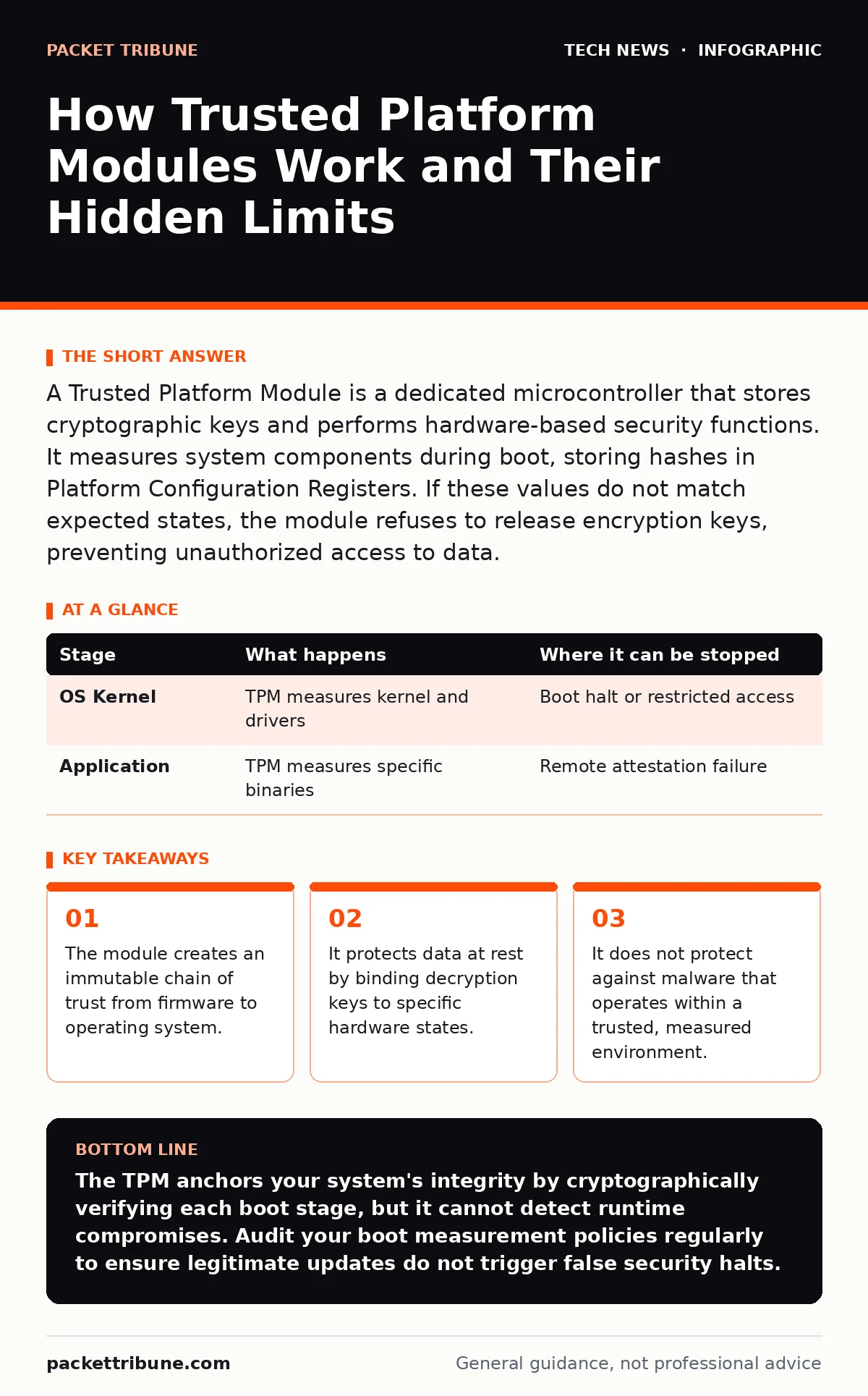
A Trusted Platform Module is a dedicated microcontroller that stores cryptographic keys and performs hardware-based security functions. It measures system components during boot, storing hashes in Platform Configuration Registers. If these values do not match expected states, the module refuses to release encryption keys, preventing unauthorized access to data.
The Hardware Root of Trust
The Trusted Platform Module provides a secure anchor for your system. Unlike software-based security, which runs on the same processor as the operating system, this chip operates independently. It generates and stores cryptographic keys, ensuring they never leave the physical boundary of the device. This isolation prevents attackers from extracting keys through memory dumps or software exploits.
The core function is measurement. The module records the state of your system components as they load. It calculates a cryptographic hash for each piece of code, appending it to the previous result. This creates a cumulative record of every step in the boot process. If any component changes, even slightly, the final hash will differ from the expected value.
### Stage 1: Firmware Initialization
The process begins when you power on the device. The firmware, often called BIOS or UEFI, loads first. This code resides in non-volatile memory on the motherboard. The Trusted Platform Module measures this firmware immediately. It calculates a hash of the firmware code and stores it in a dedicated register. This register is part of the chain of trust.
If the firmware has been tampered with, the hash will not match the reference value. The system can be configured to halt at this point. This prevents further execution of potentially malicious code. However, this stage only verifies the initial loader. It does not check the operating system yet.
### Stage 2: Bootloader Verification
Once the firmware loads, it hands control to the bootloader. This small program prepares the environment for the operating system. The TPM measures the bootloader next. It appends the bootloader's hash to the previous measurement. This extends the chain of trust. The system now has a record of both the firmware and the bootloader.
This step is critical because the bootloader can modify the operating system before it runs. If an attacker replaces the bootloader, they can inject malware into the kernel. The TPM detects this change by comparing the new hash against the known good value. If they differ, the chain is broken. The system can refuse to proceed, protecting the integrity of the subsequent stages.
### Stage 3: Operating System Loading
The bootloader then loads the operating system kernel. The TPM measures the kernel and its initial modules. This measurement includes the core system files and drivers. The hash is extended into the chain. The TPM now holds a cumulative record of the entire boot path. This record proves that the system started with the exact code it was supposed to use.
This stage often involves complex dependencies. Drivers and modules can vary between installations. The TPM must be configured to accept these variations. If the configuration is too strict, legitimate updates may fail verification. If it is too loose, attackers may slip in malicious drivers. Finding the right balance requires careful management of the expected hash values.
### Stage 4: Application Environment
After the operating system is running, the TPM can measure specific applications. This is less common but increasingly important for sensitive workloads. The TPM measures the application binary before it executes. This ensures the application has not been tampered with. It also allows the application to prove its integrity to remote servers.
This stage is often used in enterprise environments. Remote servers can request the TPM's measurements to verify the client's state. This is known as remote attestation. It allows the server to trust that the client is running a secure environment. This is particularly useful for remote work security, where endpoints are outside the corporate network.
| Stage | What happens | Where it can be stopped |
|---|---|---|
| OS Kernel | TPM measures kernel and drivers | Boot halt or restricted access |
| Application | TPM measures specific binaries | Remote attestation failure |
See also: Wifi router security: Stop hidden admin access from leaking data
The Limits of Hardware Trust
The Trusted Platform Module does not provide complete protection. It only verifies the state of the system at specific points. It cannot detect malware that operates within a trusted environment. If an attacker modifies the system after the TPM has measured it, the module will not know. The chain of trust is only as strong as its last measurement.
Imagine a scenario where an attacker gains physical access to your device. They can replace the firmware with a malicious version that mimics the original hash. The TPM will measure the malicious firmware and store the correct hash. The system will boot normally, but the attacker now has control. This is why physical security remains a critical component of your overall strategy.
Integration with Encryption
The TPM is often paired with full disk encryption. The encryption key is stored within the TPM. The module only releases this key if the boot measurements match the expected values. This ensures that your data remains encrypted if the system is tampered with. It prevents attackers from bypassing the operating system to access your files.
This integration relies on the assumption that the TPM itself is secure. If the module is compromised, the encryption key may be exposed. Attackers can attempt side-channel attacks to extract keys from the chip. These attacks exploit physical properties of the hardware, such as power consumption or electromagnetic emissions. While difficult, they are not impossible.
Managing the Chain of Trust
Maintaining the chain of trust requires ongoing effort. Every software update changes the system state. You must update the expected hash values in the TPM or the management console. If you fail to do this, legitimate updates will trigger security alerts. This can lead to false positives and operational disruption.
You should integrate this process with your secure software development practices. Ensure that your update mechanisms are secure and verified. This reduces the risk of introducing malicious code into the chain. Regular audits of the TPM measurements can help identify unexpected changes. This proactive approach helps maintain the integrity of your systems over time.
The TPM also plays a role in open port management. By verifying the system state, you can ensure that only authorized services are running. This reduces the attack surface of your devices. It complements network-level security measures by adding a layer of host-based verification.
Practical Considerations for Deployment
Deploying TPM-based security requires careful planning. You must decide which stages to measure and how to handle mismatches. A strict policy may improve security but reduce usability. A lenient policy may improve usability but reduce security. Finding the right balance is key to successful deployment.
Consider the lifecycle of your devices. Older systems may not support the latest TPM features. You may need to upgrade hardware to achieve the desired level of security. This is a significant cost that should be factored into your budget. Plan for regular maintenance and updates to keep the chain of trust intact.
The Future of Hardware Security
The role of the TPM is evolving. New standards are emerging that expand its capabilities. These standards allow for more granular control over security policies. They also improve interoperability between different vendors. This makes it easier to deploy TPM-based security across diverse environments.
However, the fundamental principles remain the same. The TPM provides a root of trust. It measures the system and protects cryptographic keys. Understanding these principles is essential for effective security management. As threats evolve, so too will the capabilities of the TPM. Staying informed about these developments is crucial for maintaining a secure infrastructure.
Key takeaways
- The module creates an immutable chain of trust from firmware to operating system.
- It protects data at rest by binding decryption keys to specific hardware states.
- It does not protect against malware that operates within a trusted, measured environment.
The TPM anchors your system's integrity by cryptographically verifying each boot stage, but it cannot detect runtime compromises. Audit your boot measurement policies regularly to ensure legitimate updates do not trigger false security halts.
Frequently asked questions
Does the TPM protect against all types of malware?
No, it only verifies the system state during boot. It cannot detect malware that operates within a trusted, measured environment or that is introduced after the boot process completes.
Can an attacker bypass the TPM?
Physical attacks can potentially compromise the TPM, but they are difficult and require specialized equipment. Software attacks cannot directly bypass the TPM's hardware isolation.
What happens if the TPM fails?
If the TPM fails, the system may not be able to unlock encrypted data or verify boot integrity. This can result in a loss of access to the device until the TPM is replaced or reset.
Is the TPM compatible with all operating systems?
Most modern operating systems support TPM functionality, but the level of integration varies. Linux and Windows have robust support, while other systems may require additional configuration.
How this guide was produced: written by the Packet Tribune editorial team with AI assistance, checked against the public references listed below, and reviewed when the facts change. See our editorial policy or report an error.