Prevent Public File Share Exposure With This Technical Checklist
Default cloud storage settings often publish data to the global internet, turning internal repositories into searchable archives for anyone with a search engine.

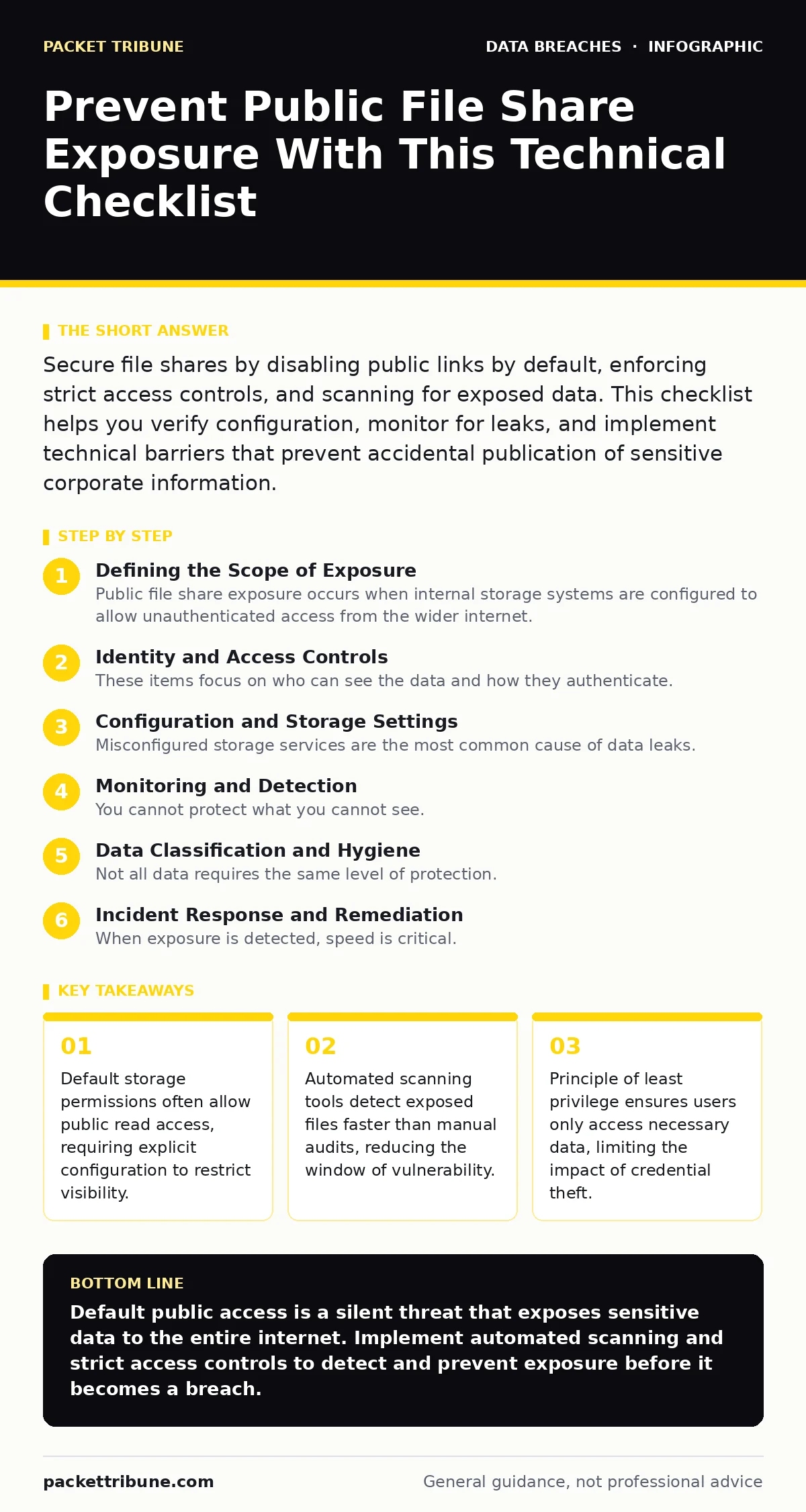
Secure file shares by disabling public links by default, enforcing strict access controls, and scanning for exposed data. This checklist helps you verify configuration, monitor for leaks, and implement technical barriers that prevent accidental publication of sensitive corporate information.
Defining the Scope of Exposure
Public file share exposure occurs when internal storage systems are configured to allow unauthenticated access from the wider internet. This is not a theoretical risk but a common configuration error in cloud storage and on-premise servers. You must treat every shared folder as potentially public until proven otherwise. The checklist below helps you verify your defences against accidental data publication.
Identity and Access Controls
These items focus on who can see the data and how they authenticate. Weak identity management is the primary vector for unauthorized access.
- Enforce multi-factor authentication for all administrative accounts: This prevents attackers from using stolen credentials to modify sharing settings.
- Review guest access policies on shared drives: Guest users often bypass standard security controls, creating a blind spot in your monitoring.
- Implement role-based access control for sensitive folders: This ensures users only see data relevant to their job function, supporting the principle of least privilege.
- Disable legacy authentication protocols: Older protocols lack modern security features and are easier to compromise with brute force attacks.
- Audit service account permissions regularly: Service accounts often have excessive rights that attackers exploit to move laterally within the network.
Configuration and Storage Settings
Misconfigured storage services are the most common cause of data leaks. You must verify that your storage infrastructure defaults to private access.
- Set default storage permissions to private: This ensures new files and folders are not publicly visible unless explicitly shared by an authorised user.
- Disable public link generation for sensitive data classes: Preventing the creation of shareable links for confidential documents stops accidental exposure at the source.
- Configure firewall rules to block direct IP access to storage: This forces all access through authenticated gateways, providing a single point for monitoring and control.
- Enable encryption at rest for all shared data: This protects data even if an attacker bypasses network controls and accesses the underlying storage media.
- Restrict API access to trusted IP ranges: Limiting which servers can interact with your storage API reduces the attack surface for automated scanning tools.
Monitoring and Detection
You cannot protect what you cannot see. Continuous monitoring is required to detect misconfigurations and unauthorized access attempts.
- Deploy automated scanning for public buckets: Regular scans identify storage containers that have been inadvertently set to public, allowing for rapid remediation.
- Enable detailed audit logging for access events: Logs provide the evidence needed to investigate incidents and understand the scope of a potential breach.
- Set up alerts for unusual download volumes: Sudden spikes in data retrieval often indicate an attacker exfiltrating information or a misconfigured application.
- Monitor for changes to sharing permissions: Alerting on permission changes helps you detect when an insider or attacker modifies access controls to expose data.
- Review logs for access from unexpected geographic locations: Access from regions where your business does not operate is often a sign of compromised credentials.
Data Classification and Hygiene
Not all data requires the same level of protection. Effective data classification helps you apply appropriate controls without stifling productivity.
- Tag sensitive data with classification labels: Automated tools can use these labels to apply stricter sharing restrictions to high-value information.
- Remove unnecessary personal data from shared folders: Reducing the amount of sensitive data in shared spaces limits the impact of any exposure event.
- Establish retention policies for shared files: Automatically deleting old files reduces the amount of legacy data available for attackers to harvest.
- Educate users on safe sharing practices: Training helps staff recognise the risks of using public links and understand the consequences of oversharing on social media.
See also: DevSecOps vs SecDevOps: Why the Syntax Defines Your Security Posture · Cloud migration security strategy: secure data in transit and at rest
Incident Response and Remediation
When exposure is detected, speed is critical. Your response plan must include specific steps for containing public file share breaches.
- Define clear procedures for revoking public access: Immediate revocation of sharing links limits the time attackers have to access the data.
- Test your incident response plan annually: Regular testing ensures your team knows how to react quickly when a public exposure is detected.
- Maintain a list of emergency contacts for legal and PR: Early notification of stakeholders helps manage the reputational and legal impact of a breach.
- Document all response actions for future review: Detailed records help you improve your defences and demonstrate due diligence in regulatory investigations.
- Verify remediation with a follow-up scan: Confirming that the exposure has been fully closed prevents attackers from returning to the same vulnerability.
Integrating with Broader Security
File share security does not exist in isolation. It must align with your overall security strategy to be effective.
- Align file share policies with database security standards: Consistent security controls across different data stores reduce complexity and improve compliance.
- Ensure password hygiene extends to storage accounts: Strong, unique passwords for storage credentials prevent attackers from guessing access keys.
- Coordinate with your encryption strategy: Ensuring all data is encrypted, both in transit and at rest, provides a final layer of defence against exposure.
- Review your doxxing prevention measures: Publicly exposed files can contain personally identifiable information, increasing the risk of targeted harassment.
Key takeaways
- Default storage permissions often allow public read access, requiring explicit configuration to restrict visibility.
- Automated scanning tools detect exposed files faster than manual audits, reducing the window of vulnerability.
- Principle of least privilege ensures users only access necessary data, limiting the impact of credential theft.
Default public access is a silent threat that exposes sensitive data to the entire internet. Implement automated scanning and strict access controls to detect and prevent exposure before it becomes a breach.
Frequently asked questions
How do I know if my file shares are publicly accessible?
Use automated scanning tools designed to detect public storage buckets and misconfigured permissions. These tools can identify exposures that manual audits might miss.
Can I rely on firewalls to protect my file shares?
Firewalls provide a layer of protection but cannot prevent exposure if the storage service itself is configured for public access. You need both network controls and application-level permissions.
What is the first step if I discover a public file share?
Immediately revoke public access to the shared folder or bucket. Then, investigate how the exposure occurred and review logs to determine if any data was accessed.
Do I need to encrypt files that are already encrypted by my storage provider?
If your storage provider uses strong encryption at rest, additional file-level encryption may not be necessary. However, verify the provider's key management practices to ensure you have control over decryption.
How this guide was produced: written by the Packet Tribune editorial team with AI assistance, checked against the public references listed below, and reviewed when the facts change. See our editorial policy or report an error.