Password Hygiene Checklist: 20 Checks for Secure Credential Management
Most credential theft occurs not through complex cracking but via reused passwords and unsecured local storage on compromised endpoints.

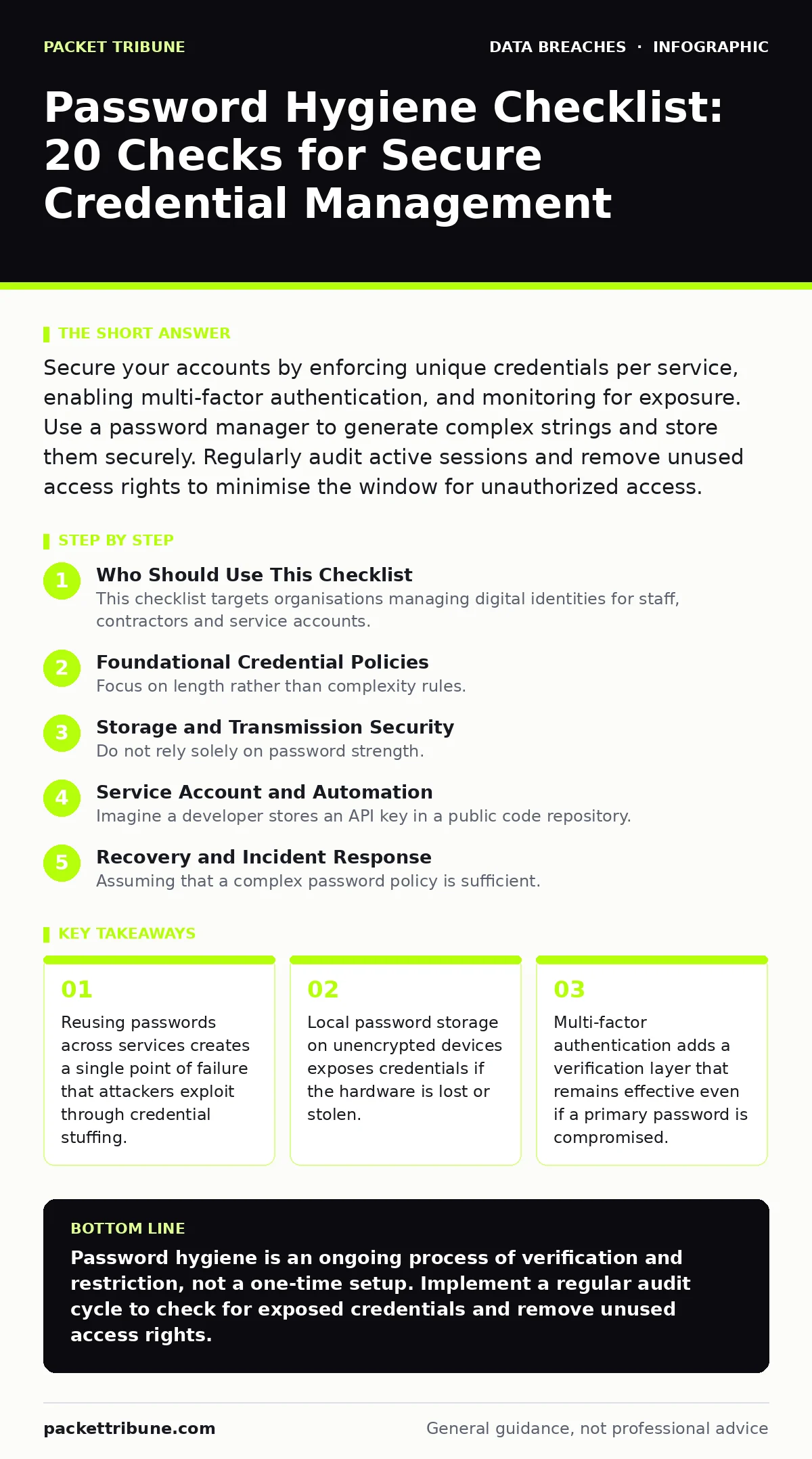
Secure your accounts by enforcing unique credentials per service, enabling multi-factor authentication, and monitoring for exposure. Use a password manager to generate complex strings and store them securely. Regularly audit active sessions and remove unused access rights to minimise the window for unauthorized access.
Who Should Use This Checklist
This checklist targets organisations managing digital identities for staff, contractors and service accounts. You use it to audit current credential practices and identify gaps in your access control framework. It complements existing security measures by focusing specifically on how secrets are created, stored and verified. Regular application of these checks reduces the risk of unauthorized access stemming from weak or exposed credentials. It aligns with broader efforts to secure sensitive personal data and prevent data breaches caused by human error or negligence.
Foundational Credential Policies
- Enforce unique passwords per service: Reusing credentials allows attackers to access multiple accounts after compromising just one.
- Require minimum length over complexity: Longer passwords resist brute force attacks better than short strings with special characters.
- Disable password reuse history: Preventing recent password reuse stops attackers from cycling through known valid credentials.
- Set reasonable expiration intervals: Frequent forced changes often lead to predictable patterns, while no expiration allows stale access to persist.
- Ban common dictionary words: Attackers use automated tools that test millions of common words and phrases before trying random strings.
Storage and Transmission Security
- Use a dedicated password manager: Centralised storage ensures encryption at rest and prevents passwords from being saved in plain text files.
- Encrypt local credential stores: If a device is lost, encryption prevents attackers from reading stored passwords without the master key.
- Verify TLS on login pages: Unencrypted transmission allows network listeners to capture credentials in plain text during entry.
- Avoid browser auto-fill for sensitive accounts: Browsers often store credentials in less secure local databases compared to dedicated managers.
- Secure mobile device storage: Mobile apps often cache credentials in ways that are vulnerable to physical extraction or OS-level exploits.
Multi-Factor Authentication Implementation
- Enable hardware security keys: Physical devices provide the highest resistance to phishing and remote exploitation compared to software tokens.
- Disable SMS-based verification: SIM swapping and interception attacks make phone numbers an unreliable second factor for high-value accounts.
- Use authenticator apps for standard accounts: Time-based one-time passwords offer a good balance of security and convenience for most users.
- Require MFA for administrative access: Privileged accounts are primary targets, so an extra verification step is mandatory for these roles.
- Test backup code procedures: Users must store backup codes securely to avoid lockouts, which often lead to insecure recovery methods.
Monitoring and Exposure Detection
- Monitor for credential leaks: Automated services can alert you if your passwords appear in public databases or forums.
- Audit active sessions regularly: Identifying and terminating unknown sessions limits the damage if a password is compromised.
- Review third-party application access: Connected apps often retain access even after a password change, creating hidden entry points.
- Check for public file share exposure: Misconfigured cloud storage often contains documents with embedded credentials or access instructions.
- Analyze login failure patterns: Spikes in failed attempts indicate brute force or credential stuffing attacks against specific accounts.
See also: Prevent Public File Share Exposure With This Technical Checklist · Network Access Control Mistakes That Compromise Your Infrastructure
Service Account and Automation
- Rotate service account passwords: Automated systems often use static credentials; regular rotation limits the window of exposure if a secret leaks.
- Use short-lived tokens where possible: Temporary credentials reduce the risk of long-term misuse compared to permanent passwords.
- Restrict API key permissions: Service accounts should have the minimum access required for their function, following the principle of least privilege.
- Audit database security configurations: Ensure that database connections use encrypted channels and strong authentication methods.
- Separate human and machine identities: Mixing user and service account practices leads to inconsistent security controls and audit gaps.
Recovery and Incident Response
- Define a password reset process: A clear, secure method for resetting credentials prevents social engineering attacks on support teams.
- Verify identity before recovery: Adding an extra step for password resets stops attackers from hijacking accounts through simple email intercepts.
- Document incident response steps: Knowing how to revoke access quickly limits the duration of unauthorized access during a breach.
- Train staff on phishing recognition: Users who identify fake login pages prevent credential theft at the source.
- Review encryption key management: Ensure that keys used to protect stored passwords are themselves secure and regularly rotated.
Key takeaways
- Reusing passwords across services creates a single point of failure that attackers exploit through credential stuffing.
- Local password storage on unencrypted devices exposes credentials if the hardware is lost or stolen.
- Multi-factor authentication adds a verification layer that remains effective even if a primary password is compromised.
Password hygiene is an ongoing process of verification and restriction, not a one-time setup. Implement a regular audit cycle to check for exposed credentials and remove unused access rights.
Frequently asked questions
How often should passwords be changed?
Change passwords immediately upon suspicion of compromise. For routine changes, focus on length and uniqueness rather than strict time intervals, as frequent forced changes often lead to weaker, predictable patterns.
Are password managers safe to use?
Password managers are generally safer than human memory or plain text files. They encrypt data locally and use strong algorithms. The risk lies in the master password; if it is weak or reused, the entire vault is vulnerable.
What is the best multi-factor method?
Hardware security keys offer the highest security against phishing and remote attacks. Authenticator apps are a strong alternative for most users. SMS verification is discouraged due to SIM swapping risks.
How do I check if my password is leaked?
Use reputable breach notification services that hash your email or password before checking. These services compare hashes against known leak databases without storing your actual credentials.
How this guide was produced: written by the Packet Tribune editorial team with AI assistance, checked against the public references listed below, and reviewed when the facts change. See our editorial policy or report an error.