Implement Database Security: A Step-by-Step Technical Guide
Database security fails when teams secure the perimeter but leave internal query logic exposed to logic flaws and privilege escalation.

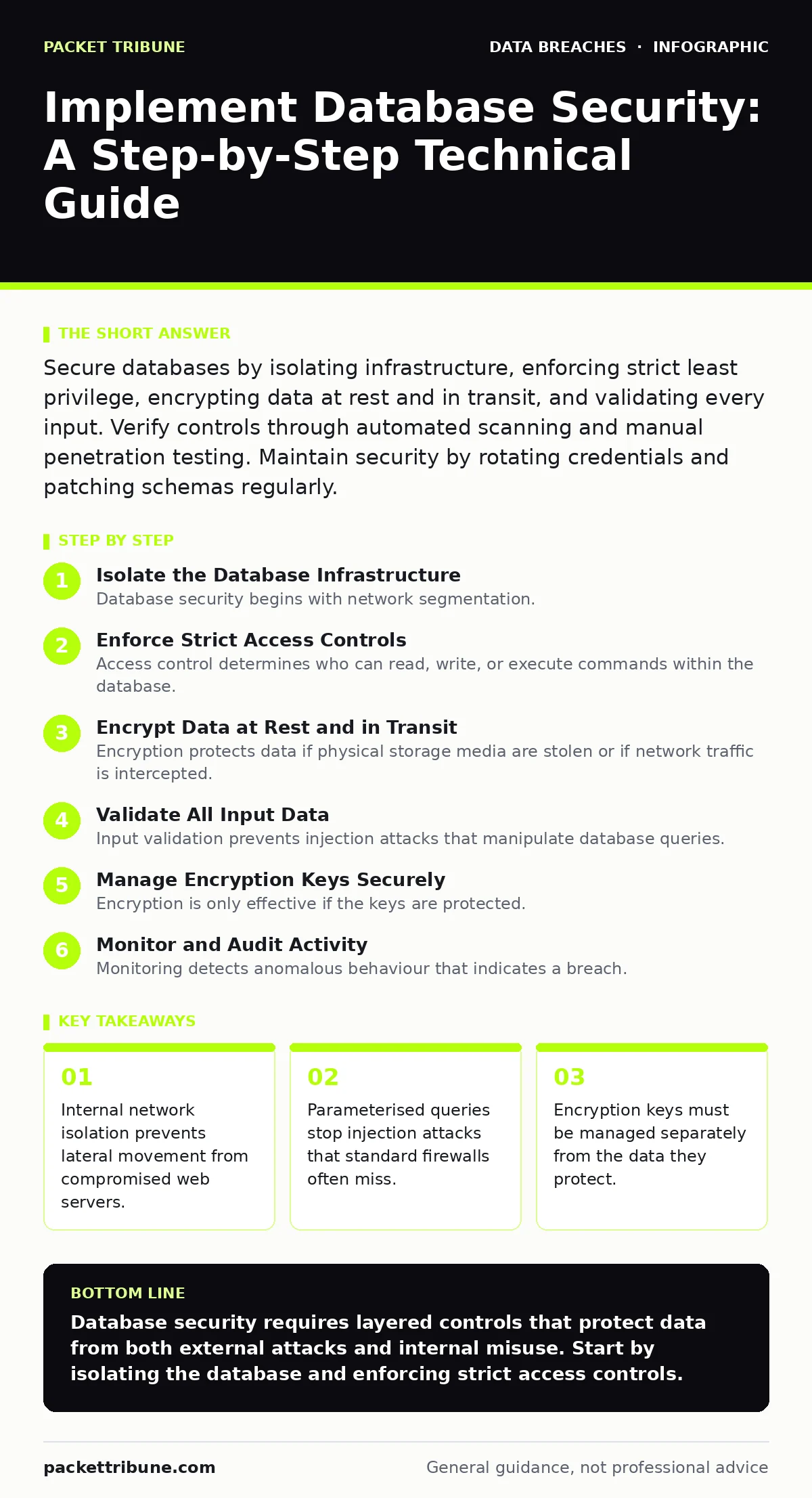
Secure databases by isolating infrastructure, enforcing strict least privilege, encrypting data at rest and in transit, and validating every input. Verify controls through automated scanning and manual penetration testing. Maintain security by rotating credentials and patching schemas regularly.
Isolate the Database Infrastructure
Database security begins with network segmentation. You must place database servers in a dedicated subnet that web application servers cannot reach directly. This isolation forces all traffic through a controlled middleware layer or application proxy. Without this barrier, a compromised web server allows immediate access to the database engine.
Imagine a scenario where an attacker gains control of a public-facing web application. If the database resides on the same network segment, the attacker can pivot directly to the database using the application's credentials. Segmentation breaks this path. The database should only accept connections from specific application IP addresses on specific ports.
You verify this isolation by attempting to connect to the database from a web server instance using a generic client tool. The connection should fail unless it originates from the authorised application service account. Check firewall logs to ensure that only the expected traffic patterns appear. Any direct SSH or telnet access from the web tier indicates a segmentation failure.
Enforce Strict Access Controls
Access control determines who can read, write, or execute commands within the database. You must implement the principle of least privilege for every account. This means each user and service account receives only the permissions necessary for its specific function. No account should have administrative rights unless absolutely required for maintenance.
Separate application accounts from administrative accounts. The application service account should only have rights to read and write to the tables it uses. It must not have the ability to create new tables, modify schemas, or access other databases. Administrative accounts should be used only for maintenance windows and should never be embedded in application code.
Verify access controls by running a query to list all granted privileges for the application service account. Compare this list against the application's required operations. Any extra permissions, such as the ability to drop tables or access system tables, represent a risk. Revoke these permissions immediately.
Encrypt Data at Rest and in Transit
Encryption protects data if physical storage media are stolen or if network traffic is intercepted. You must encrypt all data stored on disk using strong algorithms. This ensures that raw files on the database server are unreadable without the decryption keys. Simultaneously, you must encrypt all connections between the application and the database using TLS.
Imagine a server hard drive is removed from a compromised machine and connected to another system. If the data is not encrypted at rest, the attacker can read every record. Encryption at rest renders the stolen data useless. Encryption in transit prevents attackers on the network from sniffing credentials and query results.
Verify encryption by checking the database configuration for the encryption status of data files. Confirm that the application connection string enforces TLS. Use a network capture tool to inspect traffic between the application and database. The traffic should appear as encrypted noise, not readable SQL commands.
Validate All Input Data
Input validation prevents injection attacks that manipulate database queries. You must treat all user input as untrusted data. This includes data from web forms, API calls, and file uploads. The application must validate input against strict rules before sending it to the database. Parameterised queries are the primary defence against SQL injection.
Parameterised queries separate the SQL command from the data. The database engine treats the data as literal values, not as executable code. This prevents an attacker from injecting malicious SQL commands into a query. You must use parameterised queries for every operation that includes user input. Stored procedures can help but do not replace input validation.
Verify input validation by attempting to inject common SQL payloads into application inputs. The application should reject the input or return a generic error message. It must not execute the injected command. Automated scanning tools can help identify unparameterised queries in the codebase.
Manage Encryption Keys Securely
Encryption is only effective if the keys are protected. You must manage encryption keys using a dedicated key management system. This system should be separate from the database server. Keys should be rotated regularly and access to them should be strictly controlled. Never hardcode keys in application configuration files.
Imagine a developer loses access to the key management system. If the keys are not backed up securely, the encrypted data becomes permanently inaccessible. Key management balances security with availability. You need a process for recovering keys in emergencies without compromising their security.
Verify key management by auditing access logs to the key management system. Ensure that only authorised personnel can retrieve keys. Confirm that backup keys are stored in a separate, secure location.
See also: Password Hygiene Checklist: 20 Checks for Secure Credential Management · Prevent Public File Share Exposure With This Technical Checklist
Monitor and Audit Activity
Monitoring detects anomalous behaviour that indicates a breach. You must enable audit logging for all database activities. This includes login attempts, query execution, and schema changes. Logs should be sent to a centralised logging system that is separate from the database server. This prevents an attacker from deleting evidence of their intrusion.
Set up alerts for suspicious activities, such as multiple failed login attempts or large data exports. Regularly review audit logs to identify patterns that deviate from normal operations. Automated tools can help analyse logs for anomalies, but human review is necessary to confirm true threats.
Verify monitoring by simulating a suspicious activity, such as a bulk data export. Check that the alerting system triggers and that the logs capture the event details. Ensure that logs are retained for a sufficient period to support forensic analysis.
Maintain and Patch Regularly
Database software contains vulnerabilities that attackers exploit. You must apply security patches as soon as they are released. Test patches in a staging environment before deploying them to production. This prevents compatibility issues that could disrupt business operations. Regular maintenance also includes reviewing and updating security configurations.
Imagine a critical vulnerability is discovered in the database engine. If patches are not applied promptly, attackers can exploit the vulnerability to gain access. Timely patching reduces the window of exposure. You must have a process for emergency patching that allows for rapid deployment when necessary.
Verify patching by checking the version of the database software against the vendor's release notes. Ensure that all known vulnerabilities are addressed. Review security configurations to ensure they align with current best practices.
Verify Security Effectiveness
Verification ensures that security controls work as intended. You must conduct regular security assessments, including vulnerability scanning and penetration testing. These assessments identify weaknesses that automated tools might miss. Use the results to improve your security posture.
A verification checklist includes:
- Network segmentation is enforced.
- Access controls follow least privilege.
- Data is encrypted at rest and in transit.
- Input validation prevents injection attacks.
- Encryption keys are managed securely.
- Audit logs are monitored and retained.
- Patches are applied regularly.
Verify each item on the checklist regularly. Document the results and track remediation efforts. This creates a continuous improvement cycle for database security.
Key takeaways
- Internal network isolation prevents lateral movement from compromised web servers.
- Parameterised queries stop injection attacks that standard firewalls often miss.
- Encryption keys must be managed separately from the data they protect.
Database security requires layered controls that protect data from both external attacks and internal misuse. Start by isolating the database and enforcing strict access controls.
Frequently asked questions
How often should database security configurations be reviewed?
Review configurations after every major change, such as schema updates or software upgrades, and at least quarterly otherwise.
Can network firewalls replace input validation?
No, firewalls filter network traffic but cannot detect malicious SQL logic within allowed connections. Input validation is still required.
What is the risk of using default database accounts?
Default accounts are well-known to attackers and often have high privileges. They should be renamed, disabled, or removed immediately.
How do you handle encryption for legacy applications?
Use transparent data encryption where possible, or implement application-level encryption if the legacy system cannot support modern protocols.
How this guide was produced: written by the Packet Tribune editorial team with AI assistance, checked against the public references listed below, and reviewed when the facts change. See our editorial policy or report an error.