TLS Certificates Explained: How Digital IDs Secure Your Data
TLS certificates act as digital passports that verify server identity and encrypt data, preventing eavesdropping and impersonation attacks on the internet.

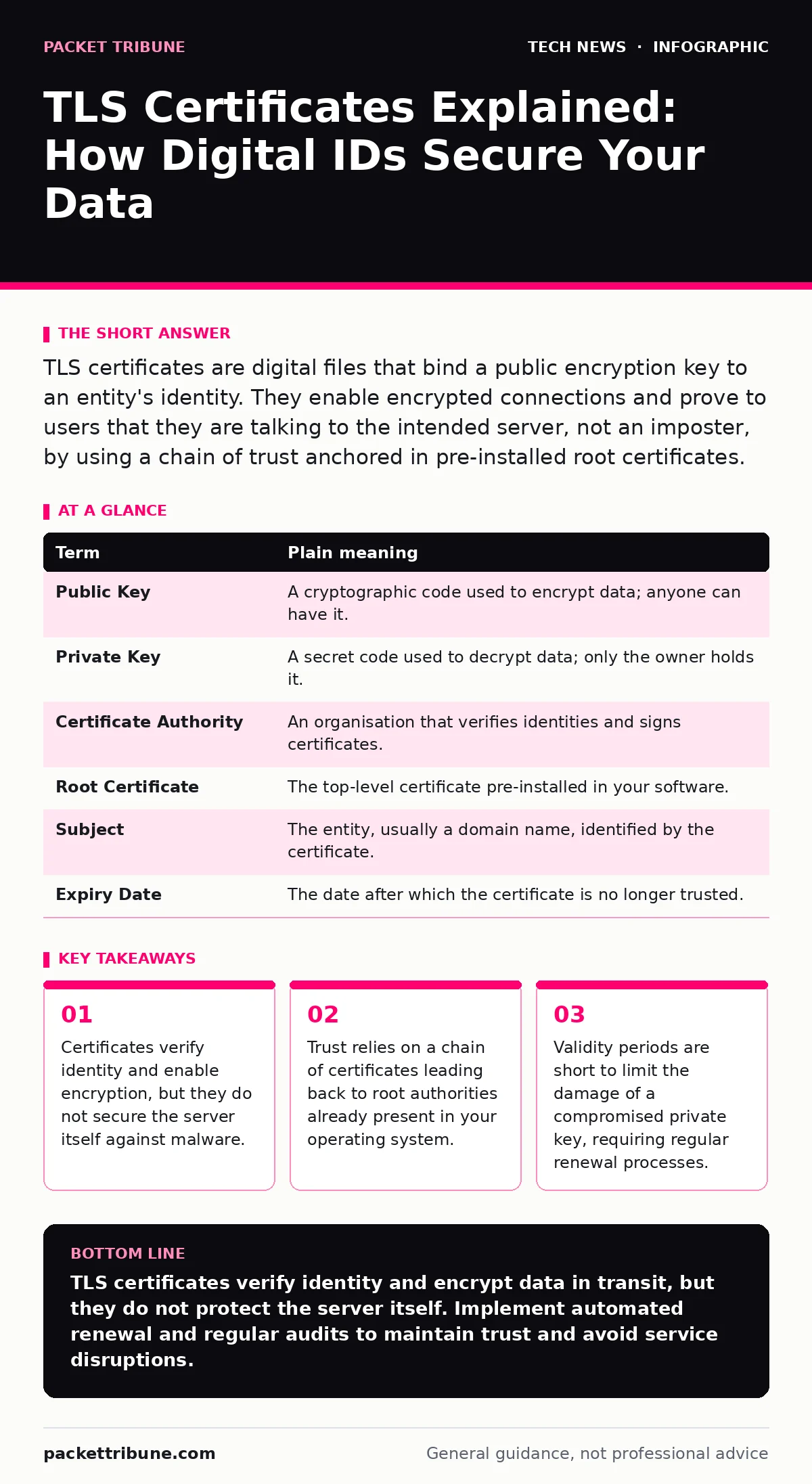
TLS certificates are digital files that bind a public encryption key to an entity's identity. They enable encrypted connections and prove to users that they are talking to the intended server, not an imposter, by using a chain of trust anchored in pre-installed root certificates.
The Digital Passport Analogy
Imagine you are boarding an international flight. You present a passport to the border guard. The passport contains your photo and name, but more importantly, it bears the seal of your country's government. The guard checks the seal against their database of trusted nations. If the seal is valid, they trust that the photo belongs to you.
In digital communications, a TLS certificate serves this exact function. It binds your identity to a cryptographic key. The "seal" is a digital signature from a trusted Certificate Authority. Without this verification, you cannot be sure who is on the other end of the connection.
Key Terms for Certificate Management
| Term | Plain meaning |
|---|---|
| Public Key | A cryptographic code used to encrypt data; anyone can have it. |
| Private Key | A secret code used to decrypt data; only the owner holds it. |
| Certificate Authority | An organisation that verifies identities and signs certificates. |
| Root Certificate | The top-level certificate pre-installed in your software. |
| Subject | The entity, usually a domain name, identified by the certificate. |
| Expiry Date | The date after which the certificate is no longer trusted. |
How Trust Is Established
Your browser or operating system comes with a store of root certificates. These represent the ultimate sources of trust. When you visit a website, it presents its certificate. Your software checks if this certificate was signed by an intermediate authority, which in turn was signed by a root authority in your store.
This chain of trust is critical. If any link in the chain is broken or missing, the connection fails. This mechanism prevents attackers from creating fake certificates that look legitimate. For deeper context on how keys are exchanged, see our guide on the TLS handshake.
The Scope of Protection
A common misconception is that a certificate secures the entire application. It does not. It only secures the channel between the client and the server. The data is encrypted in transit, but once it reaches the server, it is decrypted. If the server is compromised, the data is exposed.
This distinction matters for your security strategy. You must also consider secure software development practices to protect the application logic itself. A certificate protects the pipe, not the reservoir.
Why Certificates Expire
Certificates have short lifespans, often one year or less. This is a deliberate trade-off. If a private key is stolen, the attacker can impersonate the server. Short validity periods limit the window of opportunity for such an attack.
Renewing certificates requires effort. You must prove ownership of the domain again. This process ensures that the certificate is still being actively managed. Automation helps, but it introduces complexity. You must ensure your renewal process is robust enough to handle failures without causing service outages.
See also: Code Signing: Real Benefits and Hidden Limitations for Software Integrity · Wifi router security: Stop hidden admin access from leaking data
Common Pitfalls in Deployment
One hidden cost of certificates is the configuration overhead. You must ensure that the certificate matches the domain name exactly. Wildcard certificates cover subdomains, but they do not cover the root domain itself. Misconfiguration here leads to browser warnings.
Another issue is weak cryptographic algorithms. Older algorithms may be mathematically breakable. Always use modern standards. As computing power evolves, even current standards may become weak. Keep an eye on post-quantum cryptography for future-proofing your infrastructure.
Practical Steps to Secure Your Stack
- Audit your current certificates. Check for expired or soon-to-expire certificates across all internal and external services. Use a scanner to identify weak ciphers or outdated protocols.
- Implement automated renewal. For public-facing services, use ACME protocol clients to automate the issuance and renewal process. This reduces human error and ensures continuity.
- Verify certificate transparency. Ensure that all issued certificates are logged in public transparency logs. This allows for detection of rogue certificates issued without your knowledge.
For a broader view of how this fits into your perimeter security, consider reading our guide on network access control. Also, see our guide on domain name security to understand how DNS interacts with certificate validation.
Key takeaways
- Certificates verify identity and enable encryption, but they do not secure the server itself against malware.
- Trust relies on a chain of certificates leading back to root authorities already present in your operating system.
- Validity periods are short to limit the damage of a compromised private key, requiring regular renewal processes.
TLS certificates verify identity and encrypt data in transit, but they do not protect the server itself. Implement automated renewal and regular audits to maintain trust and avoid service disruptions.
Frequently asked questions
Do internal services need TLS certificates?
Yes, internal services should use TLS to prevent eavesdropping and tampering within your network. This is known as "encrypting the east-west traffic."
What is the difference between a CA-signed and a self-signed certificate?
A CA-signed certificate is trusted by default by clients because it is signed by a recognised authority. A self-signed certificate is not trusted by default and requires manual installation of the root certificate on each client.
Can I reuse the same certificate for multiple domains?
Yes, using Subject Alternative Names (SANs), you can list multiple domains in a single certificate. This reduces the number of certificates to manage but increases the impact if the private key is compromised.
How do I know if a certificate is valid?
Your browser or client software will indicate validity. Look for a padlock icon in the address bar. Click it to view details about the issuer, expiry date, and the chain of trust.
How this guide was produced: written by the Packet Tribune editorial team with AI assistance, checked against the public references listed below, and reviewed when the facts change. See our editorial policy or report an error.