Printer Security: Benefits, Limits and When to Invest
Printers often bypass network controls, creating blind spots that standard perimeter defences fail to detect or block effectively.
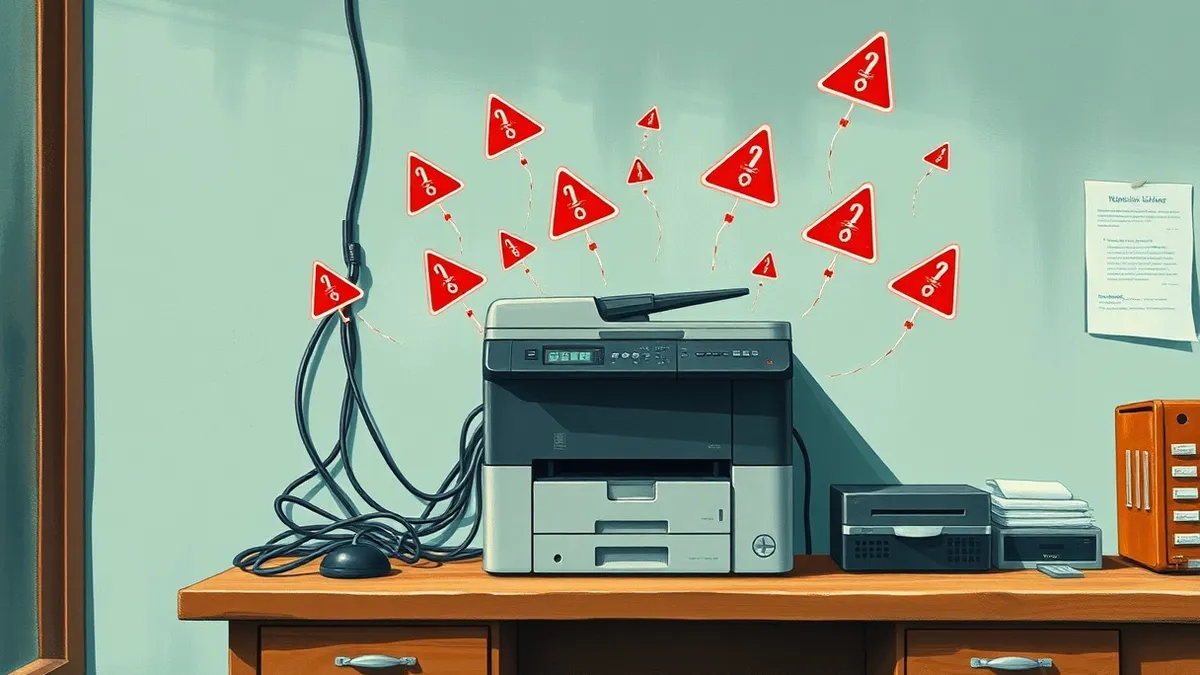
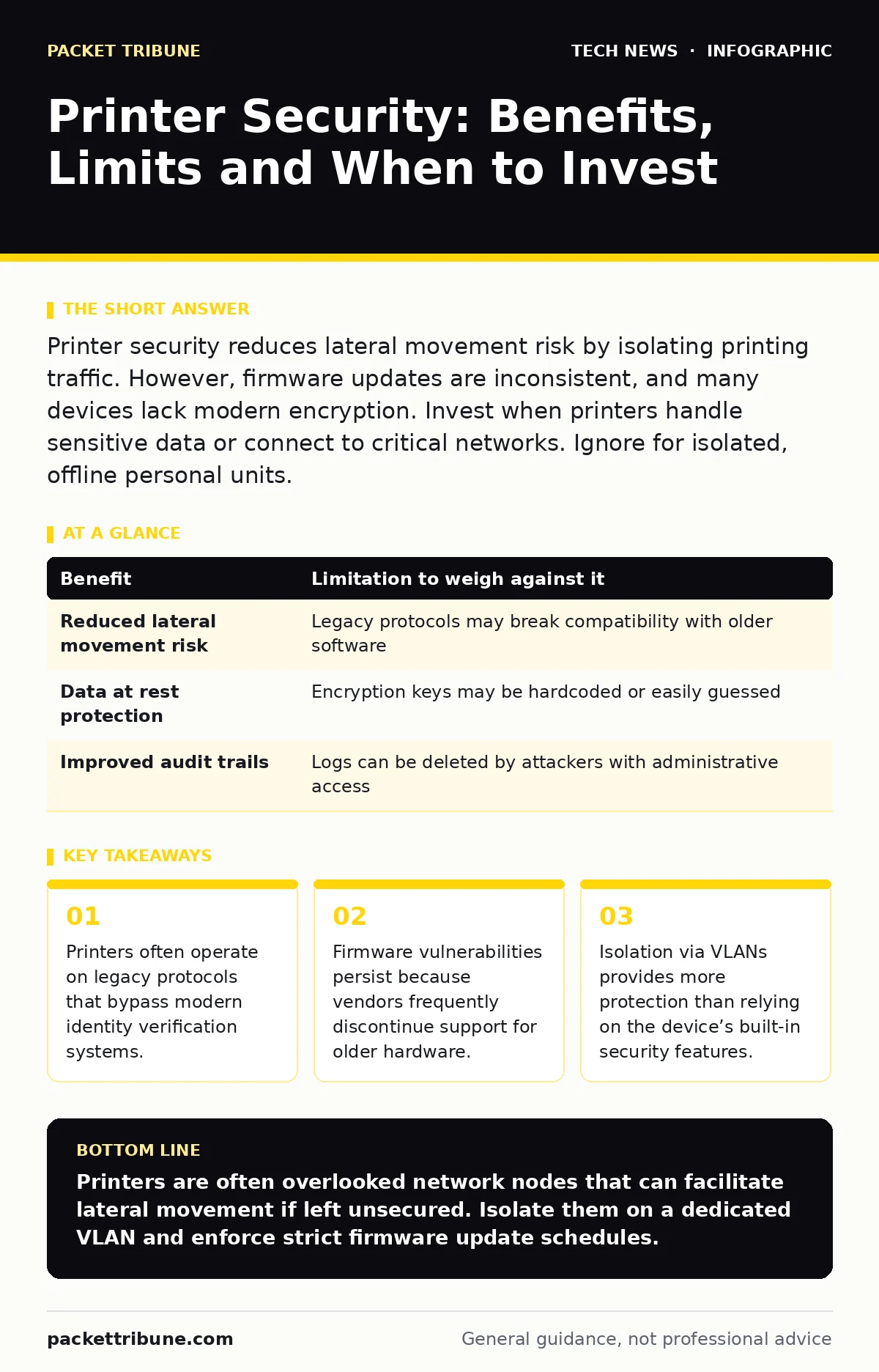
Printer security reduces lateral movement risk by isolating printing traffic. However, firmware updates are inconsistent, and many devices lack modern encryption. Invest when printers handle sensitive data or connect to critical networks. Ignore for isolated, offline personal units.
The Hidden Attack Surface
Office printers are rarely simple output devices. Modern multifunction printers act as networked computers with hard drives, web servers and wireless radios. They process data before printing, storing job details in memory and on disk. This processing creates a unique attack surface.
You might assume your firewall protects every device on the network. Printers often challenge this assumption. Many operate on older protocols that do not support modern authentication methods. These protocols allow any device on the same subnet to send print jobs or retrieve stored data.
Imagine a scenario where a compromised laptop sends a malicious print job. The printer executes the code stored within the job’s metadata. This execution can lead to remote code execution on the printer itself. Once controlled, the printer becomes a pivot point for deeper network access.
Concrete Benefits of Hardening
Securing printers yields specific, measurable benefits. The primary advantage is the reduction of lateral movement. Attackers frequently use printers to move laterally across a network because they are often overlooked during security audits.
Another benefit is data protection. Printers store data temporarily. Without encryption, this data is accessible to anyone who accesses the device’s maintenance menu or physical ports. Enabling encryption ensures that stolen data remains unreadable.
Hardening also improves visibility. Secure printers log access attempts and configuration changes. These logs provide evidence of suspicious activity. Without these logs, you cannot detect if someone is probing your printing infrastructure.
| Benefit | Limitation to weigh against it |
|---|---|
| Reduced lateral movement risk | Legacy protocols may break compatibility with older software |
| Data at rest protection | Encryption keys may be hardcoded or easily guessed |
| Improved audit trails | Logs can be deleted by attackers with administrative access |
Honest Limitations of Device Security
Printer security has inherent limitations. The most significant is firmware dependency. Vendors often stop providing security patches after a few years. You cannot patch a device that no longer receives updates.
Another limitation is user behaviour. Security settings can be reset to default. A user might disable a firewall on the printer to resolve a connectivity issue. This action undoes all previous hardening efforts.
Physical access remains a critical weakness. If an attacker can touch the device, they can often bypass software controls. They might extract the hard drive or use maintenance ports to dump stored data. Software controls do not prevent physical theft or tampering.
When It Is Worth It
Investing in printer security is worth it when the device connects to a corporate network. Corporate networks contain sensitive data. A compromised printer can expose this data to external threats.
It is also worth it when printers handle regulated information. Industries handling health or financial data must protect data at rest and in transit. Printers storing these records must meet strict compliance standards.
Consider the value of the network segment. If the printer resides on the same VLAN as your database servers, the risk is high. Isolating the printer requires more effort than securing it. In this case, hardening the device is the more practical first step.
When It Is Not Worth It
Securing a printer is not worth it if the device is completely isolated. If the printer connects only to a single, offline computer, the risk is minimal. An attacker cannot reach it remotely.
It is also not worth it for cheap, entry-level devices used for low-sensitivity tasks. If you only print internal memos or draft documents, the data loss impact is low. The cost of hardening may exceed the value of the data.
Do not invest in complex security for devices that will be replaced soon. If you plan to upgrade your fleet next year, deep hardening is a waste of resources. Focus on basic network isolation instead.
See also: Data Centre Security for Small Teams: What to Keep Internal · Router Vulnerabilities: Response and Recovery Steps
Implementation Strategies
Start with network segmentation. Place printers on a separate VLAN. This limits access to only authorised print servers and workstations. This strategy aligns with best practices for open port management, ensuring only necessary traffic reaches the device.
Disable unused services. Many printers come with web servers, FTP and SNMP enabled by default. Disable any service you do not actively use. This reduces the number of potential entry points for attackers.
Change default credentials. Default passwords are publicly known. Attackers use automated tools to check for these credentials. Use strong, unique passwords for administrative accounts.
Managing the Lifecycle
Printer security is a lifecycle issue, not a one-time setup. You must manage firmware updates regularly. Delaying updates leaves known vulnerabilities open to exploitation.
Regularly review access logs. Look for unusual patterns, such as print jobs at odd hours or from unknown IP addresses. These patterns may indicate a breach.
Plan for decommissioning. When retiring a printer, securely erase its hard drive. Simple deletion does not remove data. Physical destruction of the drive is the most reliable method.
Integrating with Broader Security
Printer security does not exist in a vacuum. It must integrate with your broader security strategy. For instance, network access control can ensure only authorised devices connect to the printing VLAN.
Consider how TLS certificates are managed on your printers. Self-signed certificates create warnings that users often ignore. Use a central certificate authority to manage printer certificates.
This approach complements other areas like domain name security. If your internal DNS is compromised, attackers could redirect print traffic to a malicious device. Ensuring DNS integrity protects your printing infrastructure.
The Role of User Awareness
Users are often the weakest link. They may plug in unauthorized USB drives or bypass security to fix connectivity issues. Training users on the risks of printer misuse is vital.
Explain why certain actions are restricted. Users who understand the risk are more likely to comply. For example, explain how a shared network drive connected to a printer could leak data.
Regularly test user awareness. Simulate phishing attacks that target printer maintenance pages. This helps identify users who need additional training.
Final Considerations
Printer security requires a balanced approach. You must weigh the benefits against the limitations. There is no perfect solution. Every measure has trade-offs.
Focus on the highest-risk devices first. Prioritise network-connected multifunction printers over basic inkjet units. This ensures you get the most security value for your effort.
Remember that security is an ongoing process. Regular reviews and updates are necessary. A static security posture will eventually fail against evolving threats.
Key takeaways
- Printers often operate on legacy protocols that bypass modern identity verification systems.
- Firmware vulnerabilities persist because vendors frequently discontinue support for older hardware.
- Isolation via VLANs provides more protection than relying on the device’s built-in security features.
Printers are often overlooked network nodes that can facilitate lateral movement if left unsecured. Isolate them on a dedicated VLAN and enforce strict firmware update schedules.
Frequently asked questions
How do I know if my printer has been compromised?
Look for unexpected print jobs, increased network traffic from the printer, or changes to configuration settings that you did not authorise.
Should I disable Wi-Fi on my office printers?
If you do not need mobile printing, disabling Wi-Fi reduces the attack surface. Otherwise, ensure the Wi-Fi network uses strong encryption and authentication.
Can a printer infect my computer with a virus?
Yes, if the printer runs a compromised firmware or serves malicious files through its web interface or network folders.
Do I need to encrypt print jobs over the network?
Yes, encryption prevents eavesdropping on sensitive documents as they travel from your computer to the printer.
How this guide was produced: written by the Packet Tribune editorial team with AI assistance, checked against the public references listed below, and reviewed when the facts change. See our editorial policy or report an error.