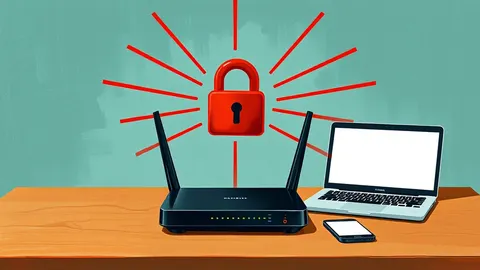
Router Vulnerabilities: Response and Recovery Steps
Isolating the compromised device before rebooting prevents the attacker from wiping forensic evidence and re-establishing control over your network traffic.

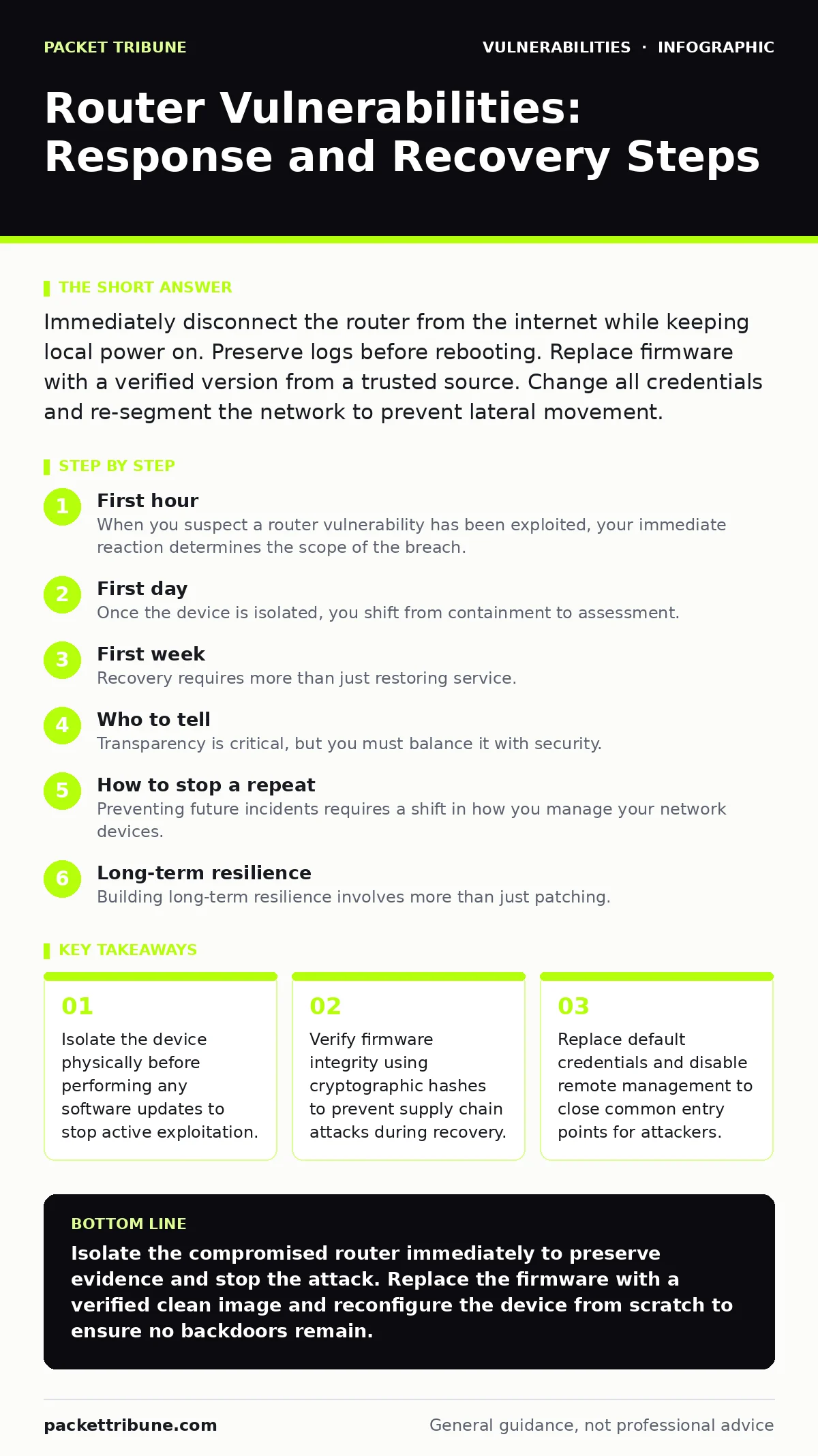
Immediately disconnect the router from the internet while keeping local power on. Preserve logs before rebooting. Replace firmware with a verified version from a trusted source. Change all credentials and re-segment the network to prevent lateral movement.
First hour
When you suspect a router vulnerability has been exploited, your immediate reaction determines the scope of the breach. Panic often leads to hasty reboots or factory resets, which destroy vital evidence. You must act quickly but methodically to contain the threat while preserving the state of the device for analysis.
Your first priority is containment. Disconnect the router’s WAN cable to sever its connection to the internet. Keep the device powered on and connected to your internal network if possible, so you can inspect active processes. If the device is unresponsive or you suspect it is acting as a command-and-control node, unplug the power only after you have documented the physical state and any visible LED patterns.
- Disconnect the WAN cable to isolate the router from the internet.
- Keep the router powered on to preserve volatile memory and logs.
- Document the current time and any unusual LED behaviour.
- Identify any devices on the local network that appear unresponsive.
- Note the router’s model and current firmware version.
If you can access the web interface, do not change settings yet. Take screenshots of the connected devices list, the routing table, and any open ports. These artifacts help you understand how the attacker moved laterally. If the interface is inaccessible, you may need to access the device via a serial console if available, but this requires technical expertise and should not delay isolation.
First day
Once the device is isolated, you shift from containment to assessment. You need to determine what the attacker did and whether they installed persistent backdoors. Many router vulnerabilities allow attackers to modify the firmware or install lightweight command shells that survive simple reboots.
Examine the router’s logs if they are still accessible. Look for unusual DNS requests, outbound connections to unknown IP addresses, or repeated failed login attempts. These indicators suggest whether the attacker was scanning for other vulnerable devices or exfiltrating data. If the logs have been cleared, assume the attacker has covered their tracks and proceed with a full forensic image of the flash storage if your resources allow.
You must also assess the impact on your internal network. Check other connected devices for signs of compromise. An attacker who controls the router can perform man-in-the-middle attacks, intercepting traffic from your computers and phones. Look for unexpected certificate warnings in your browsers or unusual network traffic patterns.
Consider the source of the vulnerability. If it is a known issue, check if CVE Numbering Authorities have published details about the exploit. This helps you understand the specific attack vector. If the vulnerability involves integer overflow vulnerabilities in the router’s packet processing, the attacker may have gained kernel-level access, allowing them to bypass user-space restrictions entirely.
First week
Recovery requires more than just restoring service. You must ensure the device is clean and secure before reconnecting it to the internet. Simply applying a firmware update may not remove rootkits or modified configuration files that the attacker installed.
Start by flashing a fresh copy of the firmware. Do not use the "update" function within the router’s interface, as this may preserve compromised files. Instead, use the manufacturer’s recovery mode to flash a clean image from a trusted source. Verify the firmware file’s cryptographic hash against the official value published by the vendor to ensure it has not been tampered with.
After flashing, configure the router from scratch. Do not restore previous configuration backups, as these may contain hidden backdoors. Set strong, unique administrative passwords and change the default SSID. Disable remote management features, such as WAN-side access to the admin panel, unless absolutely necessary. If you must enable remote access, restrict it to specific IP addresses and use multi-factor authentication.
Re-enable security features such as firewall rules and DNS filtering. Consider segmenting your network further, placing IoT devices on a separate VLAN or guest network. This limits the damage if one device is compromised in the future. Test the new configuration thoroughly before reconnecting the WAN cable.
Who to tell
Transparency is critical, but you must balance it with security. Inform your internal stakeholders about the incident and the steps you have taken to mitigate it. If the router handled sensitive data, you may have legal obligations to notify regulatory bodies or affected users.
Contact your internet service provider if the attack involved their infrastructure or if you suspect the attack originated from a compromised upstream connection. They may have additional logs or insights that help you understand the attack vector. Do not share detailed technical findings publicly until you have completed your investigation, as this could reveal unpatched vulnerabilities to other attackers.
If the vulnerability is widespread and affects many users, consider reporting it to the vendor through their responsible disclosure program. This helps improve the security of the product for everyone. However, do not rely on the vendor to fix the issue quickly. Assume the vulnerability will remain unpatched for some time and plan your response accordingly.
How to stop a repeat
Preventing future incidents requires a shift in how you manage your network devices. Routers are often overlooked in security audits because they are seen as simple connectivity tools. In reality, they are complex computers with significant attack surfaces.
Regularly update your router’s firmware. Many manufacturers release backported security fixes that address critical vulnerabilities without requiring a full firmware rewrite. Subscribe to security advisories for your specific router model to stay informed about new threats. Automate the update process where possible, but always test updates in a controlled environment before deploying them to production.
Disable unnecessary services and ports. Many routers come with pre-enabled features like UPnP, Telnet, or SNMP, which can be exploited if not properly secured. Turn off these features unless you have a specific need for them. Use mitigations and workarounds recommended by the vendor if an immediate patch is not available. These temporary measures can reduce the risk of exploitation until a proper fix is released.
Monitor your network for unusual activity. Implement intrusion detection systems that alert you to suspicious traffic patterns or unauthorized configuration changes. Regularly review access logs to identify any anomalies. If you notice repeated failed login attempts or unexpected outbound connections, investigate immediately.
See also: Is doxxing a crime? Legal status, corporate liability and response steps
Long-term resilience
Building long-term resilience involves more than just patching. You need to adopt a zero-trust mindset, assuming that any device on your network could be compromised. This means verifying every connection and limiting the privileges of each device.
Consider replacing older routers that no longer receive security updates. If your current device is end-of-life, it is a persistent risk. Invest in hardware that supports modern security standards and receives regular updates. Look for devices that support dependency updates and have a transparent development process.
Finally, educate your users about the risks of connected devices. Many breaches start with a compromised IoT device that serves as an entry point for attackers. Encourage users to change default passwords, disable remote access, and keep their devices updated. By fostering a culture of security, you reduce the likelihood of successful attacks and improve your overall defence posture.
Key takeaways
- Isolate the device physically before performing any software updates to stop active exploitation.
- Verify firmware integrity using cryptographic hashes to prevent supply chain attacks during recovery.
- Replace default credentials and disable remote management to close common entry points for attackers.
Isolate the compromised router immediately to preserve evidence and stop the attack. Replace the firmware with a verified clean image and reconfigure the device from scratch to ensure no backdoors remain.
Frequently asked questions
Should I factory reset my router if I suspect a hack?
Only after you have preserved logs and evidence. A factory reset may clear the attacker’s traces, making it harder to determine the scope of the breach.
How do I know if my router firmware is secure?
Check for recent security updates and verify the firmware hash against the vendor’s official publication. Avoid using firmware from unofficial sources.
Can I use my router while it is under investigation?
No. Keep it isolated from the internet and limit local access to prevent the attacker from maintaining control or exfiltrating data.
What if the manufacturer no longer supports my router?
Replace it immediately. Unsupported devices will not receive security patches, leaving you vulnerable to known exploits.
How this guide was produced: written by the Packet Tribune editorial team with AI assistance, checked against the public references listed below, and reviewed when the facts change. See our editorial policy or report an error.