Detect Business Logic Flaws: Log Signals and Blind Spots
Automated scanners miss logic errors because they validate syntax rather than intent, requiring manual workflow mapping to expose gaps in state transitions and permission checks.

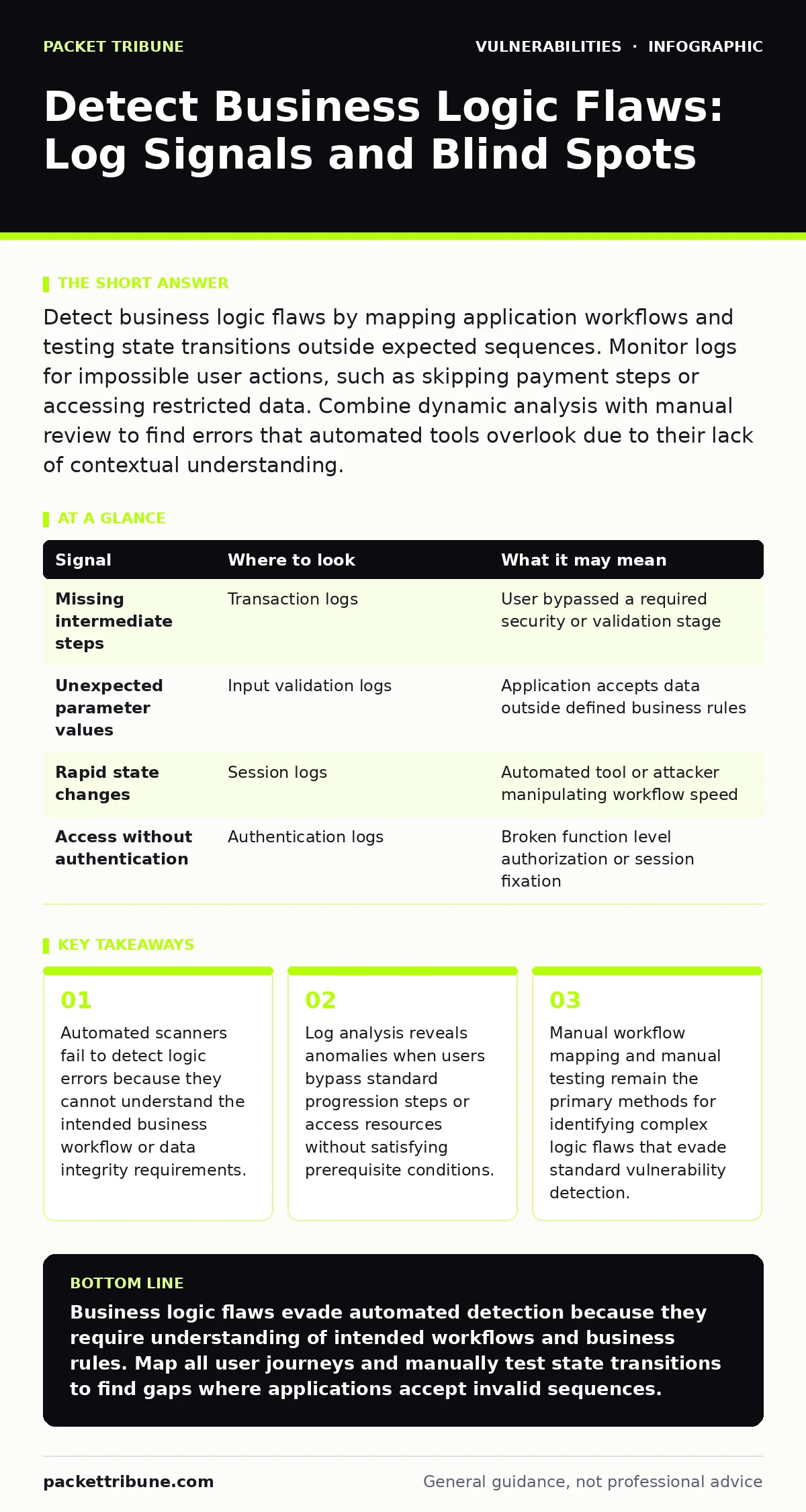
Detect business logic flaws by mapping application workflows and testing state transitions outside expected sequences. Monitor logs for impossible user actions, such as skipping payment steps or accessing restricted data. Combine dynamic analysis with manual review to find errors that automated tools overlook due to their lack of contextual understanding.
Understanding the Nature of Business Logic Flaws
Business logic flaws occur when an application performs actions that contradict its intended operational rules. Unlike code injection or buffer overflow vulnerabilities, these errors do not stem from broken code syntax. They arise from incorrect implementation of business rules. An application might allow a user to purchase an item without payment if the developer forgot to enforce the payment step.
These flaws are invisible to most automated security tools. A scanner checks for known patterns of malicious input. It does not understand that skipping a step in a checkout process violates the business intent. You must approach detection by understanding what the application is supposed to do, not just how it processes data.
Mapping Workflows to Find Gaps
The first step in detection is creating a map of all possible user journeys. Identify every state transition within the application. A state transition is a change in the application's condition, such as moving from "cart" to "payment" to "confirmation". List the prerequisites for each transition.
Imagine an online store. The intended flow is: add to cart, review cart, enter payment, confirm purchase. A logic flaw exists if a user can send a request to "confirm purchase" without having entered payment details. To find this, you must test each step independently. Send requests that skip intermediate stages. Observe whether the application enforces the prerequisite or accepts the out-of-order action.
Analyzing Application Logs for Anomalies
Application logs record every interaction with the system. They are the primary source of evidence for unusual behaviour. Look for sequences of events that should never occur together. Standard logs show successful operations. You must filter for exceptions and warnings that indicate broken workflows.
| Signal | Where to look | What it may mean |
|---|---|---|
| Missing intermediate steps | Transaction logs | User bypassed a required security or validation stage |
| Unexpected parameter values | Input validation logs | Application accepts data outside defined business rules |
| Rapid state changes | Session logs | Automated tool or attacker manipulating workflow speed |
| Access without authentication | Authentication logs | Broken function level authorization or session fixation |
Review logs for users who achieve a final state without the expected preceding actions. If a user account changes its email address without providing the old password, the logs will show the change request without the corresponding validation check. This discrepancy points to a logic error in the verification routine.
Testing State Transition Integrity
Applications maintain state to track user progress. This state is often stored in session variables, cookies, or server-side databases. Attackers manipulate this state to force the application into unintended conditions. You must test whether the application validates the current state before processing a request.
Suppose a banking application allows fund transfers. The application checks if the user has sufficient funds. A logic flaw might allow a user to initiate two simultaneous transfers, bypassing the balance check in the first request before the second request is processed. This is a race condition. Test for concurrency issues by sending multiple requests simultaneously. Observe if the application handles the state changes atomically.
Identifying Permission and Access Errors
Business logic often dictates who can perform specific actions. These permissions are not always tied to technical roles like "admin" or "user". They may depend on business context, such as ownership of a resource. An application might allow any user to view their own profile. A logic flaw allows a user to view another user's profile by changing the identifier in the request.
Check for insecure direct object references. These occur when the application uses user-supplied input to access objects directly. If the application does not verify that the user owns the object, it exposes data. Test by accessing resources belonging to other users. Use different accounts and attempt to access the same resource ID. If the application returns the data, the logic fails to enforce ownership checks.
Common Blind Spots in Detection
Automated tools miss logic flaws because they lack context. They treat every input field as a potential injection point. They do not understand that a field for "quantity" should only accept positive integers. This limitation creates significant blind spots. You must rely on human intuition and workflow knowledge to find these errors.
One major blind spot is complex multi-step processes. Automated scanners struggle to maintain state across many steps. They often drop the session or lose track of variables. Another blind spot is business-specific rules. An application might restrict file uploads to PDFs. A scanner will test for script injection but may not check if the application enforces the file type restriction during processing.
Integrating Manual and Automated Methods
Effective detection requires combining automated scanning with manual review. Automated tools handle the volume of input testing. They find common coding errors. Manual testers handle the logic. They map workflows and test edge cases. This hybrid approach covers both technical and logical vulnerabilities.
Consider integrating this process into your risk-based vulnerability management strategy. Priorise testing for high-value workflows. Focus on features that handle money, sensitive data, or administrative controls. These areas have the highest impact if a logic flaw is exploited. Regularly update your workflow maps as the application changes. Logic flaws often appear after new features are added or existing ones are modified.
Addressing Related Vulnerability Types
Business logic flaws often coexist with other vulnerability types. For example, a logic error might allow a user to bypass authentication, leading to cross-site request forgery (CSRF) risks. Understanding how these issues interact helps you design better tests. A logic flaw in session management might make CSRF attacks more effective.
When reviewing your security posture, consider how business logic flaws relate to broader issues. Refer to guides on mitigations and workarounds for specific technical vulnerabilities. Ensure your logic testing covers the same areas. Do not treat logic flaws as an isolated concern. They are part of the application's overall security architecture. Testing for NoSQL injection or other injection flaws should include checks for logical bypasses in the query construction.
Key takeaways
- Automated scanners fail to detect logic errors because they cannot understand the intended business workflow or data integrity requirements.
- Log analysis reveals anomalies when users bypass standard progression steps or access resources without satisfying prerequisite conditions.
- Manual workflow mapping and manual testing remain the primary methods for identifying complex logic flaws that evade standard vulnerability detection.
Business logic flaws evade automated detection because they require understanding of intended workflows and business rules. Map all user journeys and manually test state transitions to find gaps where applications accept invalid sequences.
Frequently asked questions
Can automated scanners detect business logic flaws?
No, automated scanners primarily detect syntax errors and known vulnerability patterns. They lack the contextual understanding required to identify logical inconsistencies in business workflows and state transitions.
How do I know if a log entry indicates a logic flaw?
Look for sequences of events that violate expected workflows, such as completing a transaction without prior validation steps. Anomalies in state progression or missing prerequisite actions often signal a logic error.
What is the most common cause of business logic flaws?
Incomplete implementation of business rules during development. Developers may focus on technical functionality while overlooking edge cases or assuming certain steps will always be followed in order.
Should I test for logic flaws during every release?
Yes, logic flaws often appear with new features or changes to existing workflows. Regular manual testing of critical business processes ensures that new updates do not introduce logical vulnerabilities.
How this guide was produced: written by the Packet Tribune editorial team with AI assistance, checked against the public references listed below, and reviewed when the facts change. See our editorial policy or report an error.