Cross-Site Request Forgery Prevention Checklist for Secure Web Apps
Modern frameworks often ignore CSRF because they assume anti-forgery tokens are automatic, leaving state-changing endpoints vulnerable to silent exploitation.

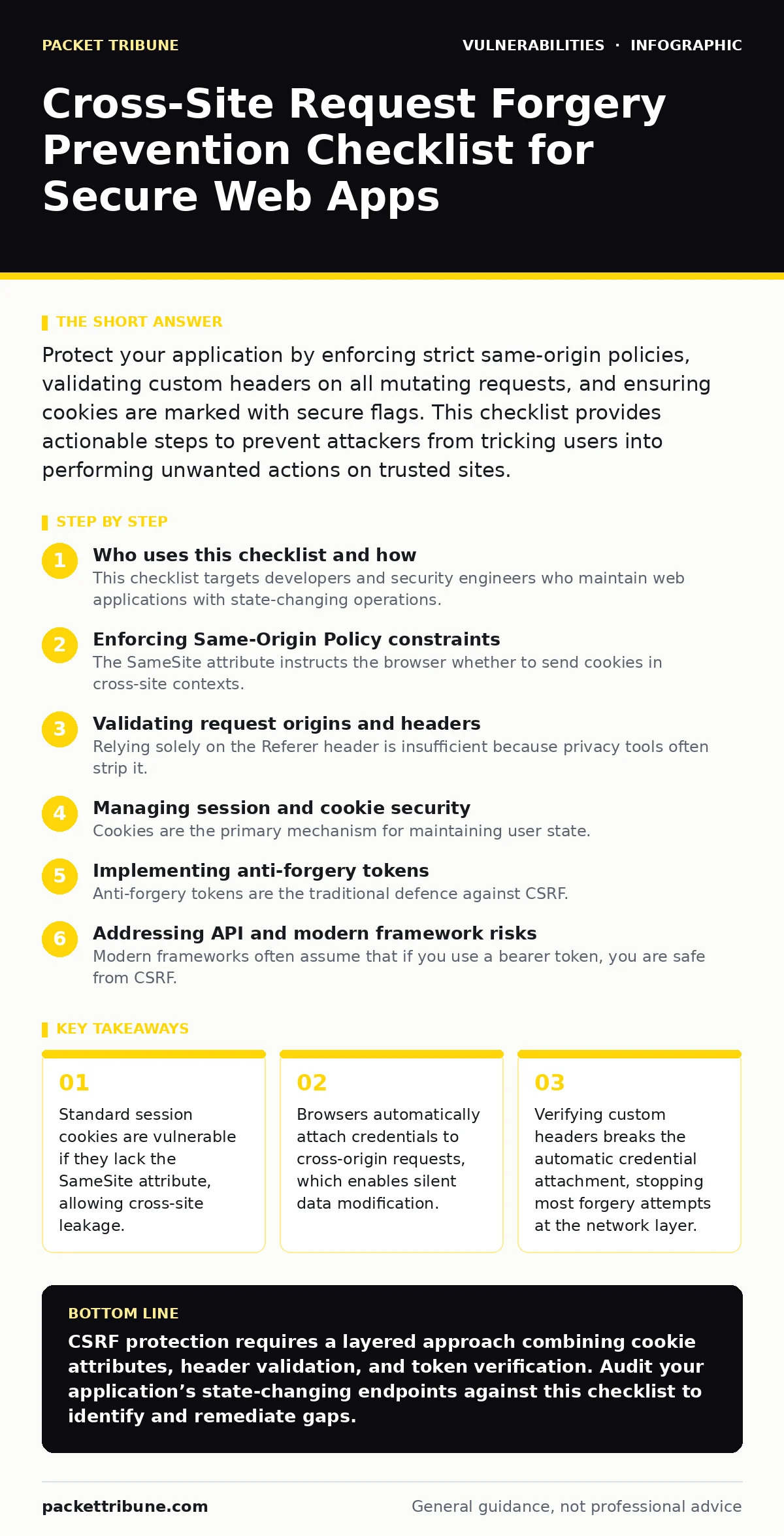
Protect your application by enforcing strict same-origin policies, validating custom headers on all mutating requests, and ensuring cookies are marked with secure flags. This checklist provides actionable steps to prevent attackers from tricking users into performing unwanted actions on trusted sites.
Who uses this checklist and how
This checklist targets developers and security engineers who maintain web applications with state-changing operations. You use it to audit your current architecture and identify gaps in your request validation logic. Review each item against your application’s codebase. Mark items that are already implemented. Investigate items that are missing or partially implemented. This process reveals hidden exposure in your API endpoints.
Enforcing Same-Origin Policy constraints
- Set
SameSite=Stricton all session cookies: This prevents the browser from sending the cookie during any cross-site navigation, blocking the initial authentication step of an attack. - Use
SameSite=Laxfor read-only endpoints: This allows safe navigation from external links while still protecting state-changing operations from background requests. - Avoid
SameSite=Noneunless strictly necessary: This setting requires theSecureflag and exposes your application to cross-site leakage if misconfigured.
The SameSite attribute instructs the browser whether to send cookies in cross-site contexts. Setting it to Strict provides the highest level of protection. It ensures that cookies are only sent in a first-party context. This breaks the assumption that an attacker can trigger a request with the victim’s credentials.
Validating request origins and headers
- Require a custom header such as
X-Requested-Withon all POST requests: Browsers cannot set custom headers in cross-origin requests due to CORS restrictions, providing a reliable authenticity check. - Reject requests missing the
OriginorRefererheader: These headers indicate the source of the request, allowing the server to verify it matches the expected domain. - Implement strict Content Security Policy headers: This restricts the sources from which scripts can load, reducing the risk of an attacker injecting a malicious form on a partner site.
Relying solely on the Referer header is insufficient because privacy tools often strip it. Combining it with a custom header creates a dual-layer verification. If a request lacks the custom header, the server rejects it immediately. This stops the forgery before the application logic processes the data.
Managing session and cookie security
- Mark all session cookies as
HttpOnly: This prevents client-side scripts from accessing the cookie value, mitigating the risk of cross-site scripting (XSS) stealing the session identifier. - Mark all session cookies as
Secure: This ensures the cookie is only transmitted over encrypted HTTPS connections, preventing interception on untrusted networks. - Implement short session timeouts: This limits the window of opportunity for an attacker to exploit a stolen or leaked session token.
Cookies are the primary mechanism for maintaining user state. If an attacker can access or predict the cookie, they can impersonate the user. The HttpOnly flag does not prevent CSRF directly, but it prevents XSS from exacerbating the issue. The Secure flag ensures that the credential transport is protected from eavesdropping.
Implementing anti-forgery tokens
- Generate a unique token for each user session: This token must be unpredictable and bound to the specific session ID to prevent reuse across different users.
- Embed the token in all state-changing forms: The browser sends this token with the request, allowing the server to verify the request originated from your site.
- Validate the token on the server side: Reject any request that contains an invalid, missing, or reused token, ensuring only legitimate actions are processed.
Anti-forgery tokens are the traditional defence against CSRF. They work by requiring a secret value that an attacker cannot guess or obtain from a third-party site. The token must be included in the request body or a custom header. The server compares the submitted token with the one stored in the session. A mismatch indicates a forged request.
See also: Web Filtering Mistakes That Leave Networks Exposed · HTTP Security Headers Explained: The Digital Envelope Metaphor
Addressing API and modern framework risks
- Disable automatic CSRF protection for stateless APIs: APIs that use bearer tokens or OAuth2 typically do not rely on cookies, making standard CSRF protections irrelevant and potentially blocking legitimate traffic.
- Use double-submit cookie pattern for cookie-based APIs: This technique verifies that the client can read the cookie by requiring it to be sent in both the cookie and a custom header.
- Audit third-party integrations for CSRF vulnerabilities: External services may not enforce strict origin checks, creating a weak link in your security chain.
Modern frameworks often assume that if you use a bearer token, you are safe from CSRF. This is true only if the token is not stored in a cookie. If the token is in a cookie, the browser will send it automatically. You must explicitly validate the origin or use a custom header check. For detailed guidance on handling these complexities, refer to the guide on mitigations and workarounds.
Reviewing related security controls
- Check for business logic flaws that bypass authentication: Even with CSRF protection, flawed logic may allow unauthorized actions if the application does not verify user permissions.
- Ensure dependency updates are current: Outdated libraries may contain known CSRF vulnerabilities that have already been patched in newer versions.
- Monitor for exposed admin panels that lack CSRF protection: Administrative interfaces are high-value targets and often have weaker security controls than the main application.
CSRF is rarely an isolated issue. It often coexists with other vulnerabilities. A compromised admin panel can lead to full system takeover. Keeping dependencies updated ensures you benefit from security patches. Understanding the broader context of your application’s security posture is necessary. For more on managing these risks, see the guide on emergency patching.
Key takeaways
- Standard session cookies are vulnerable if they lack the SameSite attribute, allowing cross-site leakage.
- Browsers automatically attach credentials to cross-origin requests, which enables silent data modification.
- Verifying custom headers breaks the automatic credential attachment, stopping most forgery attempts at the network layer.
CSRF protection requires a layered approach combining cookie attributes, header validation, and token verification. Audit your application’s state-changing endpoints against this checklist to identify and remediate gaps.
Frequently asked questions
Does HTTPS prevent cross-site request forgery?
No, HTTPS encrypts the data in transit but does not prevent the browser from automatically sending credentials to a malicious site. You still need specific CSRF protections.
Is CSRF a risk for single-page applications?
Yes, if the SPA relies on cookies for authentication. If it uses bearer tokens stored in memory, the risk is significantly lower, but not eliminated if tokens are leaked.
How do I test for CSRF vulnerabilities?
Use automated security scanners that can detect missing anti-forgery tokens. Manually test by creating a form on a different domain that submits to your application’s endpoints.
What is the difference between CSRF and XSS?
CSRF tricks the user’s browser into performing an unwanted action, while XSS injects malicious scripts to steal data or hijack the session. They exploit different trust boundaries.
How this guide was produced: written by the Packet Tribune editorial team with AI assistance, checked against the public references listed below, and reviewed when the facts change. See our editorial policy or report an error.