HTTP Security Headers Explained: The Digital Envelope Metaphor
HTTP security headers instruct browsers on how to handle incoming data, preventing attackers from tricking users into executing malicious code or stealing session tokens.

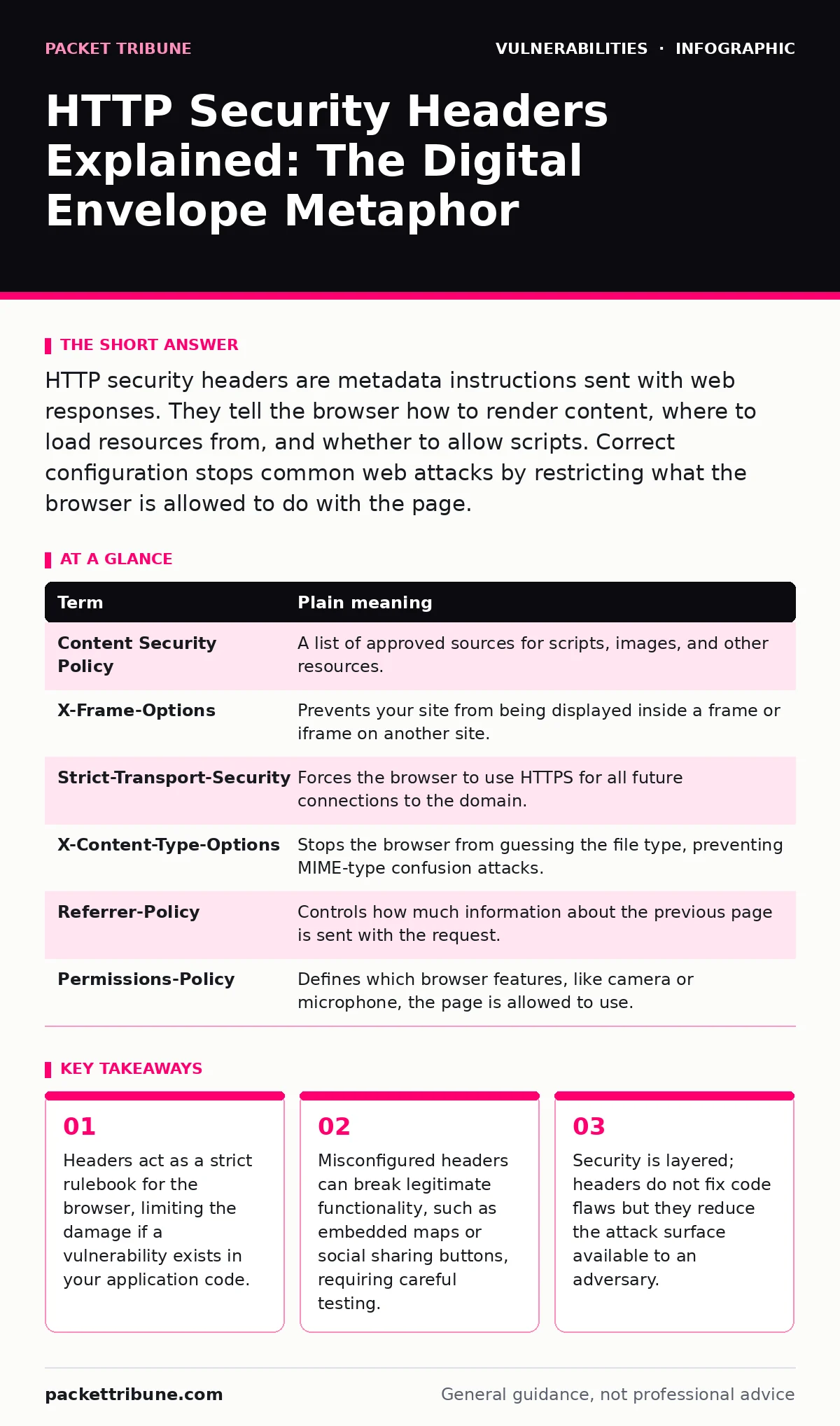
HTTP security headers are metadata instructions sent with web responses. They tell the browser how to render content, where to load resources from, and whether to allow scripts. Correct configuration stops common web attacks by restricting what the browser is allowed to do with the page.
The Digital Envelope Analogy
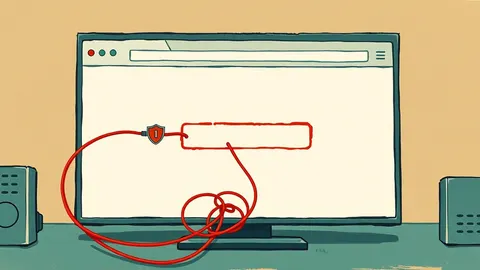
Imagine sending a physical letter. The letter contains your message, but the envelope provides instructions for the post office and the recipient. The envelope might say "Fragile," "Confidential," or "Do Not Bend." These markings do not change the words inside, but they dictate how the letter is handled. If the envelope says "Confidential," the recipient knows not to leave it on a public table. HTTP security headers work exactly like these envelope markings. They do not change your website’s content, but they tell the web browser how to treat that content.
Why Headers Matter More Than Code
Application code often contains flaws. Even with rigorous testing, developers might miss a logic error or a dependency issue. A guide on risk-based vulnerability management explains how to prioritise these issues. Headers provide a second line of defence. They instruct the browser to reject or restrict certain actions before any malicious code can execute. This is a defensive layer that operates independently of your application logic. If an attacker finds a way to inject malicious script, a well-configured header can prevent the browser from running it.
Key Terms for Security Headers
Understanding the vocabulary helps in configuring these controls correctly. The following table defines the most common terms you will encounter when reviewing your server configuration or proxy settings.
| Term | Plain meaning |
|---|---|
| Content Security Policy | A list of approved sources for scripts, images, and other resources. |
| X-Frame-Options | Prevents your site from being displayed inside a frame or iframe on another site. |
| Strict-Transport-Security | Forces the browser to use HTTPS for all future connections to the domain. |
| X-Content-Type-Options | Stops the browser from guessing the file type, preventing MIME-type confusion attacks. |
| Referrer-Policy | Controls how much information about the previous page is sent with the request. |
| Permissions-Policy | Defines which browser features, like camera or microphone, the page is allowed to use. |
The Hidden Cost of Strict Policies
Security headers introduce a trade-off between safety and usability. A strict Content Security Policy might block a legitimate third-party analytics script or a video embed. This is a hidden cost often overlooked in initial deployment. You must identify every external resource your site relies on. If you update a WordPress plugin update policies or add a new widget, you must also update your headers. Failure to do so results in broken functionality. Users will see a blank page or missing elements, leading them to abandon the site. The configuration must be maintained as part of your regular release cycle.
Try This Now: Three Configuration Steps
Start with a conservative approach. Do not implement the most restrictive settings immediately. Follow these three steps to introduce headers safely without breaking your site.
- Enable HSTS for HTTPS Enforcement: Add the Strict-Transport-Security header to all HTTPS responses. This tells the browser to always use encrypted connections. It prevents downgrade attacks where an attacker forces the connection to use unencrypted HTTP. This step is low risk and high reward for any public-facing site.
- Block Clickjacking with X-Frame-Options: Set this header to DENY or SAMEORIGIN. This prevents other websites from embedding your pages in iframes. Clickjacking attacks rely on tricking users into clicking invisible elements on your site. Blocking framing stops this vector entirely. It is a simple header with a significant defensive impact.
- Prevent MIME Sniffing: Add the X-Content-Type-Options header with the value nosniff. This stops the browser from guessing the content type. If a user uploads a file named "image.jpg" that actually contains a script, this header forces the browser to treat it as an image. This mitigates cross-site scripting attacks that exploit type confusion.
See also: Web Filtering Mistakes That Leave Networks Exposed · Cross-Site Request Forgery Prevention Checklist for Secure Web Apps
Layering Defences Against Web Attacks
Headers are not a silver bullet. They do not fix vulnerabilities in your code. If your application suffers from cross-site request forgery (CSRF), headers alone will not stop an attacker from triggering unwanted actions. You must also validate tokens and enforce proper session management. Headers reduce the impact of successful attacks. They limit what an attacker can do after gaining initial access. This layering is critical for modern security architectures.
Consider router vulnerabilities in your home network. Even if your router has a flaw, configuring it to block unused ports reduces the risk. Similarly, HTTP headers restrict the browser’s capabilities. They create a sandbox around your content. This sandbox prevents the browser from loading scripts from untrusted sources or executing code in unexpected contexts.
Maintaining Header Configurations
Security is a continuous process. Your web application will change. New features will require new scripts, styles, or fonts. Each change requires a review of your headers. Automate this review where possible. Integrate header validation into your deployment pipeline. This ensures that no update goes live without verifying that the security policies are intact.
Remember that dependency updates can introduce new external resources. A library update might fetch data from a new domain. Your Content Security Policy must allow this new domain. If you do not update the header, the feature will break. If you update the header too broadly, you weaken your security. Find the balance between flexibility and restriction.
Conclusion of the Envelope Metaphor
Returning to the envelope analogy, imagine you send a letter without any markings. The post office might mishandle it, and the recipient might read it in public. By adding "Confidential" and "Do Not Bend," you ensure safe delivery. HTTP headers are those markings. They ensure your content is handled securely by the browser. You control the instructions. The browser follows them. This control is your primary defence against many common web attacks.
Key takeaways
- Headers act as a strict rulebook for the browser, limiting the damage if a vulnerability exists in your application code.
- Misconfigured headers can break legitimate functionality, such as embedded maps or social sharing buttons, requiring careful testing.
- Security is layered; headers do not fix code flaws but they reduce the attack surface available to an adversary.
Frequently asked questions
Do HTTP security headers protect against SQL injection?
No, headers do not prevent SQL injection. You must sanitise inputs and use parameterised queries in your code. Headers only control browser behaviour, not server-side database interactions.
Can I use these headers on a static website?
Yes, static websites benefit greatly from these headers. You can configure them in your web server or hosting platform settings. This adds a layer of security without modifying any code.
What happens if I set the wrong header value?
The browser may ignore the header or block legitimate resources. Users might see broken pages or missing features. Always test changes in a staging environment before applying them to production.
Are these headers required by law?
Some regulations require reasonable security measures. While headers are not always explicitly mandated, they are considered best practice. Implementing them demonstrates due care in protecting user data.
How this guide was produced: written by the Packet Tribune editorial team with AI assistance, checked against the public references listed below, and reviewed when the facts change. See our editorial policy or report an error.