Infrastructure-as-Code Scanning Implementation Plan
Most scanning failures occur in production pipelines rather than development environments, forcing teams to treat security as a blockage instead of a continuous feedback loop.

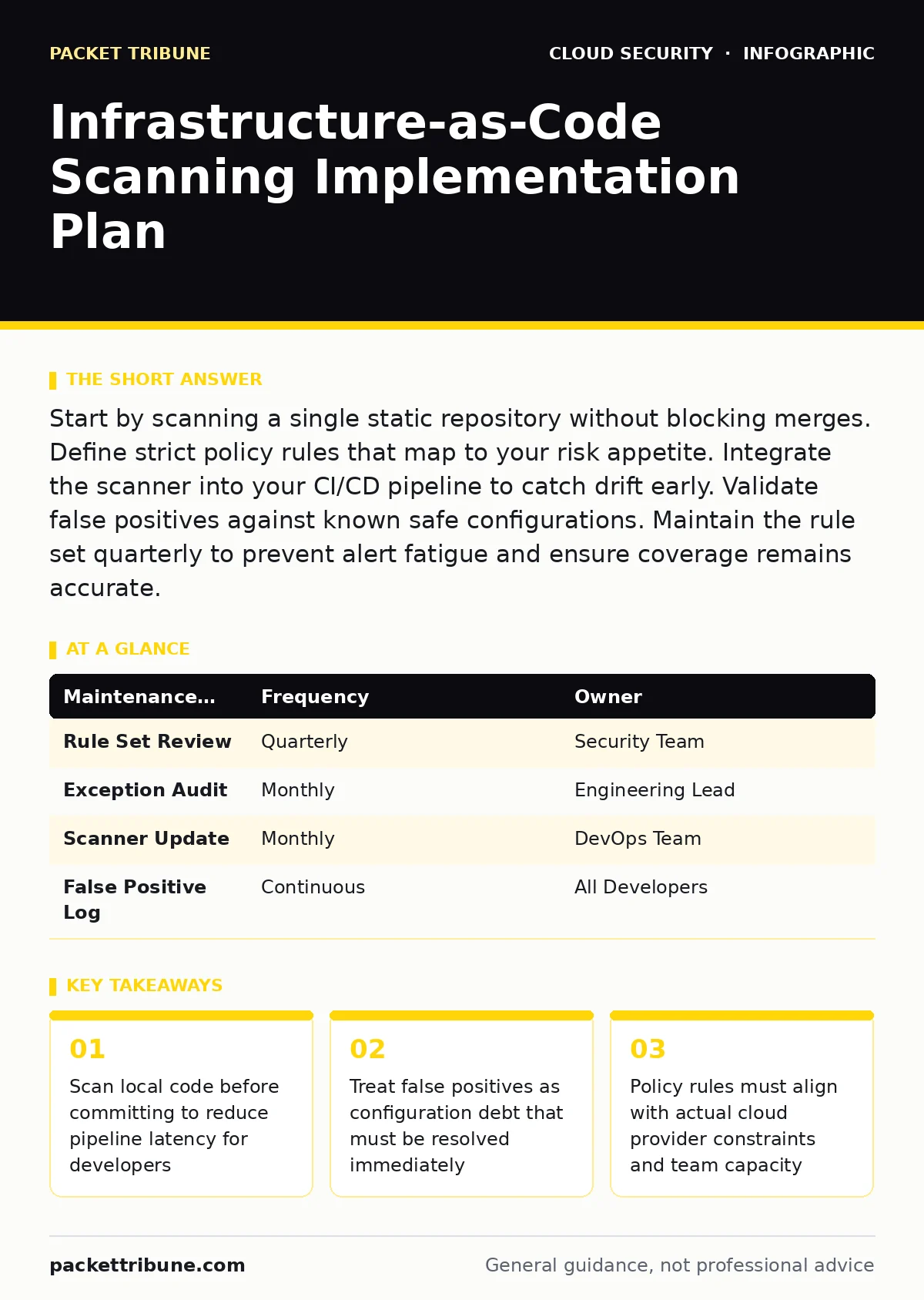
Start by scanning a single static repository without blocking merges. Define strict policy rules that map to your risk appetite. Integrate the scanner into your CI/CD pipeline to catch drift early. Validate false positives against known safe configurations. Maintain the rule set quarterly to prevent alert fatigue and ensure coverage remains accurate.
Defining the Scope of Scanning
Infrastructure-as-code scanning requires a clear definition of what constitutes a risk in your specific environment. You cannot scan everything equally without overwhelming your engineering teams with noise. Begin by identifying the most sensitive assets, such as databases, key management services and public-facing endpoints. These components demand stricter scrutiny than internal development tools or ephemeral test resources.
You must map your security requirements to specific configuration parameters. A rule that checks for unencrypted storage is useless if your organisation uses customer-managed keys exclusively. Aligning rules with actual usage patterns prevents the scanner from flagging acceptable configurations as violations. This alignment reduces friction between security and engineering teams.
Establishing the Baseline Configuration
Before integrating scanning into automated pipelines, you need a baseline of what your current infrastructure looks like. Run the scanner against your existing code repositories in a passive mode. This process generates a report of all current violations without blocking any merges or deployments. The goal is to understand the volume and type of issues present.
Review the initial report to distinguish between critical vulnerabilities and low-priority hygiene issues. Critical issues include publicly accessible administrative interfaces or missing encryption at rest. Hygiene issues might involve missing tags or non-standard naming conventions. Prioritise fixing critical issues first, as these represent immediate attack surface exposure.
Integrating Into the Development Lifecycle
Integrate the scanning tool into your continuous integration pipeline so that it runs automatically on every pull request. This placement ensures developers receive feedback before code merges into the main branch. The scanner should fail the build only for violations that match your defined critical policy rules. Non-critical warnings should appear in the report but not block progress.
Developers need clear guidance on how to fix reported issues. Include links to remediation documentation directly in the pipeline failure messages. If a developer sees a failure without knowing how to resolve it, they will likely ignore the alert or request an exception. Clear remediation paths turn security findings into learning opportunities rather than obstacles.
Step 1: Install the Scanner Plugin
Add the scanning plugin to your build configuration file. Ensure it runs after the code compiles but before any deployment stages. This order guarantees that broken code never reaches the deployment phase. Verify the plugin has access to the necessary credentials to read your policy rules.
Step 2: Configure Policy Rules
Define which rules are active and their severity levels. Start with a conservative set of high-confidence rules to avoid false positives. Gradually add more rules as your team becomes comfortable with the feedback loop. Document why certain rules are disabled or set to warning-only status.
Step 3: Validate Local Execution
Ensure developers can run the scanner on their local machines before pushing code. This step catches obvious errors early and reduces the load on the central CI server. Provide a script or command that mirrors the pipeline execution. Local validation gives developers immediate control over the quality of their submissions.
Verifying Scan Accuracy and Coverage
A scanner that misses critical vulnerabilities is worse than no scanner at all. You must verify that the tool detects known issues in your codebase. Create test repositories with intentional misconfigurations, such as open security groups or plaintext secrets. Run the scanner against these test cases to confirm it flags the issues correctly.
False negatives occur when the scanner fails to detect a violation. This often happens with complex template structures or nested dependencies. Review the scanner’s documentation to understand its parsing limitations. If the tool struggles with specific syntax, you may need to supplement it with manual reviews or additional static analysis tools.
Managing Exceptions and False Positives
No scanning tool is perfect. You will encounter false positives where the code is safe but the scanner flags it as risky. Create a formal process for reviewing and approving exceptions. An exception should include the reason for the override, the expiry date and the owner responsible for re-evaluation.
Treat exceptions as temporary measures. Every exception adds technical debt that must be paid back. Set a review cadence, such as monthly, to revisit all active exceptions. Remove any exceptions that are no longer valid or that have been mitigated through other controls. This upkeep prevents the exception list from becoming a dumping ground for ignored risks.
See also: CSPM vs CWPP: How to Choose Cloud Security Tools · DevSecOps vs SecDevOps: Why the Syntax Defines Your Security Posture
Maintaining Long-Term Effectiveness
Scanning policies become stale quickly as cloud providers release new services and features. Schedule quarterly reviews of your rule sets to ensure they reflect current best practices. Subscribe to security advisories from your cloud provider to stay informed about new vulnerabilities. Update your scanner version regularly to benefit from improved detection capabilities.
Monitor the trend of findings over time. A sudden spike in violations might indicate a change in the codebase or a new vulnerability in the scanner itself. Investigate spikes immediately to determine the root cause. Consistent monitoring ensures that your scanning program remains relevant and effective against evolving threats.
| Maintenance Task | Frequency | Owner |
|---|---|---|
| Rule Set Review | Quarterly | Security Team |
| Exception Audit | Monthly | Engineering Lead |
| Scanner Update | Monthly | DevOps Team |
| False Positive Log | Continuous | All Developers |
Aligning With Broader Security Controls
Infrastructure-as-code scanning does not operate in isolation. It works best when combined with other security measures. For instance, integrating with secrets managers ensures that credentials are never hardcoded in your templates. This reduces the risk of accidental exposure during code reviews or repository access breaches.
Consider how scanning fits with your cloud logging gaps. If your logging is incomplete, you may not detect runtime deviations from the scanned code. Ensure that your logging strategy captures configuration changes and access patterns. This holistic view allows you to correlate static code findings with dynamic runtime behaviour.
Key takeaways
- Scan local code before committing to reduce pipeline latency for developers
- Treat false positives as configuration debt that must be resolved immediately
- Policy rules must align with actual cloud provider constraints and team capacity
Frequently asked questions
How do I handle legacy code that fails every scan?
Use a baseline snapshot to ignore historical violations while enforcing rules on new code. Gradually remediate old issues as they are touched or updated.
Can scanning replace manual code reviews?
No. Scanning checks for known patterns and configurations. Manual reviews catch logical errors and architectural flaws that automated tools cannot understand.
What is the performance impact on CI pipelines?
Most static scans take seconds to minutes. To minimise delay, run scans in parallel with other tests and cache results where possible.
How often should I update the scanner version?
Update monthly or whenever the vendor releases a significant detection improvement. Always test updates in a staging environment first.
How this guide was produced: written by the Packet Tribune editorial team with AI assistance, checked against the public references listed below, and reviewed when the facts change. See our editorial policy or report an error.