Chrome Zero-Day Vulnerabilities Explained: Risks and Safe Browsing Habits
Zero-day flaws allow code execution before a patch exists, making automated updates your only reliable defence against silent browser compromise.

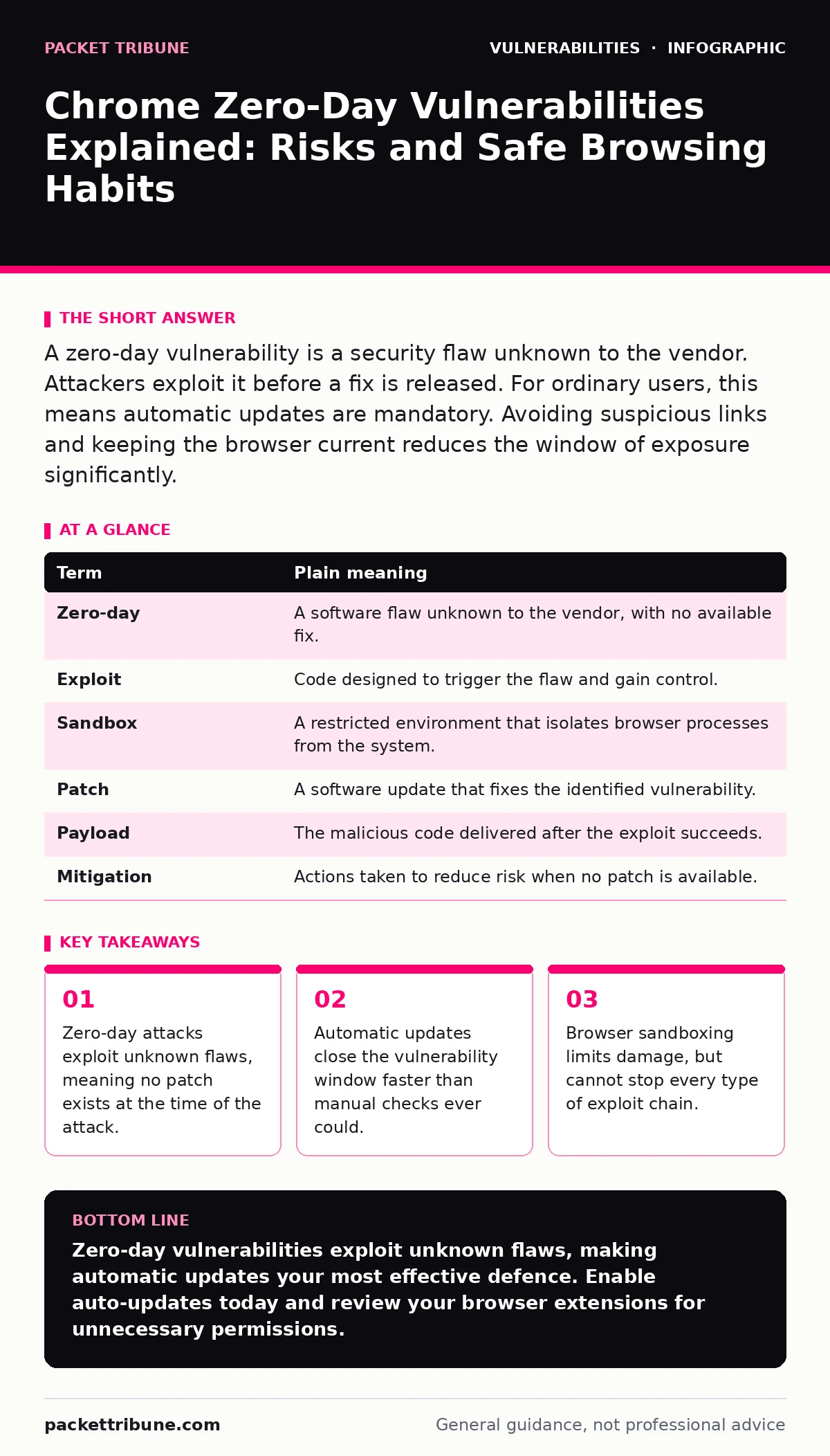
A zero-day vulnerability is a security flaw unknown to the vendor. Attackers exploit it before a fix is released. For ordinary users, this means automatic updates are mandatory. Avoiding suspicious links and keeping the browser current reduces the window of exposure significantly.
The Broken Lock Analogy
Imagine your web browser is a house with a front door. The vendor builds the door and provides a key. A zero-day vulnerability is a flaw in the lock mechanism that the builder does not know about. Criminals discover this hidden weakness and create a special tool to bypass the lock. They enter your house before the builder even realises the lock is faulty. This analogy helps visualise why reaction time matters. The house is not secure because the lock is broken, not because you left the door open. You did nothing wrong, but the structure itself failed to keep intruders out.
Key Terms Defined
Understanding the mechanics requires clear definitions. These terms appear frequently in security reports. Knowing their plain meaning helps you assess risk accurately.
| Term | Plain meaning |
|---|---|
| Zero-day | A software flaw unknown to the vendor, with no available fix. |
| Exploit | Code designed to trigger the flaw and gain control. |
| Sandbox | A restricted environment that isolates browser processes from the system. |
| Patch | A software update that fixes the identified vulnerability. |
| Payload | The malicious code delivered after the exploit succeeds. |
| Mitigation | Actions taken to reduce risk when no patch is available. |
How Exploits Reach Your Browser
Attackers need a delivery method to trigger the flaw. They often embed the exploit in a malicious website or a downloaded file. When you visit the site, the browser parses the content. The flawed code runs automatically. This process is silent. You see no warning dialogues. The browser simply executes instructions it was not designed to handle. This is why passive browsing carries risk. You do not need to click "install" or "run". The act of loading the page is sufficient to trigger the payload if the vulnerability exists in the rendering engine.
What This Means for Ordinary Users
For the average user, the threat is indirect. Most zero-days target specific configurations or rare software versions. Attackers prioritise high-value targets. However, opportunistic malware also uses these flaws. The primary risk is data theft or system control. Your personal files, login credentials and financial data become accessible. The damage depends on the exploit’s sophistication. Some exploits merely steal cookies. Others install persistent malware that survives reboots. Understanding this spectrum helps you gauge urgency. Not every flaw leads to total system compromise.
The Role of Browser Sandboxing
Modern browsers use sandboxing to limit damage. The sandbox restricts what the browser code can do. It cannot access your hard drive directly. It cannot modify system settings. This containment strategy stops many attacks. However, it is not foolproof. Attackers chain multiple flaws together. One flaw escapes the sandbox. Another flaw escalates privileges. This technique is called a polyglot attack. It bypasses single-layer defences. Knowing that sandboxes fail sometimes explains why updates remain critical. You cannot rely on isolation alone.
See also: Implementing Compensating Controls: A Practical Step-by-Step Framework
Simple Safety Habits
You can reduce risk through consistent behaviour. These habits do not guarantee safety. They make you a harder target.
- Enable automatic updates. This ensures you receive patches as soon as they are released. Manual updates leave gaps where exploits can succeed.
- Verify website addresses. Typosquatting sites mimic legitimate services. Check the domain carefully before entering credentials.
- Use a standard user account. Administrator rights allow malware to install system-wide. Standard accounts limit the impact of a breach.
Managing the Update Window
The period between exploit discovery and patch release is the danger zone. Vendors strive to shorten this time. Some use private reporting channels. This allows them to test fixes before public disclosure. You benefit from this process by staying current. Delaying updates extends your exposure. Imagine waiting for a security guard to fix a broken window. The longer you wait, the more likely an intruder enters. Do not ignore update prompts. They are your primary defence against known zero-days.
Beyond Browser Updates
Security extends beyond the browser itself. Other systems require similar vigilance. For example, API vulnerabilities can expose data even if the browser is secure. Developers must validate inputs carefully. Similarly, PHP application vulnerabilities often stem from outdated code. Legacy systems require regular audits. You should also consider mitigations and workarounds when patches are delayed. These temporary measures reduce risk until a permanent fix arrives. Understanding VEX documents helps you assess whether a specific vulnerability affects your environment. This structured approach prevents unnecessary panic.
Key takeaways
- Zero-day attacks exploit unknown flaws, meaning no patch exists at the time of the attack.
- Automatic updates close the vulnerability window faster than manual checks ever could.
- Browser sandboxing limits damage, but cannot stop every type of exploit chain.
Zero-day vulnerabilities exploit unknown flaws, making automatic updates your most effective defence. Enable auto-updates today and review your browser extensions for unnecessary permissions.
Frequently asked questions
Can antivirus software stop zero-day attacks?
Traditional antivirus relies on known signatures, so it often misses new exploits. Behavioural analysis helps but is not perfect.
Are mobile browsers safe from zero-days?
Mobile browsers also face zero-day risks. Keep your operating system and browser updated to receive patches.
How do vendors find these flaws?
Security researchers and internal teams test code for weaknesses. Bug bounty programmes incentivise responsible disclosure.
How this guide was produced: written by the Packet Tribune editorial team with AI assistance, checked against the public references listed below, and reviewed when the facts change. See our editorial policy or report an error.