How Does Scareware Work: The Psychological and Technical Breakdown
Scareware bypasses technical defences by hijacking browser contexts to simulate operating system alerts, forcing immediate action before users can verify the threat.

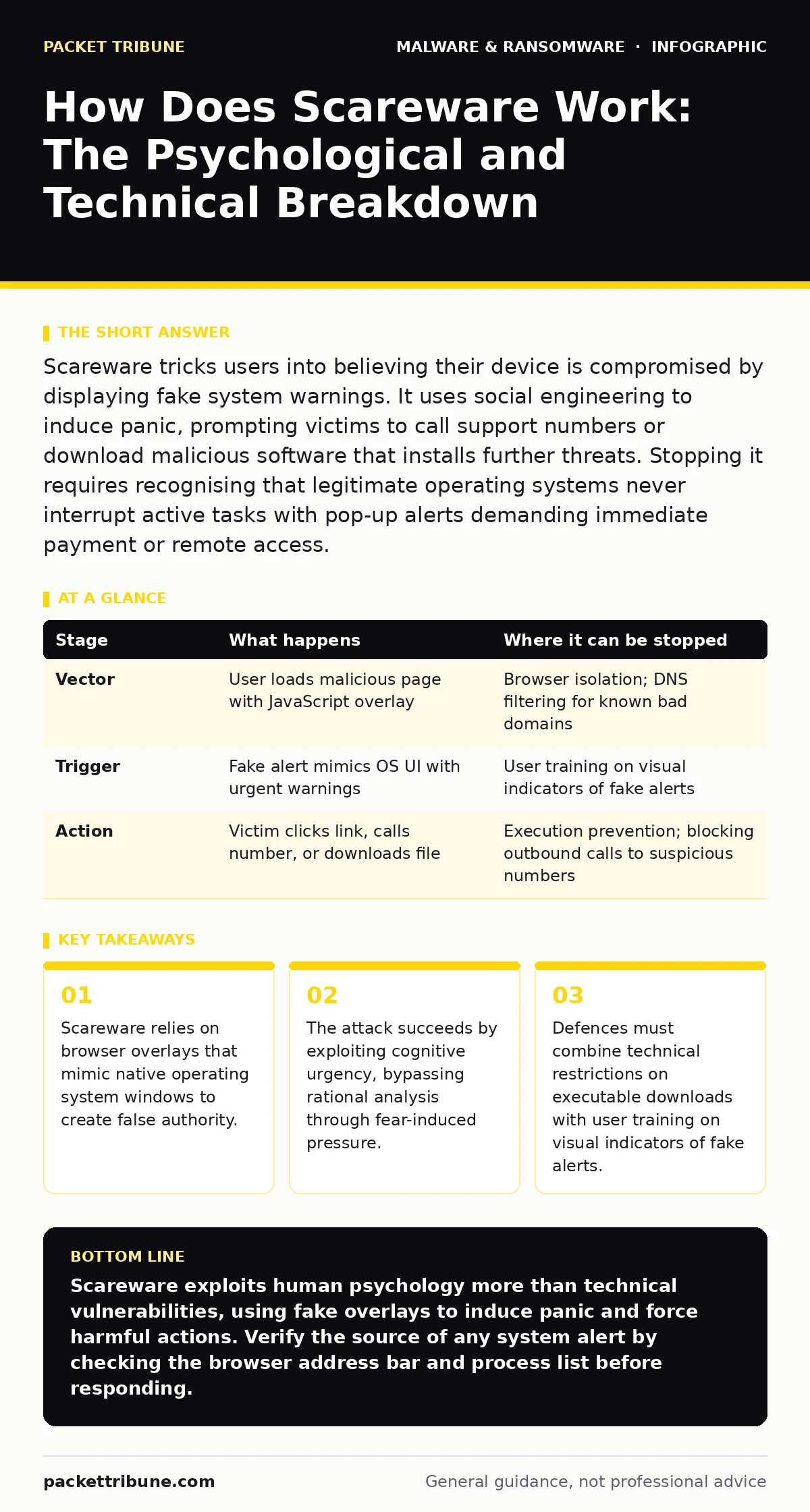
Scareware tricks users into believing their device is compromised by displaying fake system warnings. It uses social engineering to induce panic, prompting victims to call support numbers or download malicious software that installs further threats. Stopping it requires recognising that legitimate operating systems never interrupt active tasks with pop-up alerts demanding immediate payment or remote access.
How Does Scareware Work: The Core Mechanism
Scareware operates through a combination of technical deception and psychological manipulation. It does not initially infect the system with code that damages files. Instead, it presents a convincing visual representation of a security failure. The user sees a window that appears to come from the operating system or a known security vendor.
This window claims the device is infected, locked, or under investigation. The goal is not immediate data theft but rather a reaction. The attacker wants the user to click a button, enter credentials, or download a file. This initial interaction opens the door for deeper compromise. The mechanism depends entirely on the victim’s inability to distinguish between a true system alert and a webpage element.
Stage 1: The Initial Vector
The process begins when a user visits a compromised website or clicks a malicious link. These links often appear in unsolicited email messages or on untrusted forums. The website may look legitimate, mimicking news sites or software download pages. Once the page loads, JavaScript executes to create the overlay. This script does not require the user to install anything. It runs within the browser session. The overlay is designed to cover the entire screen, hiding the browser’s address bar and taskbar. This isolation prevents the user from seeing the true source of the alert. The user perceives the warning as a direct communication from the operating system kernel.
Stage 2: The Psychological Trigger
The displayed message uses specific language designed to trigger anxiety. It often references legal consequences, data loss, or immediate system failure. The tone is urgent and authoritative. It may claim that the device has been monitored by law enforcement or that sensitive data is being transmitted. This social engineering tactic exploits the user’s desire to protect their privacy and reputation. The message usually includes a countdown timer or a warning that the screen will lock permanently. This time pressure reduces the user’s ability to think critically. The user is pushed towards a quick resolution rather than a careful assessment. The fear overrides standard security habits.
Stage 3: The Call to Action
The fake alert provides specific instructions for remediation. These instructions are the trap. Common demands include calling a support telephone number, entering credit card details to pay a fine, or downloading a "cleaner" tool. The support number connects the victim to a human operator or an automated system that guides them through malicious steps. The downloaded tool is often actual malware disguised as a security utility. This payload may include keyloggers or remote access trojans. The user believes they are fixing the problem. In reality, they are granting the attacker deeper access to the system. The action taken determines the severity of the subsequent compromise.
| Stage | What happens | Where it can be stopped |
|---|---|---|
| Vector | User loads malicious page with JavaScript overlay | Browser isolation; DNS filtering for known bad domains |
| Trigger | Fake alert mimics OS UI with urgent warnings | User training on visual indicators of fake alerts |
| Action | Victim clicks link, calls number, or downloads file | Execution prevention; blocking outbound calls to suspicious numbers |
Technical Deception Behind the Scenes
The technical foundation of scareware relies on the separation between the browser process and the operating system. Browsers render web content in a sandboxed environment. However, modern browsers allow websites to request full-screen mode. When a user inadvertently grants this permission, the website can occupy the entire display. The scareware script uses CSS and HTML to replicate the look and feel of the operating system’s dialog boxes. It copies window borders, font styles, and iconography. This visual fidelity is crucial for the deception. If the alert looks like a webpage, the user will close it. If it looks like a system error, the user will obey it.
Stage 4: Persistence and Escalation
If the user follows the instructions, the attack escalates. Downloading the "cleaner" tool installs executable code onto the local machine. This code may disable legitimate security software. It may modify system settings to prevent the user from accessing control panels. In some cases, the scareware acts as a dropper for more sophisticated threats. These secondary payloads can include ransomware or banking trojans. The initial scareware served only to lower the user’s defences. The subsequent malware exploits the trust established by the fake alert. The system is now compromised at a deeper level, requiring significant effort to remediate.
Detection and Response Strategies
Defending against scareware requires a layered approach. Technical controls alone are insufficient because the initial stage often occurs in the browser. User awareness is the primary defence. Training should focus on recognising the visual cues of fake alerts. Users must understand that operating systems do not interrupt active work with pop-up demands for payment. Technical measures can support this awareness. Browser extensions that block full-screen requests from unknown sources can prevent the overlay from appearing. DNS filtering can block access to known scareware domains. Endpoint detection and response tools can monitor for unusual process behaviour following a download.
Stage 5: Incident Containment
When a scareware incident occurs, the immediate response is to disconnect the device from the network. This prevents any downloaded payloads from communicating with command and control servers. Do not reboot the machine immediately, as this may trigger additional malicious scripts. Instead, force-close the browser process through task manager or equivalent system utility. This reveals the underlying desktop. If the user has downloaded a file, quarantine it for analysis. Do not execute the file. If the user has called a support number, monitor the account for fraudulent charges. The incident may require a full system scan to identify any installed malware.
Integrating Broader Security Frameworks
Scareware incidents often highlight gaps in broader security frameworks. Organizations should consider how these attacks fit into their overall threat model. Behavior-based detection can identify unusual browser activity that precedes a scareware overlay. Extended detection and response (XDR) platforms can correlate browser events with endpoint logs to spot the sequence of deception. Malware analysis techniques can be used to study the JavaScript code used in these overlays.
Understanding malware obfuscation methods helps security teams recognise when scripts are hiding their true intent. Fileless malware tactics are increasingly used by scareware actors to avoid detection by traditional signature-based tools. Sandbox evasion techniques may allow the initial vector to bypass automated analysis systems. Browser isolation solutions provide a strong defence by rendering web content in a remote container. Infostealers often follow scareware attacks, capturing credentials entered during the deception.
Visual and Technical Indicators
Recognising scareware requires attention to detail. The fake alert often contains grammatical errors or unusual spelling. The design may not match the current version of the operating system. The window may not respond to standard keyboard shortcuts like Alt+F4. The mouse cursor may behave differently within the alert compared to the rest of the desktop. Technical indicators include the presence of a web address in the taskbar or window title. The process name in the task manager will reveal the browser application, not a system service. These details are often overlooked under pressure. Training users to pause and examine these indicators can prevent the initial compromise.
See also: SIM Swapping: How Number Porting Becomes an Attack Vector · Social Engineering vs Phishing: Which Attack Vector Dominates?
Long-Term Prevention and Culture
Preventing scareware attacks requires a culture of scepticism. Users should be encouraged to report suspicious alerts without fear of reprimand. Technical controls should be updated regularly to block new overlay techniques. Security policies should restrict the installation of unauthorised software. Regular audits of browser extensions and system settings can remove potential vectors.
Education should be ongoing, not a one-time event. Simulated scareware campaigns can test user responses and identify areas for improvement. By combining technical restrictions with continuous education, organisations can significantly reduce the risk of these attacks. The goal is to make the deception obvious before the user takes action.
Key takeaways
- Scareware relies on browser overlays that mimic native operating system windows to create false authority.
- The attack succeeds by exploiting cognitive urgency, bypassing rational analysis through fear-induced pressure.
- Defences must combine technical restrictions on executable downloads with user training on visual indicators of fake alerts.
Scareware exploits human psychology more than technical vulnerabilities, using fake overlays to induce panic and force harmful actions. Verify the source of any system alert by checking the browser address bar and process list before responding.
Frequently asked questions
Can scareware actually delete my files?
Scareware itself does not delete files; it is a social engineering tool. However, if the user follows instructions to download a payload, that secondary malware may contain ransomware or wipers that can destroy data.
How do I close a full-screen scareware alert?
Use keyboard shortcuts to force-close the browser window. On Windows, press Alt+F4 or Ctrl+Shift+Esc to open Task Manager. On macOS, press Command+Q or use Force Quit. This reveals the desktop and stops the overlay.
Is scareware considered a type of ransomware?
Scareware is distinct from ransomware, though they can overlap. Scareware demands action through deception without actually locking the system. Ransomware encrypts files or locks the screen with code. Scareware often serves as a delivery mechanism for ransomware.
Why do security software programs not always block scareware?
Scareware runs as standard web content within the browser, which is often permitted by security software. It does not exhibit malicious code execution until the user downloads a file. This makes it difficult for signature-based tools to detect the initial deception phase.
How this guide was produced: written by the Packet Tribune editorial team with AI assistance, checked against the public references listed below, and reviewed when the facts change. See our editorial policy or report an error.