Federated Identity Mistakes: Six Config Errors That Break Security
Misconfigured trust boundaries and stale service accounts turn federated identity from a security control into a persistent attack vector.

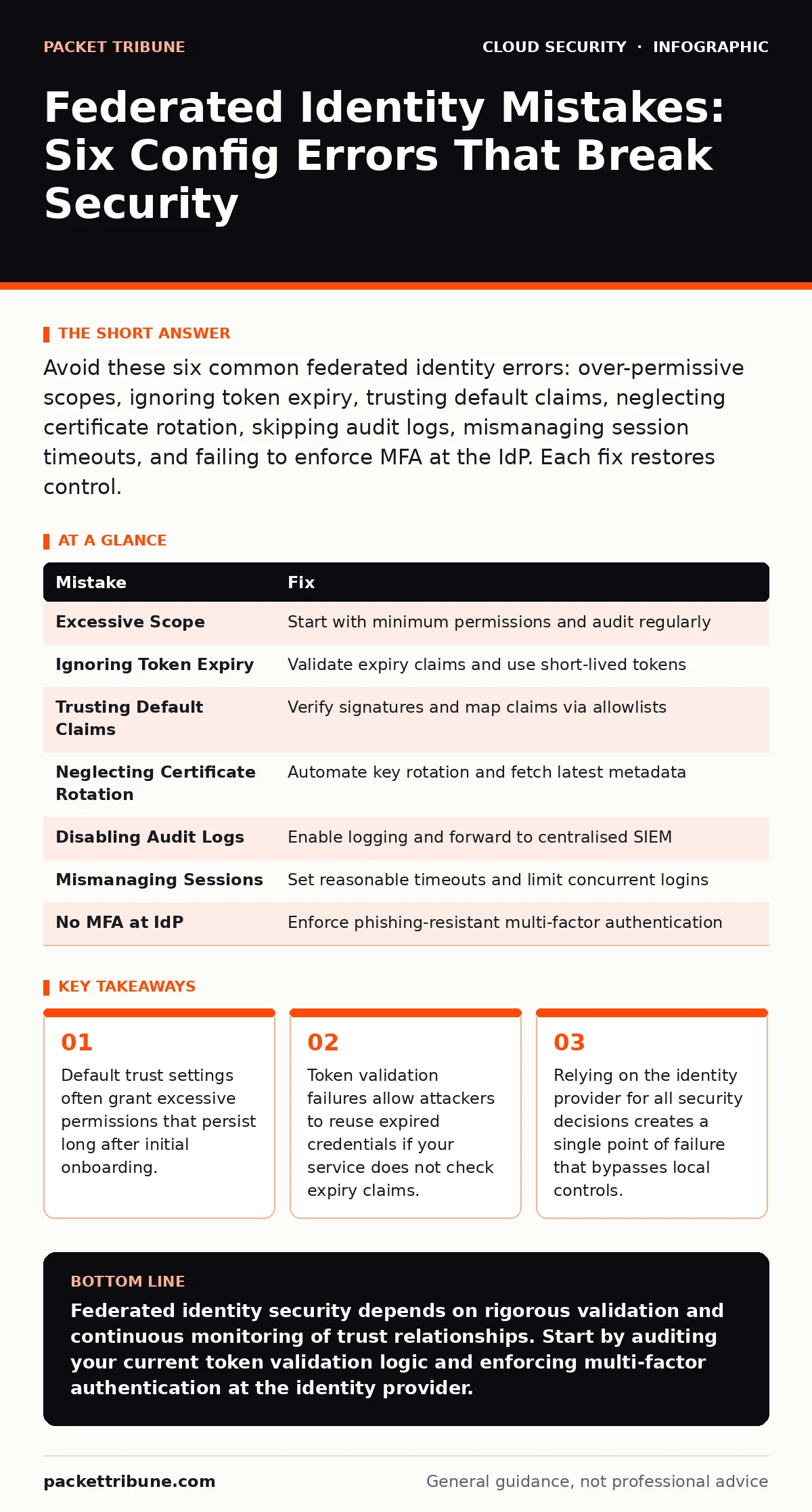
Avoid these six common federated identity errors: over-permissive scopes, ignoring token expiry, trusting default claims, neglecting certificate rotation, skipping audit logs, mismanaging session timeouts, and failing to enforce MFA at the IdP. Each fix restores control.
Federated identity allows users to authenticate using credentials from a separate identity provider rather than creating new accounts for every service. This model reduces password fatigue and centralises access management. However, the complexity of establishing trust between systems introduces specific failure modes. When configured incorrectly, federated identity expands the attack surface rather than shrinking it. You must treat the trust relationship as a critical infrastructure component that requires ongoing maintenance.
Mistake 1: Granting Excessive Scope During Onboarding
Why it hurts:
Administrators often grant the maximum possible permissions to ensure a new application works immediately. This practice violates the principle of least privilege in the cloud. If the application is compromised, the attacker inherits those broad permissions. The breach spreads laterally across your environment because the initial access point has elevated rights.
The fix:
Start with the minimum required permissions for the application to function. Use an interactive consent flow to review requested scopes before approval. Regularly audit granted permissions and revoke those that are no longer necessary. Treat permission grants as temporary until proven stable.
Mistake 2: Ignoring Token Expiry and Refresh Logic
Why it hurts:
Identity tokens carry an expiry time to limit the window of abuse if stolen. Some applications cache tokens indefinitely or fail to validate the expiry claim. This allows an attacker to reuse a stolen token long after the user has logged out or been terminated. The session remains active despite changes in the user’s status.
The fix:
Ensure your application validates the expiry time on every request. Implement secure refresh token flows that issue new access tokens without requiring re-authentication. Set short lifespans for access tokens to reduce the impact of theft. Monitor for unusual refresh token usage patterns that may indicate compromise.
Mistake 3: Trusting Default Claims Without Validation
Why it hurts:
Identity providers send claims, which are statements about the user, such as their role or group membership. Some systems trust these claims implicitly without verifying their source or integrity. Attackers can manipulate claims if the signature validation is weak or missing. This allows privilege escalation by spoofing high-level roles.
The fix:
Validate the digital signature of every token received from the identity provider. Verify the issuer claim matches the expected provider. Map external claims to internal roles using a strict allowlist rather than accepting arbitrary values. Treat all incoming identity data as untrusted until verified.
Mistake 4: Neglecting Certificate Rotation for Signing Keys
Why it hurts:
Identity providers use signing certificates to prove the authenticity of tokens. If these certificates are not rotated regularly, a compromised key remains valid indefinitely. Attackers who obtain an old private key can forge tokens that your services will accept. This undermines the entire trust model of federated identity.
The fix:
Ensure your services fetch the latest public keys from the identity provider’s metadata endpoint. Implement a grace period for key rotation to avoid service disruption during the switch. Monitor for missing or outdated keys in your validation logic.
Mistake 5: Disabling Audit Logs for Identity Events
Why it hurts:
Without detailed logging, you cannot detect abnormal authentication patterns or failed consent requests. Many organisations disable these logs to save storage costs or reduce noise. This blinds you to the early signs of a breach, such as multiple failed login attempts from unusual locations. You lose the ability to reconstruct the timeline of an incident.
The fix:
Enable comprehensive logging for all authentication and authorisation events. Forward these logs to a centralised security information and event management system. Set up alerts for anomalous activity, such as logins from new countries or devices. Retain logs long enough to support forensic investigations.
See also: Prevent Public File Share Exposure With This Technical Checklist · DevSecOps vs SecDevOps: Why the Syntax Defines Your Security Posture
Mistake 6: Mismanaging Session Timeouts and Concurrent Logins
Why it hurts:
Long session timeouts increase the risk of session hijacking. Allowing unlimited concurrent logins makes it difficult to detect account sharing or compromise. Users may leave sessions active on shared or public devices. Attackers can exploit these open sessions to access resources without needing credentials.
The fix:
Configure reasonable session timeouts that balance security and usability. Limit the number of concurrent sessions per user to detect unusual activity. Implement step-up authentication for sensitive actions, even within an active session. Provide users with a way to view and terminate active sessions remotely.
Mistake 7: Failing to Enforce Multi-Factor Authentication at the IdP
Why it hurts:
Federated identity relies on the security of the identity provider. If multi-factor authentication is not enforced at the source, a stolen password is sufficient for access. Attackers target the identity provider directly to bypass downstream security controls. This single point of failure compromises all connected applications.
The fix:
Enforce multi-factor authentication for all users, especially those with privileged access. Use phishing-resistant methods such as FIDO2 security keys or platform authenticators. Require re-authentication for high-risk actions or after periods of inactivity. Regularly review authentication policies to ensure they meet current threat levels.
| Mistake | Fix |
|---|---|
| Excessive Scope | Start with minimum permissions and audit regularly |
| Ignoring Token Expiry | Validate expiry claims and use short-lived tokens |
| Trusting Default Claims | Verify signatures and map claims via allowlists |
| Neglecting Certificate Rotation | Automate key rotation and fetch latest metadata |
| Disabling Audit Logs | Enable logging and forward to centralised SIEM |
| Mismanaging Sessions | Set reasonable timeouts and limit concurrent logins |
| No MFA at IdP | Enforce phishing-resistant multi-factor authentication |
Key takeaways
- Default trust settings often grant excessive permissions that persist long after initial onboarding.
- Token validation failures allow attackers to reuse expired credentials if your service does not check expiry claims.
- Relying on the identity provider for all security decisions creates a single point of failure that bypasses local controls.
Federated identity security depends on rigorous validation and continuous monitoring of trust relationships. Start by auditing your current token validation logic and enforcing multi-factor authentication at the identity provider.
Frequently asked questions
How do I choose between SAML and OIDC for federated identity?
OIDC is generally preferred for modern web and mobile applications due to its simpler token structure and better support for JSON Web Tokens. SAML remains suitable for legacy enterprise applications and complex B2B integrations.
Can federated identity replace traditional password management?
It reduces the need for local passwords but does not eliminate the need for strong authentication at the identity provider. You must still secure the identity provider with multi-factor authentication and robust access controls.
What happens if the identity provider goes down?
Services that depend solely on federated identity will fail to authenticate users. Implement fallback mechanisms or cached tokens with strict expiry limits to maintain limited access during outages.
How do I audit federated identity configurations?
Regularly review trust relationships, permission grants, and token validation settings. Use automated tools to scan for misconfigurations and ensure compliance with security standards.
How this guide was produced: written by the Packet Tribune editorial team with AI assistance, checked against the public references listed below, and reviewed when the facts change. See our editorial policy or report an error.