BitLocker for Small Business: Secure Drive Encryption Strategies
Full disk encryption transforms stolen hardware into useless metal by rendering the underlying data unreadable without the correct cryptographic keys, regardless of physical access.

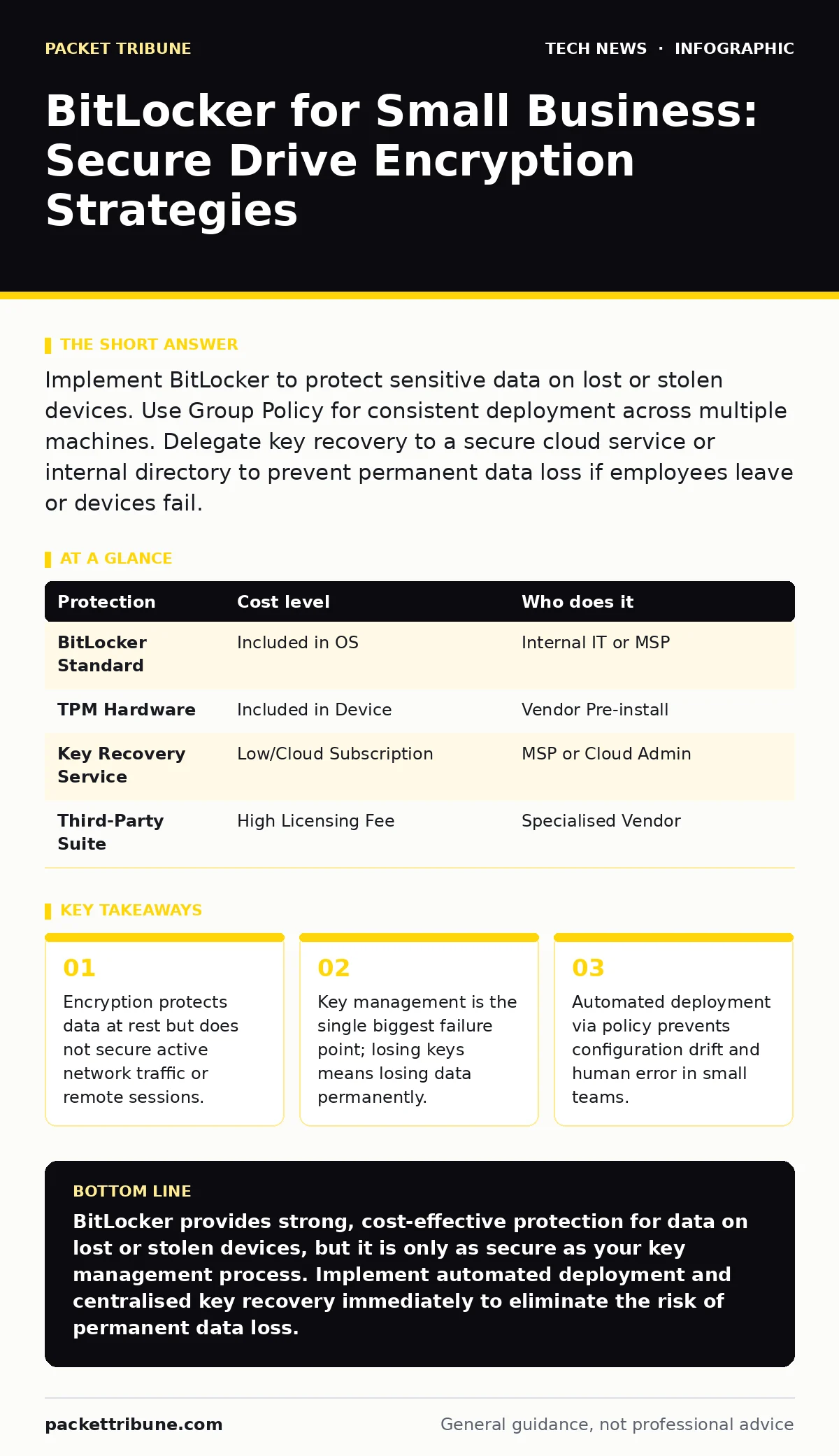
Implement BitLocker to protect sensitive data on lost or stolen devices. Use Group Policy for consistent deployment across multiple machines. Delegate key recovery to a secure cloud service or internal directory to prevent permanent data loss if employees leave or devices fail.
The Physics of Theft and Data Loss
Hardware theft remains a persistent vector for data breaches. When a device is physically removed from your control, the operating system’s user authentication layer becomes irrelevant. Attackers can remove the drive, attach it to another machine, or boot from external media to bypass password prompts. BitLocker addresses this by encrypting the entire volume.
This process converts readable data into ciphertext using a volume encryption key. The key is protected by a pre-boot authentication mechanism. Even if an attacker has physical possession of the drive, they cannot access the file system without this key. This protection is passive; it works even when the computer is powered off or disconnected from your network.
Affordability Through Built-In Features
You do not need to purchase expensive third-party encryption suites for most Windows environments. BitLocker is included in Windows Pro and Enterprise editions. For small businesses already licensing these versions, the marginal cost of enabling encryption is effectively zero. This avoids the recurring licensing fees associated with commercial alternatives.
The resource overhead is minimal on modern hardware. If your devices possess a Trusted Platform Module, the performance impact is negligible. The TPM is a hardware chip that stores cryptographic keys and performs basic cryptographic operations. It ensures the boot process has not been tampered with before releasing the decryption key. If your older devices lack a TPM, you can use startup key authentication, though this adds administrative friction.
Centralising Key Management
The encryption itself is only half the solution. The other half is managing the keys that unlock the data. In a small team, storing recovery passwords in a shared spreadsheet or emailing them to employees is a critical vulnerability. You must establish a secure, centralised recovery system.
Active Directory Domain Services can store recovery information centrally. For organisations without a domain controller, Azure Active Directory offers a cloud-based alternative. Both methods allow you to retrieve a recovery key if an employee forgets their PIN or if a hardware change triggers a protection event. You should configure automatic backup of these keys during the initial deployment.
| Protection | Cost level | Who does it |
|---|---|---|
| BitLocker Standard | Included in OS | Internal IT or MSP |
| TPM Hardware | Included in Device | Vendor Pre-install |
| Key Recovery Service | Low/Cloud Subscription | MSP or Cloud Admin |
| Third-Party Suite | High Licensing Fee | Specialised Vendor |
Delegating Operational Tasks
You should not manually configure encryption on every device. Manual configuration leads to inconsistencies and forgotten steps. Delegate the deployment to an IT provider or an automated script. A Managed Service Provider can handle the initial rollout, ensuring every endpoint meets your security baseline.
When outsourcing this task, you must define the scope clearly. The provider should handle the technical implementation, policy creation, and initial key backup. You retain ownership of the recovery keys and the decision-making authority for access. This separation ensures that a departing provider cannot hold your data hostage.
Questions for Your IT Provider
Before handing over the encryption project, verify the provider’s competence and processes. Ask these specific questions to ensure they understand the nuances of key management and recovery.
- How do you handle key recovery if an employee leaves the company unexpectedly?
- What is your process for verifying that encryption is active and healthy on all endpoints?
- Do you test the recovery procedure regularly to ensure keys are valid?
- How do you manage encryption for devices that are offline for extended periods?
- What is your protocol for decommissioning devices securely after encryption keys are revoked?
See also: DNSSEC Mistakes That Break Resolution and How to Fix Them · Encryption Key Management: How to Stop Keys from Becoming the Breach
Integrating with Broader Security
BitLocker protects data at rest, but it does not secure data in transit. You must combine it with other measures for a layered defence. For instance, ensure your software updates are managed consistently to patch vulnerabilities that could allow an attacker to access the system before encryption engages.
Consider how this fits with your domain name security and DNSSEC strategies. While those protect your network identity and resolution, BitLocker protects the physical assets your team uses daily. Similarly, while website security protects your public-facing applications, drive encryption safeguards the internal machines that manage those services.
Common Implementation Pitfalls
One common mistake is assuming encryption solves all compliance requirements. Regulatory bodies often require additional controls like access logging and data classification. Encryption is a foundational control, not a complete compliance solution. Another pitfall is neglecting external drives. USB sticks and external hard drives often contain sensitive data but are rarely encrypted by default.
BitLocker To Go extends encryption to removable drives. You should enforce this policy alongside fixed drive encryption. Without it, a single lost USB stick can cause the same breach as a stolen laptop. Ensure your Group Policy settings cover all drive types that store corporate data.
Maintenance and Auditing
Encryption is not a set-and-forget feature. You must audit your environment regularly. Check for devices that have failed to encrypt or have lost their connection to the key management service. These gaps represent your highest risk points.
Use your existing monitoring tools to track encryption status. Most modern endpoint management solutions provide dashboards showing compliance. Review these reports monthly. If you notice a device failing to report, investigate immediately. A device that cannot report its key status is a device that may be inaccessible or compromised.
Key takeaways
- Encryption protects data at rest but does not secure active network traffic or remote sessions.
- Key management is the single biggest failure point; losing keys means losing data permanently.
- Automated deployment via policy prevents configuration drift and human error in small teams.
BitLocker provides strong, cost-effective protection for data on lost or stolen devices, but it is only as secure as your key management process. Implement automated deployment and centralised key recovery immediately to eliminate the risk of permanent data loss.
Frequently asked questions
Does BitLocker slow down my computer?
On modern devices with a TPM, the performance impact is negligible. Older devices without TPM support may experience slight slowdowns during boot and heavy disk operations.
Can BitLocker encrypt external hard drives?
Yes, using BitLocker To Go, you can encrypt removable USB drives and external hard disks. This ensures data remains secure even if the peripheral device is lost or stolen.
What happens if I forget my BitLocker password?
You must use the recovery key to unlock the drive. If you do not have the key and it was not backed up to a secure service, the data is permanently unrecoverable.
Is BitLocker enough for GDPR compliance?
BitLocker helps meet data protection requirements by securing data at rest, but compliance also requires proper access controls, logging, and data handling policies across your organisation.
How this guide was produced: written by the Packet Tribune editorial team with AI assistance, checked against the public references listed below, and reviewed when the facts change. See our editorial policy or report an error.