Container Escape Prevention: A Technical Checklist for Runtime Hardening
Most container escapes bypass application-level security by exploiting the shared kernel, making host-level isolation the primary defence against lateral movement.

Prevent container escapes by enforcing non-root execution, disabling privileged modes, applying read-only filesystems, and validating kernel capabilities. This checklist ensures your runtime environment limits the blast radius if an attacker gains access to the container process.
Who Uses This Checklist
This checklist targets operations teams responsible for securing production workloads. You use it to audit your container runtime configuration against known escape vectors. The items are grouped by the layer of defence they protect. Review these settings during the build phase and verify them in the runtime environment. Container isolation relies on the operating system kernel to separate processes. If the kernel is compromised, the container boundary dissolves.
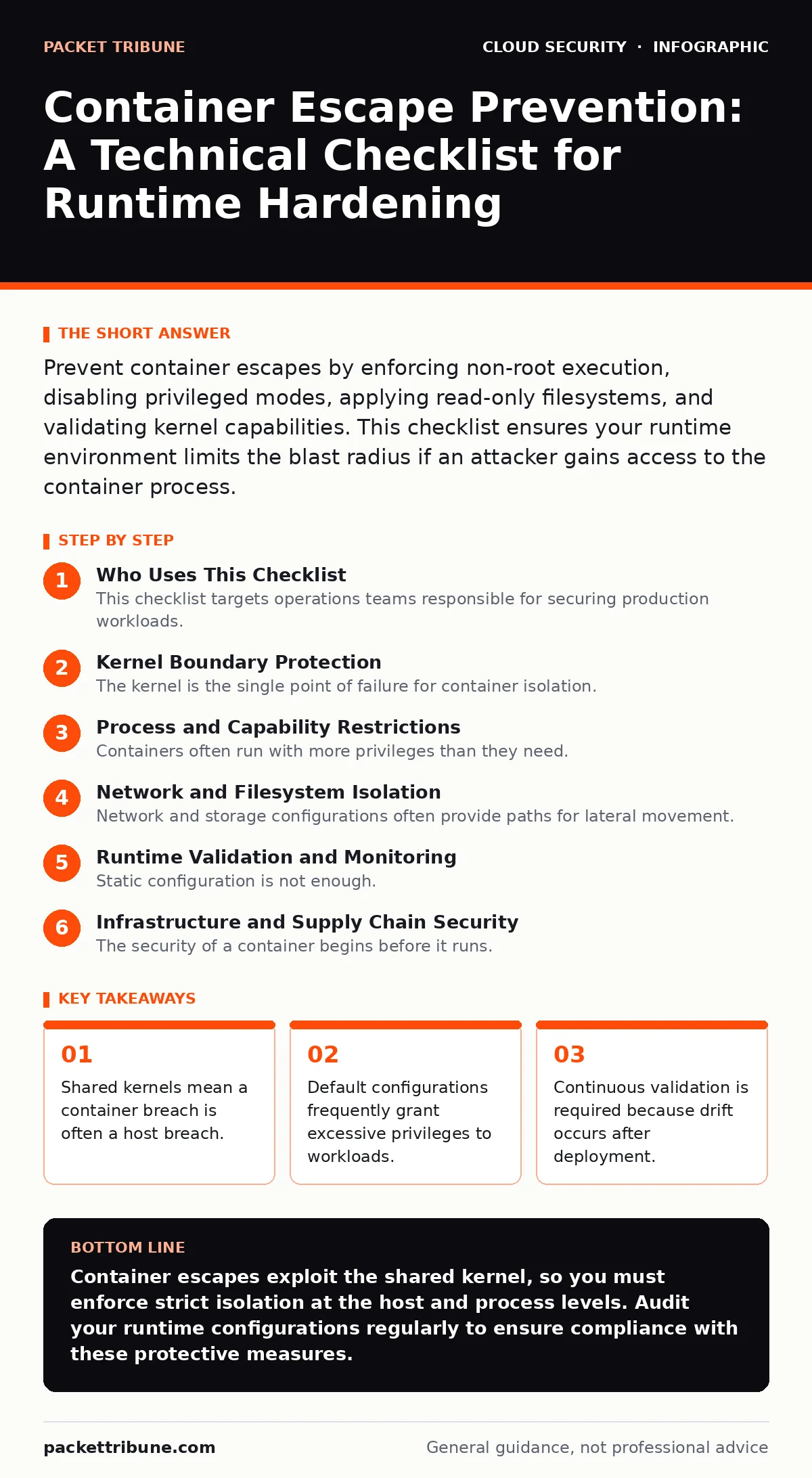
Kernel Boundary Protection
The kernel is the single point of failure for container isolation. If an attacker exploits a kernel vulnerability, they gain control over the entire host. You must limit the attack surface by reducing the number of active kernel features.
- Disable unnecessary kernel modules: Fewer loaded modules reduce the number of exploitable code paths within the host kernel.
- Update the host kernel regularly: Patching known vulnerabilities prevents attackers from using public exploits to break out of the container.
- Use seccomp profiles: System call filtering blocks dangerous operations that a container should never perform, such as mounting filesystems.
- Restrict cgroup versions: Using the latest control group version ensures better resource isolation and prevents certain resource-based escape techniques.
Process and Capability Restrictions
Containers often run with more privileges than they need. This excess privilege allows an attacker to escalate their access once inside the container. You must enforce the principle of least privilege at the process level.
- Run as non-root user: Prevents the container process from accessing host resources that require root permissions on the host system.
- Drop all capabilities: Removes default Linux capabilities that allow powerful actions, forcing you to add back only what is strictly necessary.
- Use read-only root filesystem: Prevents attackers from modifying system binaries or injecting malicious scripts into the container image.
- Disable privilege escalation: Blocks processes from gaining higher privileges than their parent process, stopping common escalation attacks.
See also: misconfigured IAM roles
Network and Filesystem Isolation
Network and storage configurations often provide paths for lateral movement. An attacker inside a container may try to access other containers or host storage. You must isolate these resources strictly.
- Use host network mode sparingly: Sharing the host network stack removes network isolation, allowing direct access to host services and ports.
- Mount volumes with restrictive permissions: Ensures that even if a container is compromised, it cannot modify critical host files or secrets.
- Enable network policies: Restricts traffic flow between containers, preventing an attacker from scanning or attacking internal services.
- Avoid host path mounts: Mounting host directories directly into containers often grants unintended access to sensitive host data.
See also: Kubernetes misconfigurations
Runtime Validation and Monitoring
Static configuration is not enough. Configurations drift over time, and new vulnerabilities emerge. You need continuous validation to ensure your settings remain effective.
- Deploy admission controllers: Validates container specifications against security policies before they are allowed to run in the cluster.
- Monitor for suspicious system calls: Detects attempts to use blocked system calls, which may indicate an active escape attempt.
- Audit container image signatures: Ensures that only trusted, verified images are deployed, reducing the risk of pre-compromised containers.
- Implement runtime security agents: Provides real-time visibility into process behaviour and alerts on anomalous activities within containers.
See also: Kubernetes admission controllers
See also: CSPM vs CWPP: How to Choose Cloud Security Tools · Infrastructure-as-Code Scanning Implementation Plan
Infrastructure and Supply Chain Security
The security of a container begins before it runs. Vulnerabilities in the base image or build process can lead to escapes. You must secure the supply chain.
- Scan images for vulnerabilities: Identifies known security flaws in the container image that could be exploited to gain initial access.
- Use minimal base images: Reduces the number of packages and potential vulnerabilities within the container environment.
- Validate infrastructure-as-code: Ensures that the deployment configuration does not introduce security weaknesses during the build process.
- Secure the container registry: Prevents unauthorized modification of container images that could introduce backdoors or exploits.
See also: infrastructure-as-code scanning
Common Misconfigurations to Avoid
Many container escapes stem from simple mistakes in configuration. Understanding these common errors helps you avoid them during deployment.
- Avoid running privileged containers: Privileged containers have full access to the host kernel, effectively removing all isolation guarantees.
- Do not map host devices: Mapping host devices into containers can provide direct access to hardware, bypassing kernel security checks.
- Disable AppArmor or SELinux only if necessary: Mandatory access control systems provide an extra layer of security that should not be disabled.
- Review default security contexts: Default settings often grant more permissions than required, increasing the risk of privilege escalation.
Integration with Broader Security
Container security does not exist in isolation. It must integrate with your broader cloud security strategy.
- Align with cloud logging gaps: Ensure that container events are logged and sent to a centralised security information and event management system.
- Use federated identity: Manages access to container orchestration platforms securely, preventing unauthorized administrative access.
- Adopt immutable infrastructure: Ensures that containers are replaced rather than modified, reducing the risk of configuration drift and tampering.
- Plan for cloud migration security: Considers container security from the start of any migration project to avoid retrofitting controls later.
See also: cloud logging gaps
Key takeaways
- Shared kernels mean a container breach is often a host breach.
- Default configurations frequently grant excessive privileges to workloads.
- Continuous validation is required because drift occurs after deployment.
Container escapes exploit the shared kernel, so you must enforce strict isolation at the host and process levels. Audit your runtime configurations regularly to ensure compliance with these protective measures.
Frequently asked questions
Can a container escape without a kernel vulnerability?
Yes, misconfigurations such as privileged mode or excessive capabilities can allow an attacker to escape without exploiting a kernel bug.
How do I detect a container escape attempt?
Monitor for unexpected system calls, process behaviour anomalies, and network traffic originating from containers that should not communicate externally.
Is running as non-root enough to prevent escapes?
No, while it reduces risk, attackers can still exploit vulnerabilities or misconfigurations that do not require root privileges to escalate access.
What is the role of seccomp in container security?
Seccomp filters restrict the system calls a container can make, blocking dangerous operations that could lead to privilege escalation or escape.
How this guide was produced: written by the Packet Tribune editorial team with AI assistance, checked against the public references listed below, and reviewed when the facts change. See our editorial policy or report an error.