Responding to fake Google login pages and restoring account security
Revoking active session tokens matters more than changing passwords because attackers reuse intercepted cookies instantly.

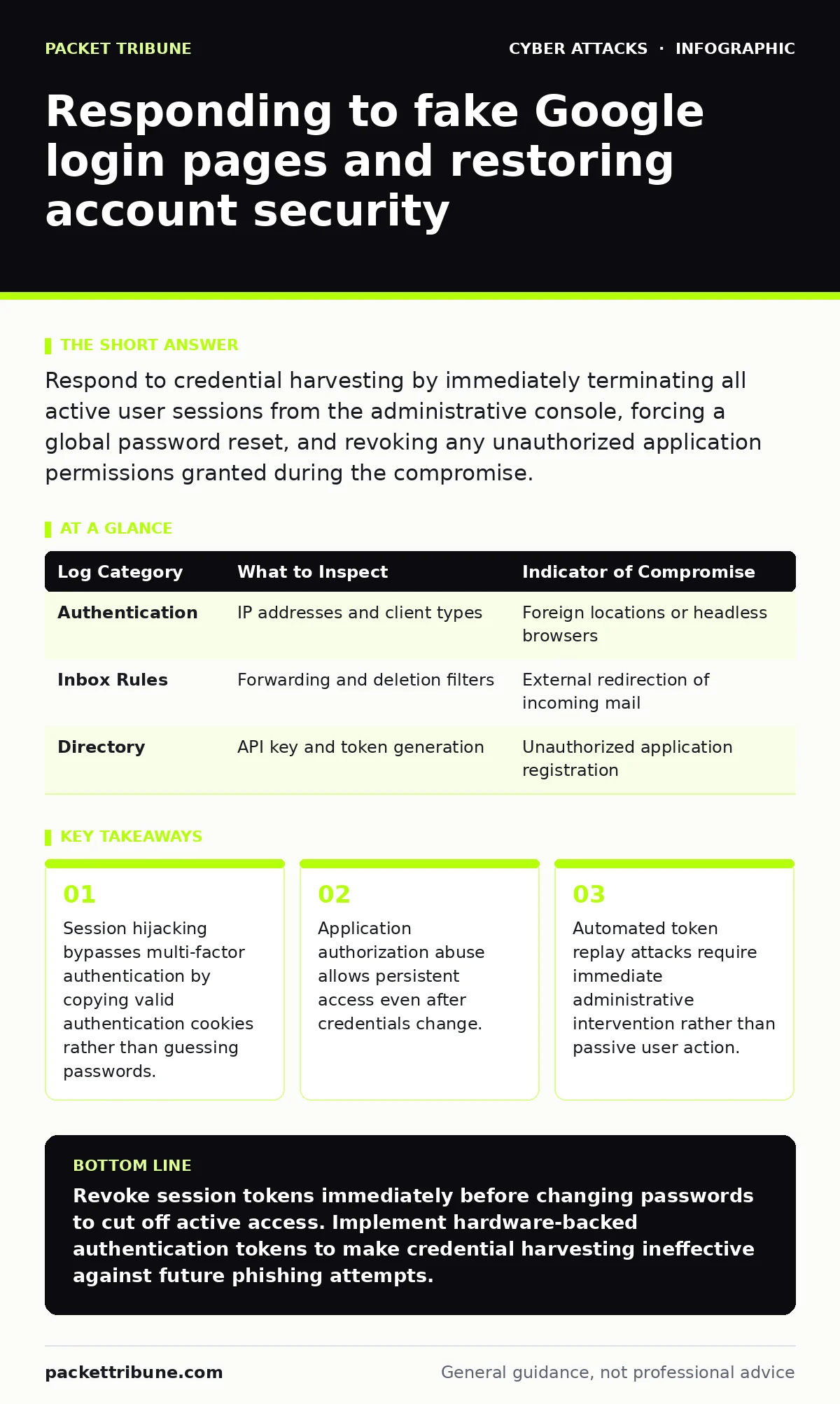
Respond to credential harvesting by immediately terminating all active user sessions from the administrative console, forcing a global password reset, and revoking any unauthorized application permissions granted during the compromise.
First hour
Immediate actions define the boundary between a localized credential loss and a persistent system compromise. Revoking active sessions stops attackers from using harvested authentication tokens for ongoing access.
- Navigate to the user directory in your identity provider console and locate the affected account profile.
- Select the option to sign the user out of all connected devices and invalidate current cookies.
- Force a password reset that applies upon the next authentication attempt across every integrated service.
- Inspect connected applications and third-party software integrations linked to the account profile.
- Remove any unfamiliar application grants or OAuth tokens that could provide backdoor access.
- Terminate all active user sessions immediately
- Force a global password reset on the account
- Revoke unauthorized third-party application access
- Review audit logs for unusual data exports
First day
Recovery requires deep visibility into what occurred during the window of unauthorized access. Identity providers maintain detailed event streams that record every action taken while the session remained valid.
Review authentication logs to identify geographic anomalies, unexpected IP addresses, and unusual client user agents. Check mailbox forwarding rules, cloud storage sharing settings, and profile modification histories for unauthorized alterations.
Attackers frequently establish persistence by creating secondary access vectors before discovery occurs. Examine whether the compromised account initiated vendor email compromise campaigns against external partners or internal departments.
| Log Category | What to Inspect | Indicator of Compromise |
|---|---|---|
| Authentication | IP addresses and client types | Foreign locations or headless browsers |
| Inbox Rules | Forwarding and deletion filters | External redirection of incoming mail |
| Directory | API key and token generation | Unauthorized application registration |
First week
Long-term containment addresses the structural weaknesses that allowed the initial credential harvest to succeed. Phishing pages often bypass conventional filters by using dynamic infrastructure that changes domains faster than reputation lists can update.
Analyze the original phishing URL and email headers to understand how the user arrived at the fraudulent page. Update your technical controls to inspect outbound links and warn users when they navigate to newly registered domains lacking established trust profiles.
Run tabletop exercises with your administrative team to test the speed and accuracy of your credential revocation workflow. Evaluate whether your current endpoint protection configurations could detect the browser behaviors associated with credential theft.
Understanding session hijacking
Session hijacking occurs when an adversary steals the cryptographic token issued after a successful login rather than the password itself. Modern authentication protocols rely on these tokens to maintain user state across requests without requiring repeated password entry.
Phishing pages proxy real authentication flows in real time, capturing both the primary password and the multi-factor authentication challenge response. The adversary immediately replays these valid credentials against the legitimate service to acquire an authenticated session cookie.
Multi-factor authentication protects the initial login attempt but offers no inherent defense once a valid session token exists. Revoking tokens at the identity provider level breaks this chain by invalidating the cryptographic proof of authentication currently held by the attacker.
Investigating API token abuse
Application programming interface tokens provide persistent programmatic access that survives standard password resets and session terminations. Attackers exploit this mechanism by registering malicious applications within the victim ecosystem during the compromise window.
Review your enterprise application registry for unverified software grants requested around the time of the incident. Remove any permissions that allow external applications to read user emails, access file repositories, or modify directory structures.
Establish strict governance policies regarding which users possess the authority to authorize third-party integrations. Unrestricted application registration creates a blind spot where credential hygiene fails to prevent persistent unauthorized access.
Preventing recurrence
Preventing future incidents demands a combination of technical barriers and targeted user education focused on contextual awareness. Train personnel to examine the browser address bar for subtle domain spoofing techniques and mismatched top-level domains.
Implement hardware-backed security keys that bind authentication to the specific origin domain of the login page. These cryptographic tokens refuse to release credentials to fraudulent domains because the browser enforces strict origin verification protocols.
Monitor your domain registration feeds for newly created entries that typo-squat your organization name or mimic common identity providers. Proactive detection of infrastructure preparation stops phishing campaigns before delivery to user inboxes begins.
Key takeaways
- Session hijacking bypasses multi-factor authentication by copying valid authentication cookies rather than guessing passwords.
- Application authorization abuse allows persistent access even after credentials change.
- Automated token replay attacks require immediate administrative intervention rather than passive user action.
Revoke session tokens immediately before changing passwords to cut off active access. Implement hardware-backed authentication tokens to make credential harvesting ineffective against future phishing attempts.
Frequently asked questions
Why did multi-factor authentication fail to stop the account takeover?
Multi-factor authentication only protects the initial login step, while the attack mechanism steals the resulting session token to bypass subsequent checks entirely.
How can I tell if an attacker created persistent access via email rules?
Check the mailbox settings for hidden forwarding rules or deletion filters that route sensitive messages to external addresses without the user noticing.
Should I disable the user account entirely during the investigation?
Disabling the account prevents further damage while you investigate, but you must still revoke active sessions and inspect for API tokens even if the account is offline.
What is the difference between a password reset and a session revocation?
A password reset prevents future logins with the old credentials, whereas a session revocation terminates currently active browser connections that are already authenticated.
How this guide was produced: written by the Packet Tribune editorial team with AI assistance, checked against the public references listed below, and reviewed when the facts change. See our editorial policy or report an error.