How to Prevent Account Takeover: The Technical Controls That Actually Work
Multi-factor authentication stops credential theft but fails if the attacker steals the second factor through session hijacking or SIM swapping attacks.

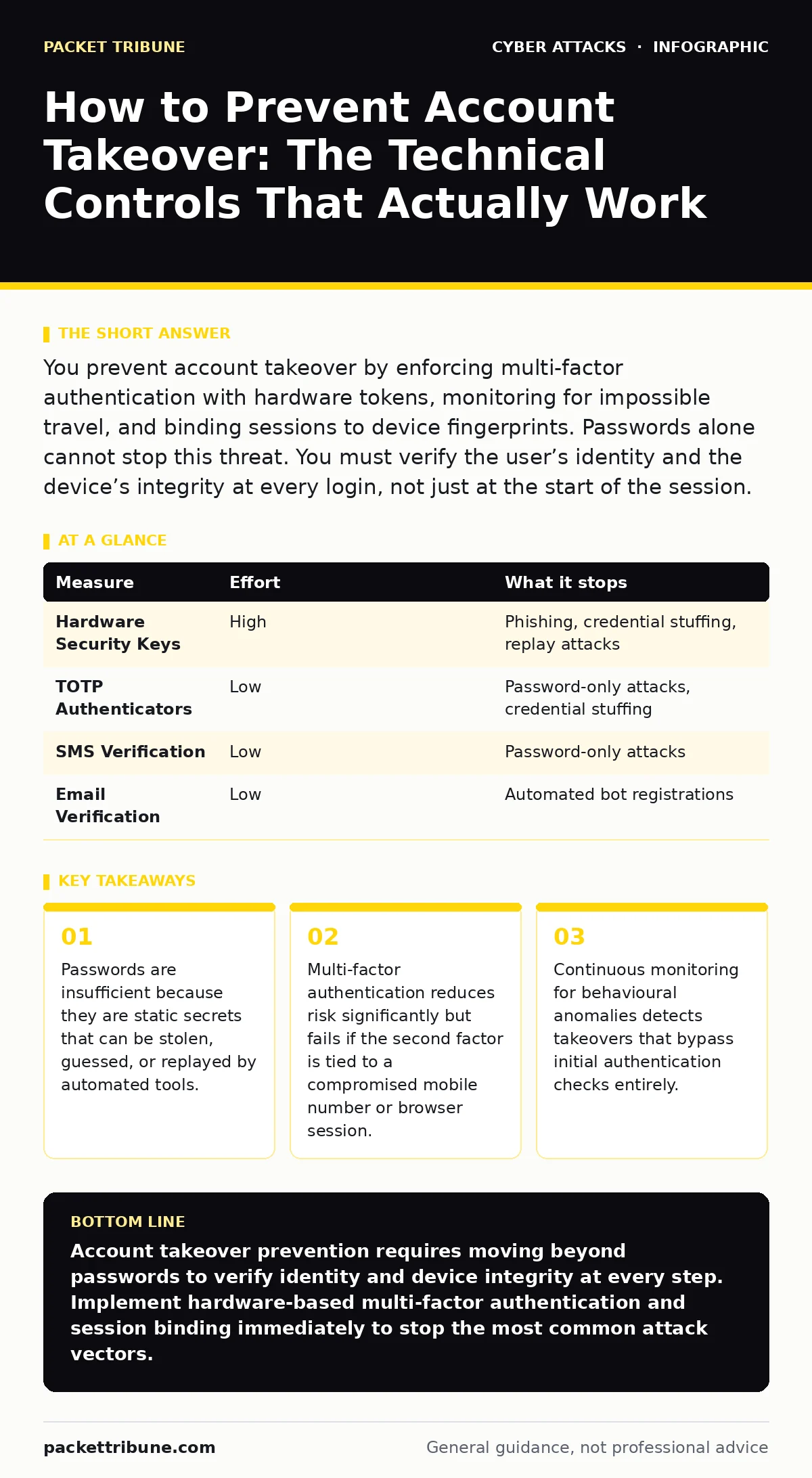
You prevent account takeover by enforcing multi-factor authentication with hardware tokens, monitoring for impossible travel, and binding sessions to device fingerprints. Passwords alone cannot stop this threat. You must verify the user’s identity and the device’s integrity at every login, not just at the start of the session.
Why Passwords Fail to Stop Account Takeover
You cannot prevent account takeover by relying on passwords alone. Passwords are static secrets that do not change between logins. Once an attacker obtains a password through a data breach or phishing, they possess a permanent key to the account. The attacker does not need to guess the password again. They simply use the stolen credential. This is why password strength rules, while helpful, do not stop takeover attempts. The mechanism of account takeover relies on the reuse of valid credentials. You must assume every password will eventually be exposed. The goal is to make that exposure useless.
How to Prevent Account Takeover with Strong Authentication
You prevent account takeover by adding a second factor that is not stored on the server. Multi-factor authentication requires something the user knows, something the user has, or something the user is. The strongest form is a hardware security key. These devices use public-key cryptography to prove identity without sending secrets over the network.
Software authenticators are better than SMS codes because they do not rely on the mobile network. SMS codes are vulnerable to SIM swapping, where an attacker convinces a mobile carrier to transfer the victim’s phone number to a new SIM card. Once the number is transferred, the attacker receives the verification codes. You should disable SMS-based verification for high-value accounts.
| Measure | Effort | What it stops |
|---|---|---|
| Hardware Security Keys | High | Phishing, credential stuffing, replay attacks |
| TOTP Authenticators | Low | Password-only attacks, credential stuffing |
| SMS Verification | Low | Password-only attacks |
| Email Verification | Low | Automated bot registrations |
The Hidden Cost of Session Management
Most organisations focus on login security and ignore session management. This is a critical gap. When a user logs in, the server issues a session token. If an attacker steals this token, they bypass authentication entirely. This is known as session hijacking. The attacker does not need the password or the second factor. They just need the active session cookie. You must bind sessions to the user’s device fingerprint. This fingerprint includes the browser type, operating system, and screen resolution. If the session token is used from a different device, the server should invalidate it. This stops many takeover attempts that occur after the initial login.
Detecting Impossible Travel and Behavioural Anomalies
You can detect account takeover by analysing user behaviour. Human users have patterns. They log in from specific locations at specific times. An attacker often logs in from a different country or at an unusual hour. This is called impossible travel. If a user logs in from London and then from New York within ten minutes, the system should block the second login.
You must also monitor for rapid succession of logins. This indicates credential stuffing, where an automated tool tries thousands of password combinations. Rate limiting helps, but behavioural analysis is more effective. You should alert on changes to security settings, such as email address changes or password resets. These are common first steps for attackers who have gained access.
The Limitations of CAPTCHA and Bot Protection
You might think CAPTCHA stops automated attacks. It does not. CAPTCHA is designed to distinguish humans from bots, but it does not verify identity. An attacker can use a human-in-the-middle service to solve CAPTCHAs. They can also use headless browsers that mimic human behaviour. CAPTCHA adds friction for legitimate users without stopping determined attackers. You should focus on bot protection that analyses mouse movements, keyboard timing, and network characteristics. These signals are harder to fake than image recognition. If you rely on CAPTCHA for security, you are creating a false sense of safety. The attacker will bypass it. You need deeper inspection of the request context.
See also: Cloud migration security strategy: secure data in transit and at rest · Federated Identity Mistakes: Six Config Errors That Break Security
Protecting Against Social Engineering and Vishing
Technical controls fail if the user hands over access. Attackers use social engineering to bypass security. They might call the help desk and impersonate the user. This is known as vishing. The attacker provides stolen personal details to convince the support staff to reset the password. You must train support staff to verify identity through out-of-band methods.
Use callback verification, where the system calls the registered phone number and asks the user to confirm a code. This ensures the person on the line controls the registered device. Do not allow password resets based on answers to security questions. These answers are often public or guessable. You must treat every support request as a potential attack.
Managing Third-Party and Vendor Risks
Account takeover often starts with a compromised vendor. If a vendor’s account is taken over, the attacker can send malicious invoices or change payment details. This is vendor email compromise. You must apply the same security standards to vendor accounts as to employee accounts. Enforce multi-factor authentication for all external users. Monitor for unusual activity in vendor portals. You should also conduct tabletop exercises to simulate these scenarios. This helps your team respond quickly when an attack occurs. Do not assume third-party access is low risk. It is often the weakest link. You must manage the entire attack surface, not just your internal network.
Closing Checklist for Immediate Action
You can reduce your risk today by implementing these three controls. First, enforce multi-factor authentication for all users. Use hardware keys or authenticator apps, not SMS. Second, enable session binding. Ensure that sessions are tied to the user’s device fingerprint. Third, monitor for impossible travel. Set up alerts for logins from new locations or devices. These steps remove the most significant risks. They stop credential stuffing, session hijacking, and location-based attacks. You do not need new software to start. You can configure these settings in most identity providers. The cost is low, but the protection is high.
- Enforce multi-factor authentication with hardware keys or TOTP apps.
- Configure session binding to detect device changes.
- Enable alerts for impossible travel and unusual login locations.
Key takeaways
- Passwords are insufficient because they are static secrets that can be stolen, guessed, or replayed by automated tools.
- Multi-factor authentication reduces risk significantly but fails if the second factor is tied to a compromised mobile number or browser session.
- Continuous monitoring for behavioural anomalies detects takeovers that bypass initial authentication checks entirely.
Account takeover prevention requires moving beyond passwords to verify identity and device integrity at every step. Implement hardware-based multi-factor authentication and session binding immediately to stop the most common attack vectors.
Frequently asked questions
Does multi-factor authentication stop all account takeover attempts?
No. Multi-factor authentication stops credential theft but does not protect against session hijacking, social engineering, or attacks that steal the second factor itself.
How do I stop session hijacking without annoying users?
Bind sessions to device fingerprints and monitor for anomalies. Only challenge the user if the session behaviour changes significantly, such as a new device or location.
Is SMS verification safe for account recovery?
SMS verification is vulnerable to SIM swapping and interception. It is better to use email links, authenticator apps, or hardware keys for recovery.
What is the first sign of an account takeover?
Common signs include impossible travel, rapid password changes, or modifications to security settings like email addresses and phone numbers.
How this guide was produced: written by the Packet Tribune editorial team with AI assistance, checked against the public references listed below, and reviewed when the facts change. See our editorial policy or report an error.